Audio AI Tools
11 tools
Audio AI tools cover everything that turns text or a short recording into finished sound: music, voiceovers, podcasts, sound effects, and cleaned-up dialogue. A few years ago this work required a studio, instruments, or a hired voice actor. Today a single prompt or a short voice sample can produce a usable track or narration in minutes. The category has grown quickly because audio sits at the center of video, advertising, e-learning, games, and accessibility, and demand for fast, affordable sound far outpaces the supply of studios and performers.
The field splits into a few distinct jobs. Music generation tools such as Suno and Udio create original songs, including vocals and instrumentation, from a text description of style and mood. Text-to-speech and voice tools such as ElevenLabs and Murf turn written scripts into natural-sounding narration, and some can clone a specific voice from a short sample. Audio cleanup and production tools such as Adobe Podcast focus less on generating new sound and more on making existing recordings sound professional by removing background noise, echo, and other artifacts. These jobs overlap at the edges, but the right tool depends heavily on which one you actually need.
The practical appeal is speed and cost. A creator who needs background music for a video, a narrator for a tutorial, or a clean recording from a noisy room can now get a result without booking a studio or licensing a library track. The trade-offs are real, though. Generated voices and music can sound slightly artificial, licensing and usage rights vary by tool and plan, and voice cloning raises consent and impersonation concerns. Knowing what each tool is built for, and reading its license terms, matters more here than in most AI categories.
Who is it for?
For individual creators—YouTubers, podcasters, indie game developers, and students—the priority is a low-cost or free tool that handles one job well. A video creator who needs background music will get more from Suno or Udio than from a voice tool, while someone publishing a podcast benefits most from Adobe Podcast for cleanup and a text-to-speech tool such as Murf or ElevenLabs for intros and ads. Solo creators should favor generous free tiers and simple licensing so they can publish without legal worry.
For marketing and content teams, consistency and volume matter. A team producing many videos or ads benefits from voice tools that store reusable voice profiles, support multiple languages, and offer commercial usage rights on paid plans. ElevenLabs and Murf both target this use case, with libraries of voices and the ability to keep a brand voice consistent across projects. Look for batch generation, an API for automation, and clear terms covering commercial output.
For businesses and enterprises—e-learning publishers, accessibility teams, and agencies—the deciding factors are licensing clarity, scalability, and governance. These buyers need explicit commercial rights, predictable pricing at volume, and often an API to integrate audio generation into their own products. Voice cloning, where offered, should require verified consent and clear usage controls. Enterprises with brand and legal requirements typically shortlist vendors that publish detailed license terms and offer team management, usage tracking, and dedicated support.
Pricing guide
Pricing in the audio category usually follows a credit or character model rather than a flat unlimited plan, so it pays to understand the unit before subscribing. Free tiers are common and useful for testing: Suno and Udio offer a limited number of free song generations, ElevenLabs provides a free monthly character allowance for text-to-speech, and Adobe Podcast offers free enhancement of audio up to certain limits. These free tiers are the right place to evaluate quality, but they often restrict commercial use or add watermarks, so read the terms before publishing.
Paid individual plans typically run from around ten to thirty US dollars per month. For music tools, the plan usually buys a monthly pool of generations or credits and unlocks commercial rights to the songs you create. For voice tools, the plan buys a larger monthly character or minute allowance, access to more voices and languages, and commercial usage rights. ElevenLabs and Murf both structure pricing around how much speech you generate, so estimate your monthly volume before choosing a tier.
Business and enterprise tiers add higher volume, team seats, an API for automation, priority processing, and stronger licensing and support. For voice cloning and large-scale generation, enterprise plans often include consent verification, usage controls, and custom terms. Because these tools meter usage so precisely, the biggest budgeting mistake is underestimating volume and overrunning credits. Always check the current pricing and license terms on each vendor's official page, since credit costs, character limits, and commercial-use rules change often.
How to choose
Start by matching the tool to the job. Music generation, voiceover, and audio cleanup are different problems, and a tool built for one rarely excels at another. Decide first whether you need original music, spoken narration, or repair of an existing recording, and shortlist tools designed for that specific task rather than a single tool that promises everything.
Next, scrutinize licensing and commercial rights. This is the most important and most overlooked factor in audio. Confirm whether the output can be used commercially, whether it is royalty-free, whether attribution is required, and whether the rights are tied to keeping an active subscription. Free tiers often forbid commercial use or apply watermarks, so check the terms for the exact plan you intend to publish under.
Third, judge output quality and naturalness on your own material. Music tools vary in how convincing their vocals and arrangements sound; voice tools vary in expressiveness, accent range, and how well they handle your language. Generate a real sample close to your intended use rather than relying on demos, which are chosen to flatter the tool.
Fourth, consider language and voice coverage if you publish in more than one language, and check the credit or character cost so you can estimate monthly spend. Then look at integration: an API and batch generation matter for teams automating production. Finally, for any voice cloning, treat consent and ethics as a hard requirement—only clone voices you have clear permission to use, and prefer tools that enforce consent verification.
Common mistakes
The most damaging mistake is publishing generated audio without checking the license. Many creators assume that because they generated a track or voiceover, they own it outright, but rights depend on the specific plan and may forbid commercial use, require attribution, or lapse if you cancel your subscription. Always confirm the commercial terms for the exact plan before you release anything publicly.
A second mistake is using the wrong category of tool for the job. Asking a music generator to produce clean narration, or a text-to-speech tool to compose a song, produces disappointing results. Identify whether you need music, voice, or cleanup first, then choose accordingly.
Third, people clone voices without proper consent. Cloning a real person's voice—a colleague, a public figure, or yourself in a way that could mislead—raises serious legal and ethical issues, and many platforms prohibit it. Only clone a voice you have explicit permission to use, and never use a cloned voice to impersonate or deceive.
Fourth, creators accept the first generation without iterating. Audio tools respond strongly to prompt detail, reference style, and settings; a few targeted adjustments usually move a result from passable to genuinely good. Finally, many users ignore the credit or character meter and run out mid-project or face surprise overage charges. Estimate your monthly volume up front, and remember that free-tier output may carry watermarks or quality limits that make it unsuitable for final publication.
Quick comparison
| Tool | Pricing | Best for |
|---|---|---|
| Suno | Freemium · Free tier with 50 daily credits (~10 songs/day). Pro plan $8/month (2,500 credits + commercial license), Premier plan $24/month (10,000 credits + priority access). | Suno is an AI music generation platform that creates full songs with vocals, instruments, and lyrics from simple text prompts using the state-of-the-art Suno v4 model. |
| Whisper | Free · Free and open-source, API via OpenAI at $0.006/min | Whisper is OpenAI's open-source speech recognition model offering state-of-the-art transcription accuracy across 99 languages, available free to run locally or via the OpenAI API. |
| Udio | Freemium · Free: 10 credits/day plus 100 credits/mo, max 3 full-length (130s) songs/day; Standard $10/mo or $96/yr with 2,400 credits/mo; Pro $30/mo or $288/yr with 6,000 credits/mo. | Udio is an AI music generation platform that creates full songs with vocals from text prompts, known for exceptional audio quality and wide genre support. |
| Speechify | Freemium · Free tier with basic voices, Premium $11.58/mo | Speechify is an AI text-to-speech platform that turns any text, PDF, document, or web page into natural-sounding audio with 200+ voices in 60+ languages, helping students, professionals, and people with dyslexia consume content faster. |
| AssemblyAI | Freemium · Free tier with 100 hours, Pay-as-you-go from $0.37/hour | AssemblyAI is a developer-focused AI speech-to-text API delivering best-in-class transcription accuracy, real-time processing, and powerful audio intelligence features for any application. |
| Play.ht | Freemium · Free tier with limited words, Creator $31.20/mo, Pro $79.20/mo | Play.ht is an AI voice generation platform with 900+ ultra-realistic voices, voice cloning from a 30-second sample, and a real-time API used for podcasts, audiobooks, IVR systems, and multi-speaker conversational AI. |
| Typecast | Freemium · Free tier with limited characters, Basic $8.99/mo, Pro $44.99/mo | Typecast is a Korean AI voice platform by Neosapience offering 400+ AI voices with emotion and style control, voice cloning, and professional text-to-speech for content creators. |
| Vito | Freemium · Free tier with 90 min/mo, Standard $10/mo, Business custom | Vito by Return Zero is Korea's best-in-class AI speech recognition platform offering real-time meeting transcription, audio file transcription, and developer APIs with industry-leading Korean STT accuracy. |
| Maum AI | Freemium · Free trial, enterprise plans available | Maum AI (formerly MINDs Lab) is a Korean AI company offering enterprise-grade speech synthesis, speech recognition, vision AI, and NLP solutions with industry-leading Korean voice quality. |
| ElevenLabs | Freemium | Leading AI voice synthesis platform offering ultra-realistic text-to-speech, voice cloning, and real-time voice conversion in 32+ languages. |
Frequently Asked Questions
What is the difference between Suno, ElevenLabs, Udio, Murf, and Adobe Podcast?
They serve different audio jobs. Suno and Udio are music generators that create original songs, including vocals and instrumentation, from a text prompt. ElevenLabs and Murf are voice tools that turn written scripts into natural-sounding narration, with ElevenLabs known for expressive voices and cloning and Murf aimed at marketing and corporate voiceovers. Adobe Podcast focuses on cleanup, improving the quality of existing recordings by removing noise and echo. Choose based on whether you need music, voice, or audio repair.
Can I use AI-generated music and voiceovers commercially?
Often yes, but it depends entirely on the tool and the plan. Many services grant commercial rights only on paid tiers, and some require an active subscription to keep those rights, while free tiers may forbid commercial use or add watermarks. Before publishing anything for business or monetized content, read the license terms for your specific plan and confirm whether the output is royalty-free and whether attribution is required.
Is AI voice cloning legal and safe to use?
Voice cloning is legal when you have clear consent to use the voice, but it raises serious ethical and legal risks when used to imitate someone without permission. Reputable tools require verified consent before cloning and prohibit impersonation. Only clone a voice you own or have explicit permission to use, never use a cloned voice to deceive, and check the platform's policies and your local laws before relying on it.
Are there good free audio AI tools?
Yes. Suno and Udio offer a limited number of free song generations, ElevenLabs provides a free monthly character allowance for text-to-speech, and Adobe Podcast offers free audio enhancement up to certain limits. Free tiers are great for testing quality, but they frequently restrict commercial use or add watermarks, so treat them as evaluation tools and upgrade to a paid plan when you need higher volume or commercial rights.
How natural do AI voices and music sound?
Quality has improved dramatically and is often good enough for narration, ads, and background music, but it varies by tool, language, and use case. Voices can still sound slightly artificial on long or emotional passages, and generated music may have minor artifacts. The best approach is to generate a real sample close to your intended use, iterate on the prompt and settings, and judge quality on your own material rather than on polished demos.

AssemblyAI
AudioAssemblyAI is a developer-focused AI speech-to-text API delivering best-in-class transcription accuracy, real-time processing, and powerful audio intelligence features for any application.

ElevenLabs
AudioLeading AI voice synthesis platform offering ultra-realistic text-to-speech, voice cloning, and real-time voice conversion in 32+ languages.

Maum AI
AudioMaum AI (formerly MINDs Lab) is a Korean AI company offering enterprise-grade speech synthesis, speech recognition, vision AI, and NLP solutions with industry-leading Korean voice quality.

Murf AI
AudioAI voice generator with 120+ studio-quality voices in 20+ languages for creating professional voiceovers for videos, e-learning content, and presentations.

Play.ht
AudioPlay.ht is an AI voice generation platform with 900+ ultra-realistic voices, voice cloning from a 30-second sample, and a real-time API used for podcasts, audiobooks, IVR systems, and multi-speaker conversational AI.

Speechify
AudioSpeechify is an AI text-to-speech platform that turns any text, PDF, document, or web page into natural-sounding audio with 200+ voices in 60+ languages, helping students, professionals, and people with dyslexia consume content faster.

Suno
AudioSuno is an AI music generation platform that creates full songs with vocals, instruments, and lyrics from simple text prompts using the state-of-the-art Suno v4 model.

Typecast
AudioTypecast is a Korean AI voice platform by Neosapience offering 400+ AI voices with emotion and style control, voice cloning, and professional text-to-speech for content creators.

Udio
AudioUdio is an AI music generation platform that creates full songs with vocals from text prompts, known for exceptional audio quality and wide genre support.

Vito
AudioVito by Return Zero is Korea's best-in-class AI speech recognition platform offering real-time meeting transcription, audio file transcription, and developer APIs with industry-leading Korean STT accuracy.

Whisper
AudioWhisper is OpenAI's open-source speech recognition model offering state-of-the-art transcription accuracy across 99 languages, available free to run locally or via the OpenAI API.
Related Guides
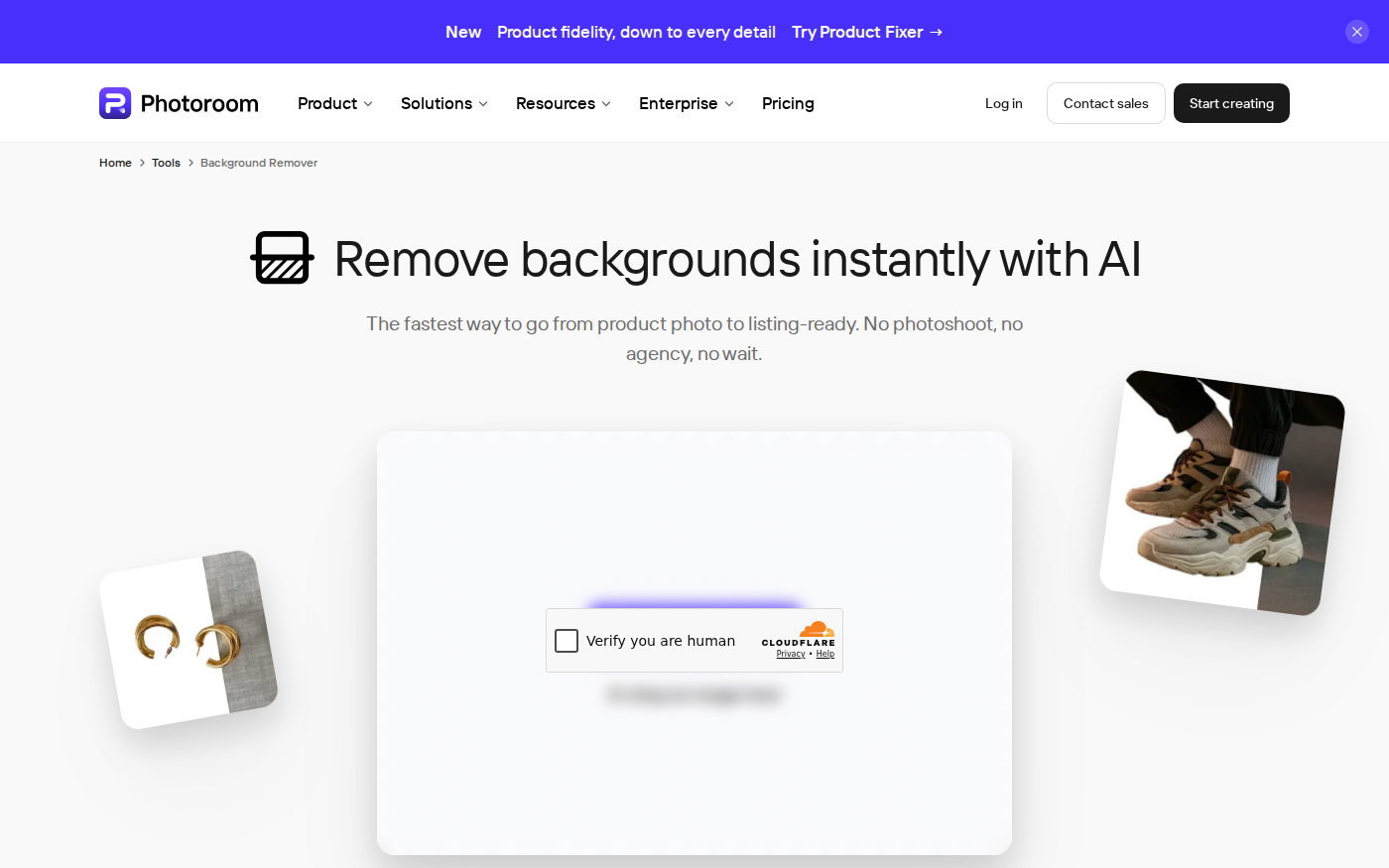
PhotoRoom vs Pixlr: Which Is Better for Product Photos?
Last checked: September 4, 2026 · Category: AI image tools PhotoRoom is the more direct choice for turning product photos into consistent marketplace images; Pixlr is the more flexible choice when…
CapCut vs Descript: Which Editor Fits Talking-Head Videos?
Last checked: August 28, 2026 · Category: AI video tools CapCut and Descript can both turn a talking-head recording into a captioned video, but they make different parts of the edit feel primary.…
Wordtune vs QuillBot: Which Rewriter Gives You More for Free?
Last checked: August 21, 2026 · Category: AI text-generation tools Wordtune and QuillBot can both rewrite an awkward sentence, but their free plans place the limit in different places.…
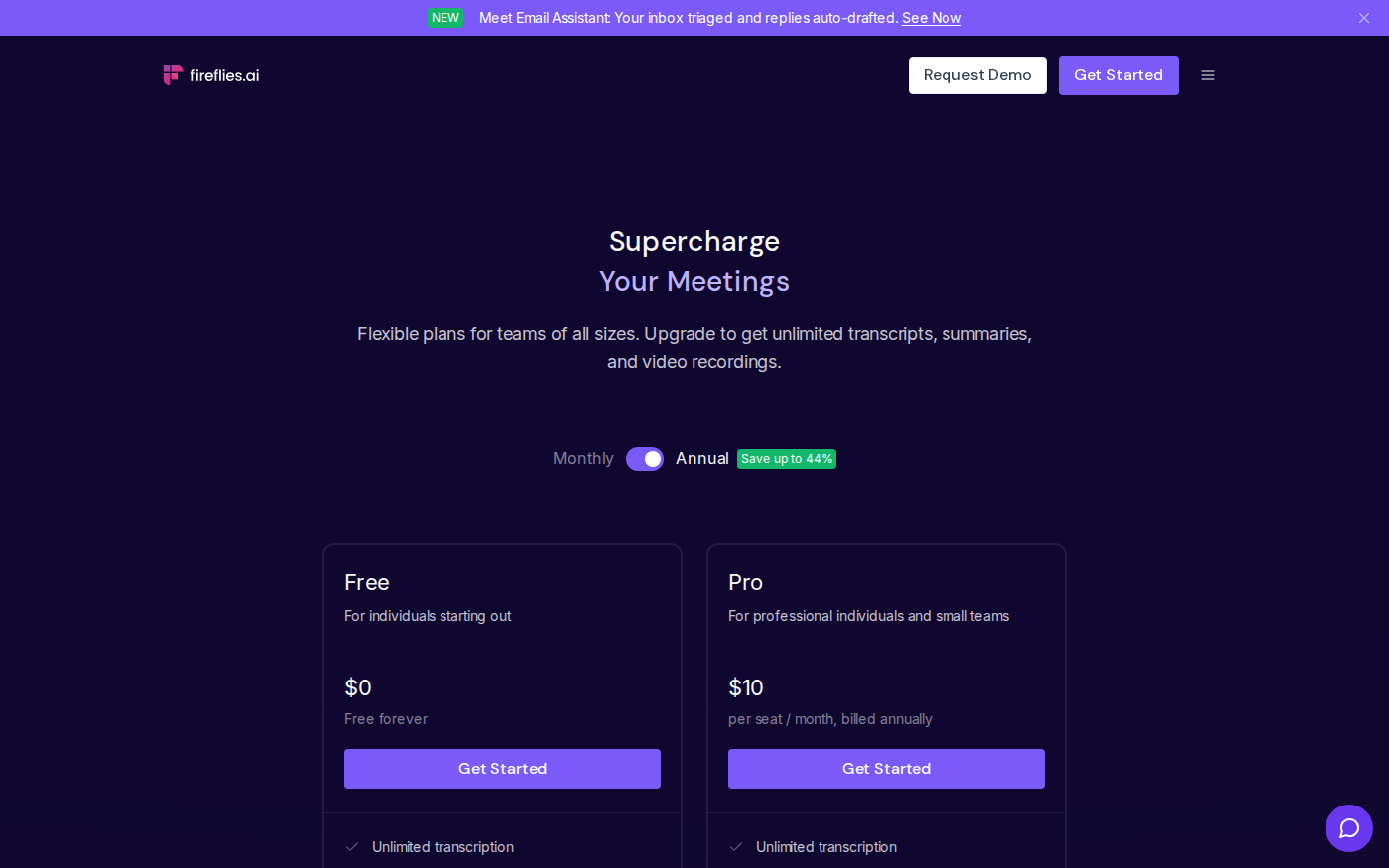
Otter vs Fireflies: Which Meeting Assistant Fits Your Team?
Last checked: August 14, 2026 · Category: AI productivity tools Otter and Fireflies solve the same basic problem, but their pricing meters and strongest use cases are different.…