Video AI Tools
13 tools
Video AI tools generate and edit moving images from text prompts, still images, or existing footage. In a short span they have gone from producing brief, glitchy clips to creating short scenes with coherent motion, consistent subjects, and increasingly realistic lighting and physics. The category now spans pure text-to-video generation, image-to-video that animates a still you provide, and AI-assisted editing that extends, restyles, or cleans up footage you already have.
The reason this matters is that video has always been the most expensive medium to produce. Traditional production demands cameras, locations, actors, sets, and hours of editing, which puts polished video out of reach for many creators and small teams. Generative video collapses parts of that pipeline: you can visualize an idea, produce a stock-style B-roll shot, or animate a concept in minutes instead of days. For marketing, social content, pre-visualization, and rapid prototyping, that speed changes what a small team can attempt.
The leading tools take different approaches. Runway is an established creative platform with text-to-video, image-to-video, and a suite of editing features aimed at filmmakers and designers. OpenAI's Sora pushes for longer, more physically coherent generations. Kling, from Kuaishou, and Luma's Dream Machine are known for fluid motion and strong image-to-video results, while Pika focuses on fast, accessible generation and playful effects for social creators. Each makes different trade-offs in clip length, resolution, motion quality, control, and price.
The honest limits are worth stating up front. Clips are typically short—often only a handful of seconds per generation—and quality varies between attempts, so creators usually generate several takes and select the best. Hands, text, and complex physics can still break, fine control over a specific shot is limited, and outputs require review before publishing. Treat these tools as a powerful new way to draft and ideate, often combined with traditional editing for the final cut, rather than a one-click replacement for a full production.
Who is it for?
For solo creators and social media makers, video AI tools are mostly about speed and reach. The ability to turn an idea into a usable clip in minutes—without a camera, crew, or studio—lets one person produce B-roll, concept shots, animated images, and playful effects for short-form platforms. Pika and Luma's Dream Machine are popular here because they are fast, accessible, and have generous entry tiers, while Runway offers more editing depth for creators who want finer control. The main constraint to plan around is clip length: short generations are well suited to social formats but require stitching for anything longer.
For marketing and brand teams, the appeal is producing visual content at a fraction of traditional cost. AI video shines for social ads, product teasers, animated stills, and rapid concept tests where perfect cinematic fidelity is not required. Teams should pay close attention to commercial usage rights and brand consistency: confirm the plan permits commercial use, check how the tool handles likeness and trademarks, and keep a human review step before anything goes public. Pairing AI generation with traditional editing tools usually produces the most reliable, on-brand results.
For filmmakers, agencies, and production studios, the value today is mostly in pre-visualization, mood boards, and previs rather than final footage. Runway and Sora are often used to explore concepts, test shots, and storyboard sequences before committing to a full shoot. These users care most about control—camera motion, consistency across shots, and the ability to iterate on a specific look—as well as resolution and the ability to integrate outputs into a professional editing pipeline. Most treat current tools as a creative accelerant within a larger production, not a replacement for it.
Pricing guide
Pricing for video AI tools is almost always tied to how much you generate, because each clip is computationally expensive. Most platforms use a credit system: a monthly plan grants a pool of credits, and each generation consumes credits based on length, resolution, and the model used. Higher-quality or longer outputs cost more credits, so your effective price depends heavily on how many takes you generate per finished clip.
Free tiers exist on tools like Pika , Luma's Dream Machine, and Runway, and they are useful for testing look and feel, but they typically come with limits: fewer credits, lower resolution, watermarks, slower queues, or restrictions on commercial use. They are best treated as evaluation tiers rather than a production workflow.
Paid individual plans commonly sit in the range of roughly ten to a few tens of US dollars per month and unlock more credits, higher resolution, longer clips, faster generation, and the removal of watermarks. Because generative video often requires several attempts to get a usable result, plan for credit consumption to be higher than a naive estimate—budget for the takes you discard, not just the ones you keep.
Higher tiers and business plans add even larger credit allotments, priority processing, team seats, and clearer commercial licensing. If video is central to your work, the deciding cost factor is usually credits-per-finished-second rather than the headline monthly price. Estimate how many seconds of usable footage you need per month and how many takes that implies, then choose a plan with headroom. As always, confirm current credit costs, resolution limits, and commercial-use terms on each vendor's official pricing page, since these change frequently.
How to choose
Start with the type of generation you need. If you mostly animate existing images or product shots, prioritize image-to-video quality and the consistency of the animated result. If you start from a written idea, prioritize text-to-video prompt adherence—how faithfully the tool turns your description into the shot you imagined. Many projects need both, so test the tool on your real inputs, not just the showcase examples on the marketing page.
Next, weigh clip length and resolution against your use case. Short social clips have different needs than a longer brand piece. Check the maximum length per generation, the output resolution and frame rate, and whether the tool can extend a clip or maintain a subject across multiple generations, since stitching shots together is common in real workflows.
Motion quality and control are the next axis. Look at how natural the motion is, whether subjects stay consistent, and how the tool handles known weak points like hands, faces, and text. Then check how much control you get: camera movement, start and end frames, style references, and the ability to guide a specific shot. More control matters more for professional work and less for quick social experiments.
Commercial rights are essential if the output will be published. Confirm the plan allows commercial use, understand how the tool treats likeness, trademarks, and copyrighted material, and check whether outputs are watermarked. Finally, weigh credit cost against your realistic volume—including the takes you will discard—and the tool's ability to fit into your editing pipeline. Run a short pilot generating the kind of footage you actually need before committing to a plan or standardizing across a team.
Common mistakes
The most common mistake is expecting one prompt to produce a finished clip. Generative video is iterative: quality varies between attempts, so creators generate multiple takes and select or stitch the best. Budgeting time and credits for only a single generation per shot leads to disappointment and overspending; plan for several attempts.
A second mistake is ignoring commercial usage rights and likeness issues. Free tiers often restrict commercial use or add watermarks, and generating recognizable people, brands, or copyrighted characters can create legal exposure. Before publishing, confirm your plan permits commercial use, avoid replicating real individuals or trademarks without rights, and keep a human review step on anything customer-facing.
Third, people overreach on clip length and complexity. Asking for long sequences, intricate multi-subject choreography, readable on-screen text, or perfect hands tends to break current models. Work within the tool's strengths—short, well-defined shots—and assemble longer pieces in a traditional editor rather than expecting the model to produce a full scene in one pass.
Fourth, many users underestimate credit consumption. Because each take costs credits and you will discard many, a plan that looks generous can run dry quickly, especially at higher resolutions. Estimate volume including discarded takes and monitor usage rather than assuming the headline allotment is your real capacity. Finally, a frequent error is choosing a tool on a viral demo rather than fit: not testing it on your actual inputs, resolution needs, and licensing requirements before relying on it. Run a short pilot on real footage first, and pair AI generation with conventional editing for the final result.
Quick comparison
| Tool | Pricing | Best for |
|---|---|---|
| Sora | Paid · Available with ChatGPT Plus ($20/month) and ChatGPT Pro ($200/month) | Sora is OpenAI's breakthrough text-to-video AI model that generates high-quality, realistic videos up to one minute long from simple text prompts. |
| CapCut | Freemium · Free core editor; AI quotas vary by feature/account. Standard and Pro prices vary by region/platform and appear at checkout; upgraded Pro includes 1,200 AI credits and 1 TB cloud storage. | CapCut is ByteDance's AI-powered video editor dominating short-form content creation, offering auto-captions, background removal, AI effects, and seamless TikTok integration across web, desktop, and mobile. |
| Pika | Freemium · Free tier with limited generations, Standard $8/mo, Pro $28/mo | Pika is an AI-powered video generation platform that transforms text prompts and images into cinematic short videos with stunning visual quality. |
| Kling AI | Freemium · Basic $0 (no monthly credits; Element AI Multi-Shot 3 free uses/day). Current monthly offer: Standard $6.99 first month then $8.80 (660 credits), Pro $25.99 then $32.56 (3,000), Premier $64.99 then $80.96 (8,000), Ultra $127.99 then $159.99 (26,000). | Kling AI is Kuaishou's AI creative studio. Its current Kling 3.0 and 3.0 Omni video models combine synchronized audio-video generation, intelligent storyboarding, and element references. |
| Luma Dream Machine | Freemium · Free tier with 30 generations/mo, Standard $23.99/mo, Pro $99.99/mo | Luma Dream Machine is an AI video generation model by Luma AI that creates high-quality, physically realistic videos from text and image prompts with remarkably fast generation speeds. |
| HeyGen | Freemium · Free trial with 1 credit, Creator $24/mo, Business $72/mo | HeyGen is an AI avatar video platform that generates professional videos with photorealistic AI presenters from text scripts in 175+ languages. |
| Synthesia | Paid · Starter $22/mo, Creator $67/mo, Enterprise custom pricing | Synthesia is an enterprise AI video platform that creates professional training and marketing videos with 230+ AI avatars in 140+ languages — no filming required. |
| D-ID | Freemium · 14-day Trial: 3 min; annual billing: Lite $4.70/mo (10 min/mo), Pro $16/mo (15 min/mo), Advanced $108/mo (100 min/mo); Enterprise custom. | D-ID is an AI digital people platform that animates photos into talking head videos with natural facial expressions and lip sync, enabling real-time streaming avatars for education, marketing, and customer support. |
| Opus Clip | Freemium · Free tier with 90 min/mo, Starter $15/mo, Pro $29/mo | Opus Clip is an AI-powered video repurposing tool that automatically transforms long-form videos into viral short clips for TikTok, YouTube Shorts, and Instagram Reels. |
| InVideo AI | Freemium · Free tier with watermark, Plus $25/mo, Max $60/mo | InVideo AI is a text-to-video platform that generates complete marketing and social media videos from prompts, with AI script writing, stock footage selection, voiceover, and subtitles built in. |
Frequently Asked Questions
What is the difference between Runway, Sora, Kling, Luma, and Pika?
All generate video from text or images but with different emphases. Runway is a mature creative platform combining text-to-video, image-to-video, and editing tools aimed at filmmakers and designers. Sora, from OpenAI, pushes for longer and more physically coherent generations. Kling, from Kuaishou, and Luma's Dream Machine are known for fluid motion and strong image-to-video results, while Pika focuses on fast, accessible generation and playful effects for social creators. The right choice depends on whether you prioritize control and editing depth, clip length and coherence, motion quality, or speed and accessibility.
How long can AI-generated video clips be?
Most tools generate short clips, often only a handful of seconds per generation, and some let you extend a clip or chain generations to reach longer durations. Maximum length varies by tool, plan, and resolution, and longer or higher-resolution outputs consume more credits. For anything beyond a brief shot, the common workflow is to generate several short clips and assemble them in a traditional video editor rather than expecting a single long generation.
Can I use AI-generated video commercially?
Often yes, but it depends on the tool and plan. Many platforms permit commercial use on paid tiers while restricting it or adding watermarks on free tiers, so confirm the terms before publishing. Separately, be careful about generating recognizable real people, brands, or copyrighted characters, which can raise likeness and intellectual-property issues regardless of the plan. Read each vendor's licensing terms and keep a human review step on anything customer-facing.
Is there a free AI video generator?
Yes. Tools such as Pika, Luma's Dream Machine, and Runway offer free tiers that are useful for testing look and feel, though they typically limit credits, resolution, or commercial use and may add watermarks. Free tiers are a sensible way to evaluate which tool fits your style before subscribing; upgrade to a paid plan when you need more credits, higher resolution, longer clips, or clear commercial rights.
Why does the quality of my AI videos vary so much between generations?
Generative video is probabilistic, so the same prompt can produce noticeably different results each time, and known weak points like hands, faces, text, and complex physics can break on some attempts. This is normal and expected. Experienced users generate several takes, refine their prompt or input image, and select or stitch the best results rather than relying on a single generation. Budget credits and time accordingly.

CapCut
VideoCapCut is ByteDance's AI-powered video editor dominating short-form content creation, offering auto-captions, background removal, AI effects, and seamless TikTok integration across web, desktop, and mobile.

D-ID
VideoD-ID is an AI digital people platform that animates photos into talking head videos with natural facial expressions and lip sync, enabling real-time streaming avatars for education, marketing, and customer support.

HeyGen
VideoHeyGen is an AI avatar video platform that generates professional videos with photorealistic AI presenters from text scripts in 175+ languages.

InVideo AI
VideoInVideo AI is a text-to-video platform that generates complete marketing and social media videos from prompts, with AI script writing, stock footage selection, voiceover, and subtitles built in.

Kling AI
VideoKling AI is Kuaishou's AI creative studio. Its current Kling 3.0 and 3.0 Omni video models combine synchronized audio-video generation, intelligent storyboarding, and element references.

Luma Dream Machine
VideoLuma Dream Machine is an AI video generation model by Luma AI that creates high-quality, physically realistic videos from text and image prompts with remarkably fast generation speeds.

Opus Clip
VideoOpus Clip is an AI-powered video repurposing tool that automatically transforms long-form videos into viral short clips for TikTok, YouTube Shorts, and Instagram Reels.

Pika
VideoPika is an AI-powered video generation platform that transforms text prompts and images into cinematic short videos with stunning visual quality.

Rask AI
VideoRask AI is an AI-powered video dubbing and localization platform that translates your videos into 130+ languages with accurate lip-sync and voice cloning, making global content distribution effortless.

Runway ML
VideoProfessional AI video generation and editing platform used by filmmakers and creators, offering text-to-video, image-to-video, and advanced video editing capabilities.

Sora
VideoSora is OpenAI's breakthrough text-to-video AI model that generates high-quality, realistic videos up to one minute long from simple text prompts.

Synthesia
VideoSynthesia is an enterprise AI video platform that creates professional training and marketing videos with 230+ AI avatars in 140+ languages — no filming required.

Vrew
VideoVrew is a free AI-powered video editor by VoyagerX that automatically generates subtitles via speech recognition and lets you edit video by simply editing text.
Related Guides
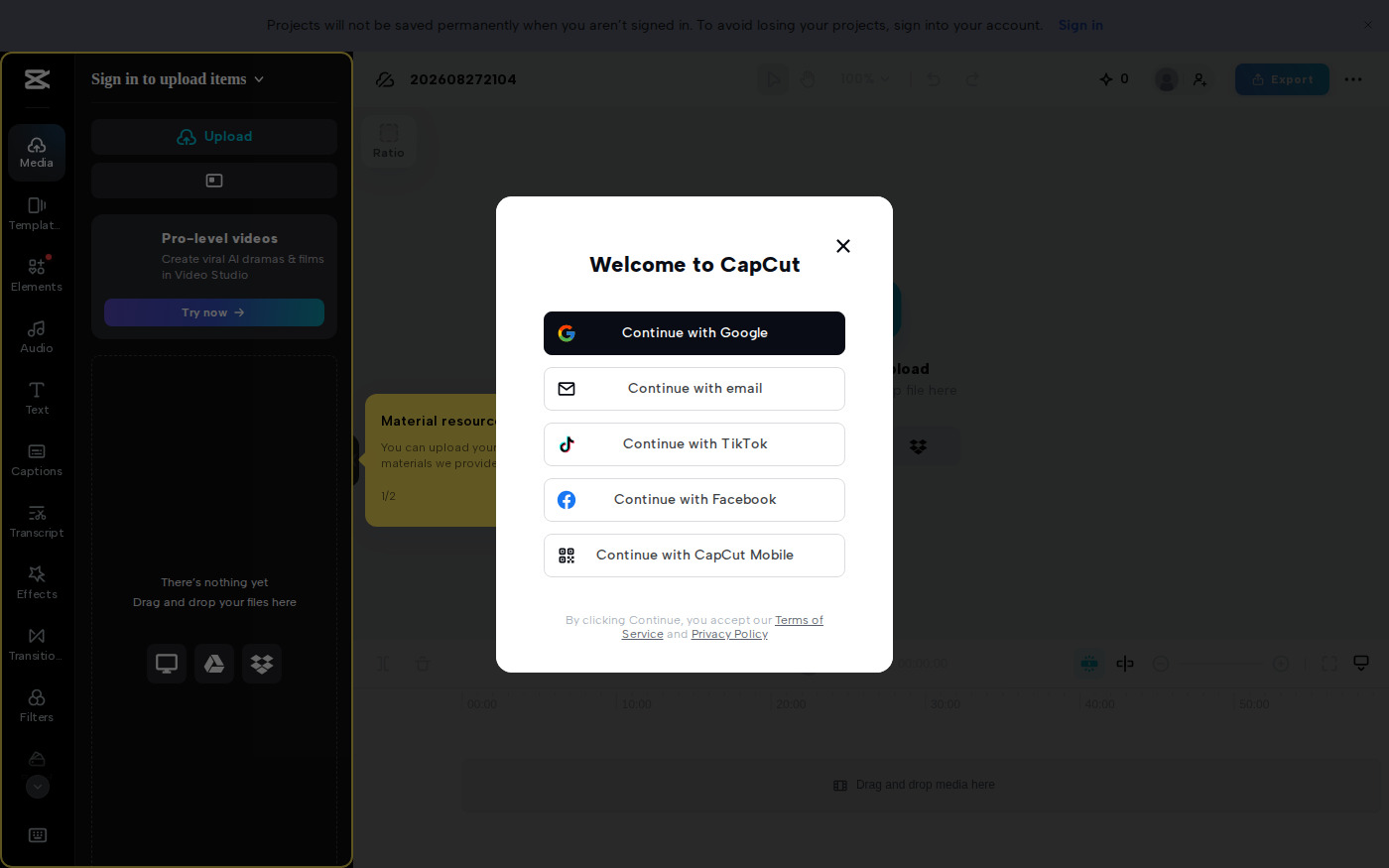
CapCut vs Descript: Which Editor Fits Talking-Head Videos?
Last checked: August 28, 2026 · Category: AI video tools CapCut and Descript can both turn a talking-head recording into a captioned video, but they make different parts of the edit feel primary.…

AI Customer Education Video Workflow 2026: Synthesia, HeyGen, Descript, Vrew, and Rask AI for Tutorials That Stay Current
Last updated: July 28, 2026 · Category cluster: AI video tools The most expensive customer tutorial is often the one your team already published.…
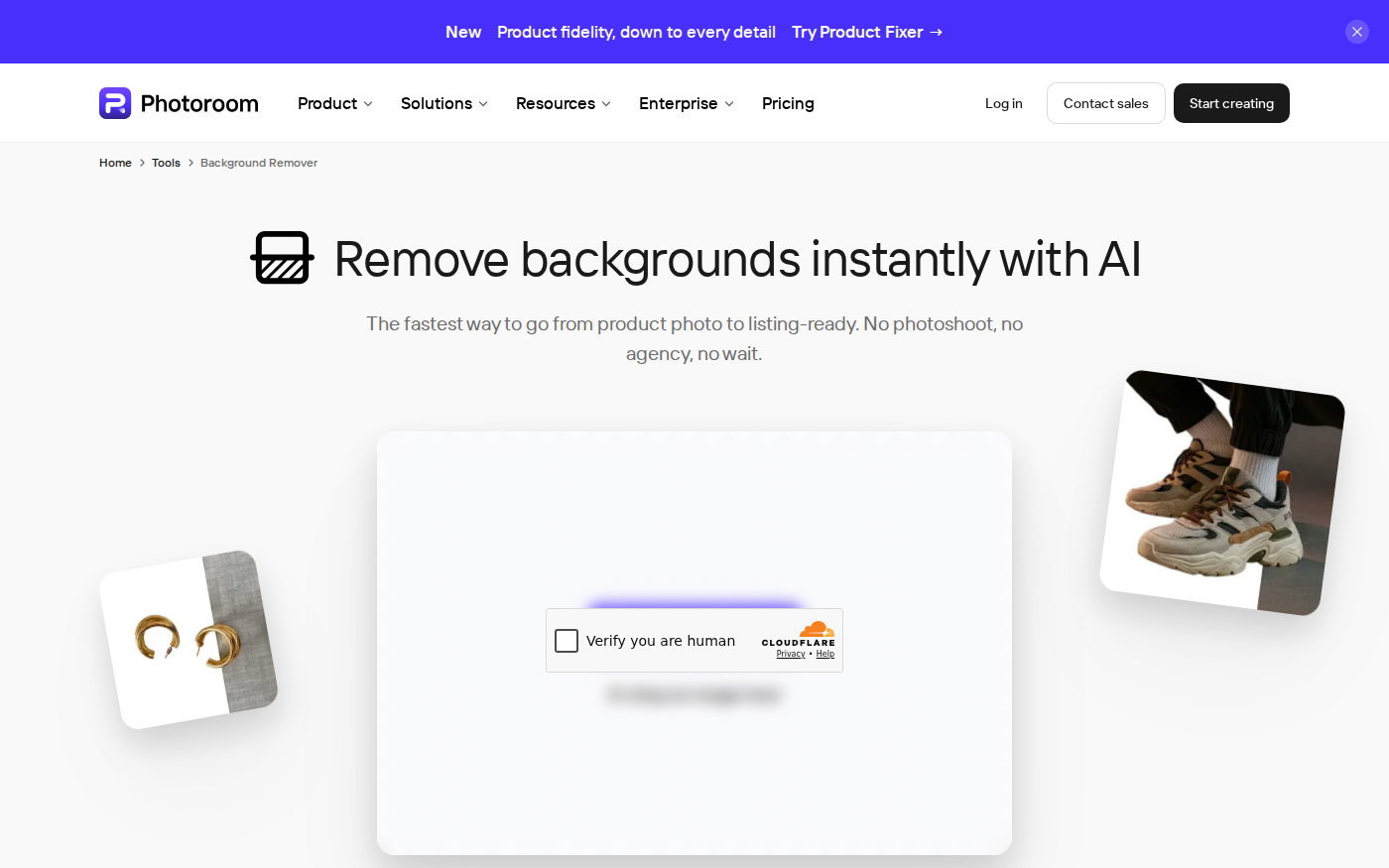
PhotoRoom vs Pixlr: Which Is Better for Product Photos?
Last checked: September 4, 2026 · Category: AI image tools PhotoRoom is the more direct choice for turning product photos into consistent marketplace images; Pixlr is the more flexible choice when…
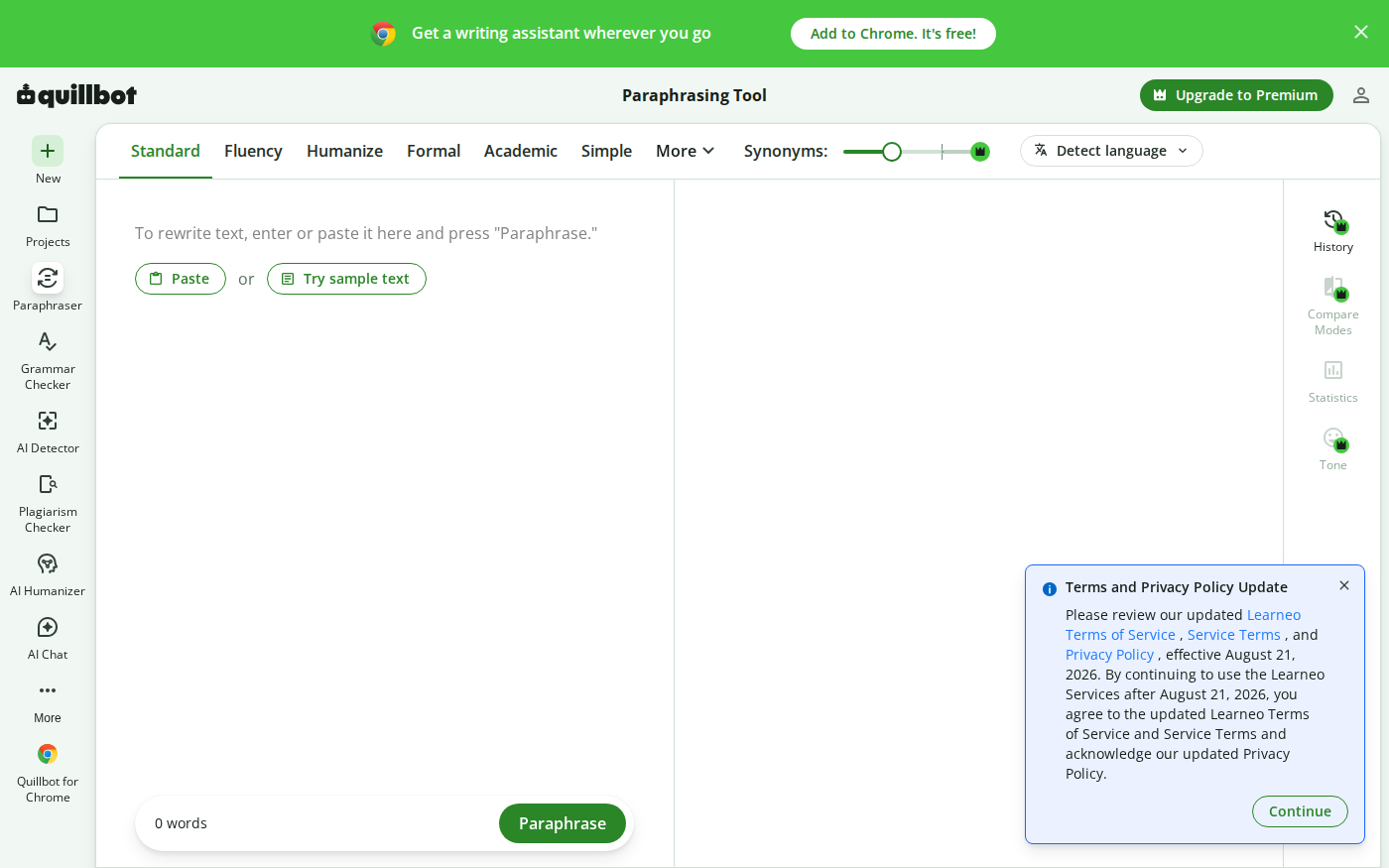
Wordtune vs QuillBot: Which Rewriter Gives You More for Free?
Last checked: August 21, 2026 · Category: AI text-generation tools Wordtune and QuillBot can both rewrite an awkward sentence, but their free plans place the limit in different places.…