
Codeium is a modern AI coding toolkit that provides free AI-powered code completion, search, and chat capabilities for developers. Built by a team of former Google engineers, Codeium has quickly become one of the most popular AI coding assistants due to its combination of powerful features and generous free tier.
The core of Codeium's offering is its AI code completion engine, which provides context-aware suggestions as developers type. Unlike some competitors that only suggest single lines, Codeium can generate multi-line and even full-function completions based on the surrounding code context, comments, and programming patterns.
Codeium's AI search feature is particularly noteworthy. Developers can use natural language queries to search their codebase, finding relevant functions, classes, or logic without needing to remember exact function names or file locations. This semantic search capability significantly speeds up navigation in large codebases.
The Codeium Chat feature allows developers to have conversations with an AI assistant directly within their IDE. This enables tasks like explaining complex code, generating documentation, identifying potential bugs, refactoring suggestions, and answering programming questions without leaving the development environment.
Codeium supports an exceptionally wide range of programming languages — over 70 in total — including all major languages like Python, JavaScript, TypeScript, Java, C++, C#, Go, Rust, PHP, Ruby, Swift, and many specialized languages. This broad language support makes it suitable for virtually any development project.
IDE integration is comprehensive, with Codeium providing extensions for VS Code, JetBrains IDEs (including IntelliJ, PyCharm, WebStorm, GoLand), Vim/Neovim, Emacs, Jupyter notebooks, and more. The extensions are lightweight and designed to work smoothly without impacting editor performance.
For teams and enterprises, Codeium offers advanced features including fine-tuning on private codebases, team-specific context, and enterprise security controls. The self-hosted option allows organizations to run Codeium's models entirely within their own infrastructure, addressing data privacy concerns.
Codeium continually updates its underlying models, incorporating the latest advancements in large language models to improve suggestion quality, reduce hallucinations, and better understand complex coding patterns.
Key Features
- Free AI-powered code completion for individual developers
- Natural language codebase search
- In-IDE AI chat for code explanation and generation
- Support for 70+ programming languages
- Extensions for VS Code, JetBrains, Vim, Emacs, and more
- Multi-line and full-function completion suggestions
- Enterprise self-hosted deployment option
- Fine-tuning on private codebases for teams
- Real-time suggestions with low latency
- Regularly updated AI models with improved accuracy
Frequently Asked Questions
Is Codeium free to use?
Yes. Codeium's individual plan is free and includes unlimited AI code autocomplete plus in-IDE chat, which is why it became popular with students, open-source contributors, and indie developers after rivals moved to paid models. Paid Pro and Teams tiers add larger context, team management, and priority support, and Enterprise offers self-hosted deployment with custom pricing. Note that Codeium rebranded to Windsurf in 2025, and the editor extensions are now published as the "Windsurf Plugin (formerly Codeium)" while keeping the same free tier.
How does Codeium compare to GitHub Copilot?
The headline difference is price: Codeium's core autocomplete and chat are free for individuals, whereas GitHub Copilot charges around $10 per month for its individual plan. Both deliver strong multi-line completion and in-editor chat. Copilot has tight GitHub and GitHub Actions integration and a very large training corpus, while Codeium counters with broad language coverage (70+ languages), wide IDE support, and a self-hosted enterprise option for teams with strict data-privacy requirements.
Who is Codeium best suited for?
Codeium is a strong fit for individual developers, students, and open-source contributors who want capable AI autocomplete and chat without a subscription. It also suits engineering teams that need to support many programming languages and editors, and enterprises that require an on-premises, self-hosted deployment so source code never leaves their own infrastructure. Developers already invested in the Windsurf ecosystem benefit from a consistent experience across the plugin and the standalone Windsurf editor.
Which IDEs and editors does Codeium support?
Codeium offers extensions for VS Code, the JetBrains family (IntelliJ IDEA, PyCharm, WebStorm, GoLand and others), Vim and Neovim, Emacs, and Jupyter notebooks, among others. It supports over 70 programming languages including Python, JavaScript, TypeScript, Java, C++, C#, Go, Rust, PHP, Ruby, and Swift. Beyond the plugin, the same team also builds the standalone Windsurf editor, which is a full AI-native IDE rather than an extension.
Does Codeium keep my code private?
For individual users, Codeium processes code on its servers to generate suggestions but states it does not train its models on your private code without opt-in. Teams and enterprises that need stronger guarantees can use the self-hosted deployment, which runs the models entirely within the organization's own infrastructure so code never leaves the corporate network. This on-premises option is a key reason regulated companies choose Codeium over fully cloud-only assistants.
Alternative Tools
Other Coding tools you might like

Bolt.new
CodingBolt.new is StackBlitz's AI full-stack development environment that builds, runs, and deploys complete web applications from natural language prompts entirely in the browser.

Amazon CodeWhisperer
CodingAWS AI coding assistant with security scanning and cloud integration

Sourcegraph Cody
CodingAI coding assistant with deep whole-codebase understanding via Sourcegraph

Continue
CodingOpen-source AI coding assistant supporting any LLM with full flexibility

Cursor
CodingAI-native code editor built on VS Code by Anysphere with full-codebase contextual understanding, multi-model support, and parallel agent execution for software engineering.

Devin
CodingDevin is Cognition's autonomous AI software engineer that independently plans, writes code, debugs, and deploys entire features using a full development environment with shell, browser, and editor access.
Tags
Related Guides
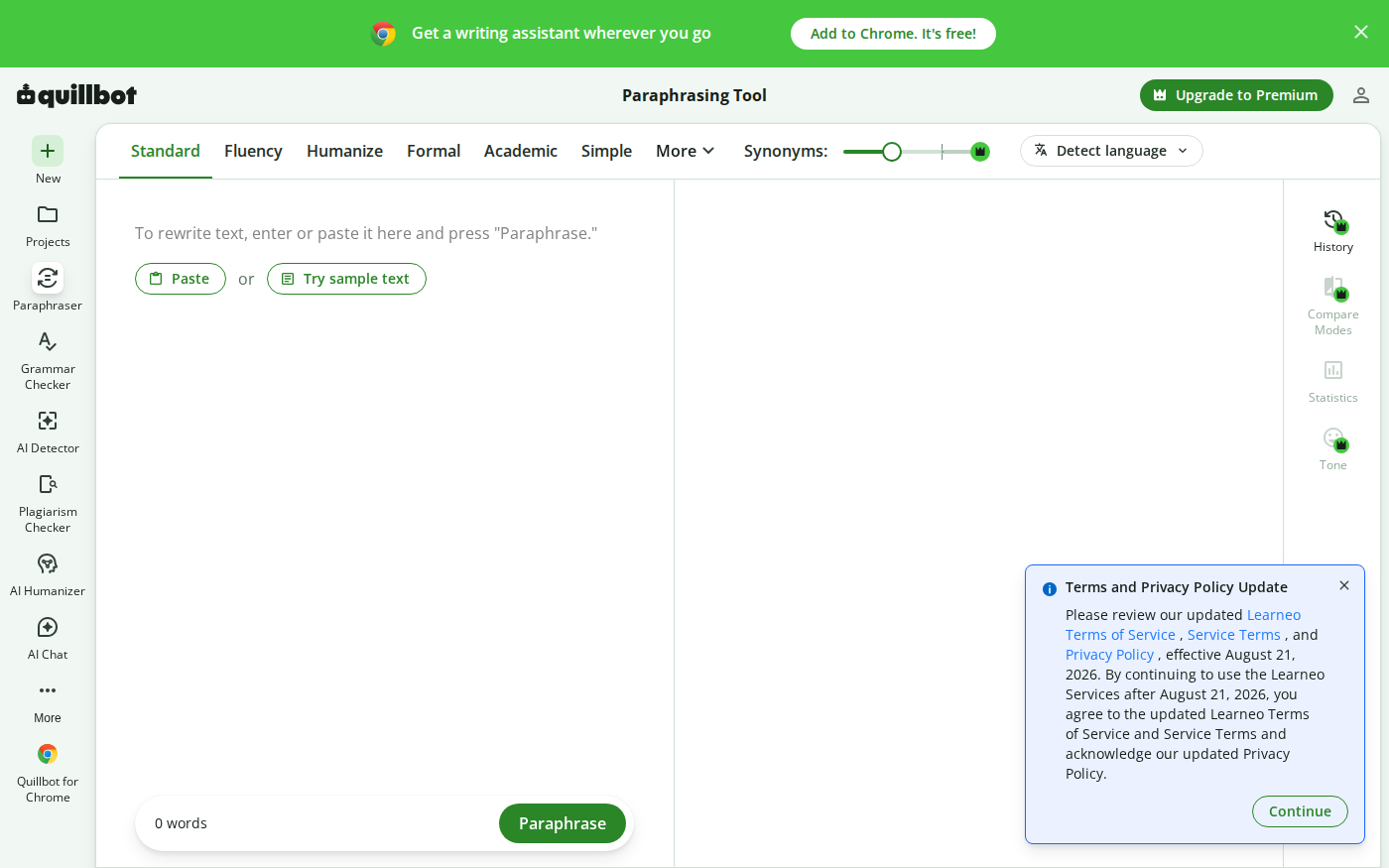
Wordtune vs QuillBot: Which Rewriter Gives You More for Free?
Last checked: August 21, 2026 · Category: AI text-generation tools Wordtune and QuillBot can both rewrite an awkward sentence, but their free plans place the limit in different places.…

AI Coding Agents for Database Migrations in 2026: Cursor, Copilot, Windsurf, Continue, and Devin Without Schema Surprises
Last updated: August 4, 2026 · Category cluster: AI coding tools A database migration can pass every generated test and still lock your busiest table at noon.…

AI Coding Agents for Monorepos in 2026: Cursor, Copilot, Cody, Continue, Windsurf, and Devin Without Cross-Package Chaos
Last updated: July 26, 2026 · Category cluster: AI coding tools A monorepo can turn a five-line AI edit into a fifty-package incident.…

PhotoRoom vs Pixlr: Which Is Better for Product Photos?
Last checked: September 4, 2026 · Category: AI image tools PhotoRoom is the more direct choice for turning product photos into consistent marketplace images; Pixlr is the more flexible choice when…