
Ollama
Ollama lets you run powerful large language models locally on your own computer — no internet required, no data sent to the cloud, and completely free and open-source.
Ollama is a free, open-source tool that makes running large language models (LLMs) on your local machine as simple as a single terminal command. Designed for macOS, Linux, and Windows, Ollama manages model downloads, hardware acceleration, and runtime configuration automatically — so you can go from zero to running a state-of-the-art AI model in under a minute, entirely on your own hardware.
The model library available through Ollama is extensive and growing rapidly. It includes Meta's Llama 3 series, Mistral, Microsoft's Phi family, Google's Gemma, Qwen, DeepSeek, CodeLlama, and over a hundred other models. Each model can be pulled with a single command — `ollama pull llama3` — and run immediately with `ollama run llama3`. Ollama automatically detects available GPU resources (NVIDIA, AMD, and Apple Silicon) and accelerates inference accordingly, falling back to CPU execution when no GPU is available.
Privacy is Ollama's defining value proposition. Because all computation happens locally, your conversations, documents, and prompts never leave your device. This makes Ollama the preferred choice for individuals working with sensitive business data, personal information, confidential research, or any content that cannot be shared with external API providers. Healthcare professionals, legal teams, security researchers, and privacy-conscious individuals find Ollama uniquely suited to their needs.
Beyond basic chat, Ollama exposes a local REST API that is compatible with the OpenAI API format — meaning applications already built for ChatGPT or OpenAI can often switch to Ollama with minimal code changes. This has made Ollama the backbone of a growing ecosystem of local AI applications, including code editors, writing tools, note-taking apps, and custom automation pipelines. Popular integrations include Continue (VS Code AI coding assistant), Open WebUI (a full ChatGPT-like browser interface), and LangChain.
Ollama also supports multimodal models capable of processing images alongside text, model customization through Modelfiles (similar to Dockerfiles for AI models), and concurrent model serving for applications that need to handle multiple requests. The project is actively maintained with frequent releases, and its straightforward design has made it the go-to solution for the rapidly growing community of developers, researchers, and privacy-first users who want powerful AI without cloud dependency.
Key Features
- Run 100+ LLMs locally with a single command — including Llama 3, Mistral, Phi, Gemma, DeepSeek, and CodeLlama
- Completely offline after initial model download — no internet connection required for inference
- Full data privacy — all computation stays on your device, nothing is sent to external servers
- Automatic GPU acceleration for NVIDIA, AMD, and Apple Silicon hardware with CPU fallback
- OpenAI-compatible REST API for easy integration with existing apps and development workflows
- Modelfile system for customizing model behavior, system prompts, and parameters — like Dockerfiles for AI
- Cross-platform support for macOS, Linux, and Windows with a consistent CLI experience
- Multimodal model support for processing images and text together with compatible models
- Concurrent model serving to handle multiple simultaneous requests from different applications
- Thriving open-source ecosystem with integrations including Open WebUI, Continue, LangChain, and more
Frequently Asked Questions
What hardware do I need to run Ollama?
Ollama runs on any modern Mac, Linux machine, or Windows PC. For best performance, a dedicated GPU is recommended — NVIDIA GPUs with 8GB+ VRAM handle most 7B and 13B models comfortably, and Apple Silicon Macs (M1/M2/M3/M4) benefit from unified memory architecture for efficient inference. However, Ollama also runs on CPU-only systems, which is slower but functional. Smaller models like Phi-3 Mini (3.8B) or Gemma 2B run well even on laptops with 8GB RAM.
Is Ollama really free with no hidden costs?
Yes, Ollama is completely free and open-source under the MIT license. There are no subscriptions, API call fees, or usage limits. The only costs are your own hardware and electricity. You download models directly from the Ollama model library, and all inference happens on your own machine. The project is maintained on GitHub and welcomes community contributions.
How does Ollama compare to using ChatGPT or Claude via API?
Ollama trades cloud convenience for privacy and cost. Cloud APIs like ChatGPT or Claude offer the most capable models with no hardware requirements, but every prompt you send is processed on external servers. Ollama keeps everything local, which means zero ongoing cost, complete data privacy, and no internet dependency — but model quality is generally below frontier models like GPT-4o or Claude Opus. For everyday tasks, local models have improved dramatically and often suffice.
Can I use Ollama with a GUI instead of the command line?
Yes. While Ollama itself is a CLI tool and API server, the open-source community has built several excellent graphical interfaces on top of it. Open WebUI is the most popular — it provides a full ChatGPT-like browser interface that connects to your local Ollama instance. Other options include Msty, Enchanted (macOS), and various VS Code extensions. You install Ollama first, then any of these interfaces connect to it automatically.
Which models work best with Ollama for everyday use?
For most users, Llama 3.1 8B or Mistral 7B offer an excellent balance of quality and speed on consumer hardware. For coding tasks, CodeLlama or DeepSeek Coder are highly rated. If you have limited RAM, Phi-3 Mini (3.8B) by Microsoft delivers surprising capability in a small package. For users with powerful hardware (24GB+ VRAM), Llama 3.1 70B or Qwen2.5 72B approach the quality of commercial cloud models. Use `ollama list` to see what you have installed.
Alternative Tools
Other Text Generation tools you might like

Alan AI
Text GenerationAlan AI is KT's AI assistant for Korean users, offering general-purpose conversational AI with Korean language optimization, voice and text interaction, and integration with KT's telecom services.

Anyword
Text GenerationData-driven AI copywriting with predictive performance scores for marketing
Character.ai
Text GenerationCharacter.ai is an AI conversation platform where you can chat with fictional characters, historical figures, and custom AI personas created by millions of users worldwide.

ChatGPT
Text GenerationChatGPT is OpenAI's conversational AI assistant built on GPT-4, capable of writing, coding, analysis, and creative tasks across virtually any domain.

Claude AI
Text GenerationClaude is Anthropic's AI assistant built on Constitutional AI principles, emphasizing safety, honesty, and nuanced reasoning for writing, coding, analysis, and research.

CLOVA X
Text GenerationCLOVA X is Naver's AI chatbot powered by HyperCLOVA X, offering deep Korean language understanding and seamless integration with Naver's search, shopping, and map services.
Tags
Related Guides
AI Incident Communication Workflow 2026: ChatGPT, Claude, Gemini, Mistral, and Ollama for Clear Updates Under Pressure
Last updated: August 3, 2026 · Category cluster: AI text generation tools The worst time to invent your incident-writing process is twelve minutes after customers begin reporting failures.…

PhotoRoom vs Pixlr: Which Is Better for Product Photos?
Last checked: September 4, 2026 · Category: AI image tools PhotoRoom is the more direct choice for turning product photos into consistent marketplace images; Pixlr is the more flexible choice when…

CapCut vs Descript: Which Editor Fits Talking-Head Videos?
Last checked: August 28, 2026 · Category: AI video tools CapCut and Descript can both turn a talking-head recording into a captioned video, but they make different parts of the edit feel primary.…
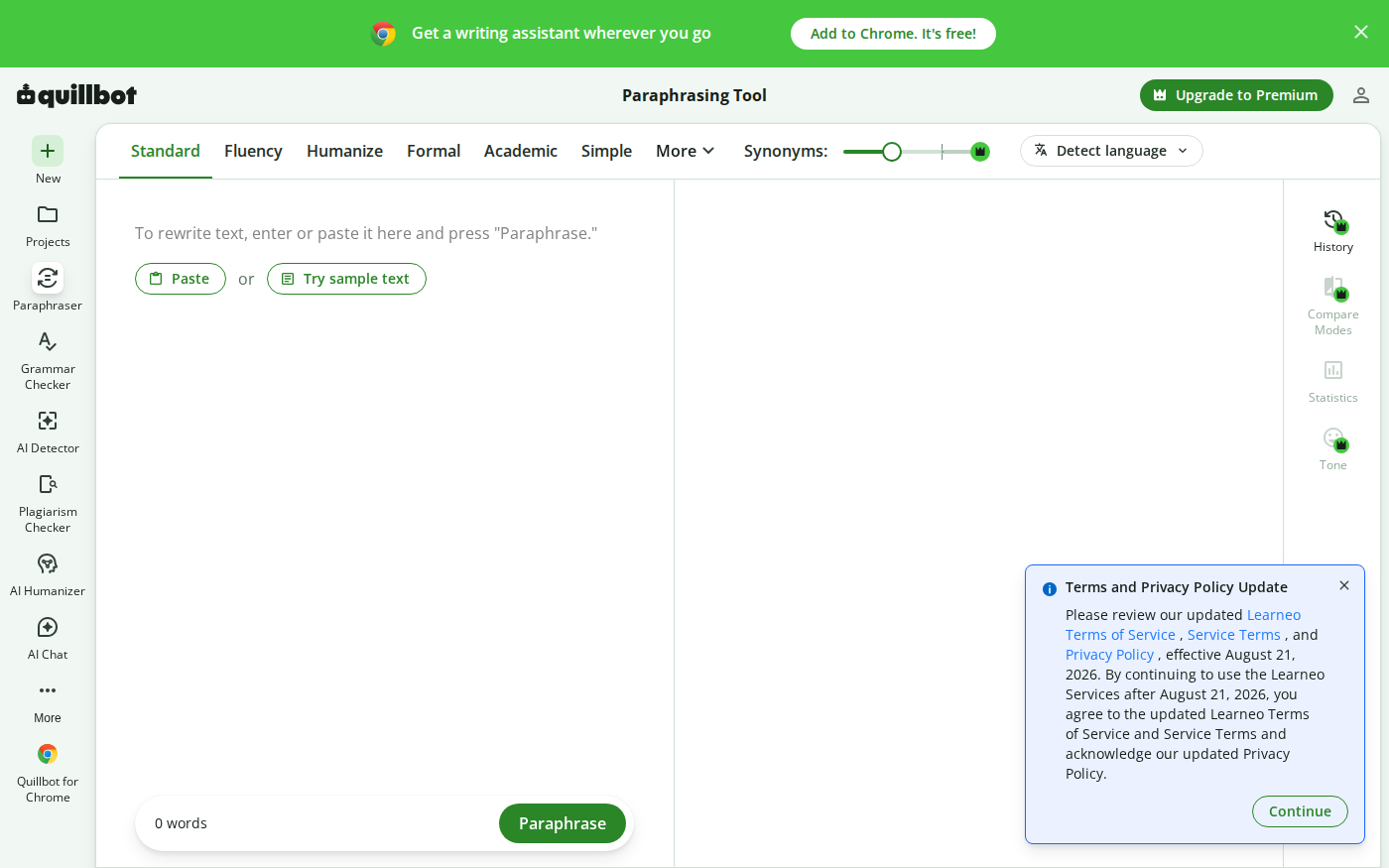
Wordtune vs QuillBot: Which Rewriter Gives You More for Free?
Last checked: August 21, 2026 · Category: AI text-generation tools Wordtune and QuillBot can both rewrite an awkward sentence, but their free plans place the limit in different places.…