
Replicate
Replicate is a cloud platform that lets developers run open-source AI models via a simple API — no infrastructure setup, pay only for what you use.
Replicate is a cloud-based machine learning platform that makes it effortless to run open-source AI models through a simple, unified API. Rather than spending days configuring GPU servers, installing CUDA drivers, managing containers, and wrestling with model weights, developers can make a single API call and get results in seconds. Replicate handles all the infrastructure behind the scenes — auto-scaling GPUs, cold starts, caching, and billing — so you can focus entirely on building products.
The platform hosts an extensive library of community-contributed and officially published models spanning every major AI category. Image generation models like Flux, SDXL, and Stable Diffusion; language models like Llama 3, Mistral, and CodeLlama; audio and music generation via MusicGen and AudioCraft; video generation with Stable Video Diffusion; image restoration and upscaling with Real-ESRGAN; transcription via Whisper — all available through a consistent API interface with no model-specific setup required.
Replicate's API is designed for developer simplicity. A single HTTP POST request with your input parameters returns a prediction URL. You can poll for results or use webhooks to receive notifications when predictions complete. Official client libraries for Python and JavaScript/Node.js make integration into existing applications trivial. The entire workflow from model discovery to production integration can be completed in under an hour.
One of Replicate's most powerful features is the ability to deploy your own custom models. Using Cog — Replicate's open-source tool for packaging ML models — you can containerize any Python-based model with a standardized interface and push it to Replicate. Once deployed, your model gets the same scalable GPU infrastructure, versioning, and API as any public model on the platform. This is particularly valuable for startups and teams that have trained proprietary models and need a scalable serving solution without dedicated DevOps resources.
Replicate's pay-per-second billing model aligns cost directly with usage. You pay only for the GPU time consumed during inference — there are no idle server costs, no reserved instance fees, and no minimum commitments. This makes it exceptionally well-suited for prototyping, variable workloads, and early-stage products where usage patterns are unpredictable. For high-volume production workloads, Replicate also offers dedicated deployments that keep models warm for faster cold-start times.
Key Features
- One-line API calls to run Flux, Llama 3, Stable Diffusion, Whisper, and thousands of open-source models without local GPU setup
- Pay-per-second GPU billing with no idle costs, reserved instances, or minimum commitments — ideal for variable workloads
- Extensive community model library spanning image generation, language models, audio, video, and more
- Custom model deployment using Cog — containerize any Python ML model and deploy it with scalable GPU infrastructure
- Automatic GPU auto-scaling to handle burst traffic without manual capacity planning or infrastructure management
- Official Python and JavaScript/Node.js client libraries for seamless integration into existing applications
- Webhook support for async predictions — receive results via HTTP callback when inference completes
- Model versioning system allowing you to pin predictions to specific model versions for reproducibility
- Dedicated deployments keeping models warm for reduced cold-start latency in production environments
- Open-source Cog tool for packaging ML models with standardized prediction interfaces and reproducible environments
Frequently Asked Questions
How does Replicate's pricing work?
Replicate uses a pay-per-second billing model based on GPU time consumed during inference. You're charged only for the actual compute time your prediction uses — there are no idle costs when models are not running. Pricing varies by GPU type (A40, A100, H100, etc.) and scales with the complexity of the model. For developers exploring the platform, many open-source models can be tested for just fractions of a cent per run, making experimentation extremely affordable.
What types of models can I run on Replicate?
Replicate hosts thousands of models across all major AI categories. Image generation: Flux, SDXL, Stable Diffusion 3, ControlNet, LoRA variants. Language models: Llama 3, Mistral, Mixtral, CodeLlama, Phi-3. Audio: Whisper for transcription, MusicGen, AudioCraft, Bark for TTS. Video: Stable Video Diffusion, AnimateDiff. Vision: BLIP-2, LLaVA for image understanding. Upscaling: Real-ESRGAN. You can also deploy your own custom models using Cog.
How do I deploy my own custom model on Replicate?
You can deploy custom models using Cog, Replicate's open-source tool. Cog lets you define your model's inputs, outputs, and dependencies in a simple configuration file. It packages your Python code and model weights into a standardized Docker container. Once built, you push the container to Replicate with a single command. Your model then gets a dedicated API endpoint with automatic GPU scaling, versioning, and the same developer experience as any public model on the platform.
Is Replicate suitable for production applications?
Yes, Replicate supports production workloads. For variable or intermittent traffic, the default serverless inference handles auto-scaling automatically. For applications that require consistently low latency, Replicate offers Dedicated Deployments — a mode that keeps your chosen model loaded on reserved GPUs so it's always warm and responds without cold-start delays. You can configure minimum and maximum replicas based on your traffic patterns and SLA requirements.
How does Replicate compare to running models locally or on AWS/GCP?
Replicate trades raw cost efficiency for speed and simplicity. Running models at scale on your own cloud infrastructure (AWS, GCP, Azure) is typically cheaper at high volume but requires significant DevOps investment — GPU provisioning, Docker management, auto-scaling configuration, monitoring, and on-call rotation. Replicate handles all of that for you. For prototyping, early-stage products, or teams without dedicated ML infrastructure engineers, Replicate dramatically reduces time-to-production. For high-volume, predictable workloads, a hybrid approach — using Replicate for prototyping and migrating to self-hosted for scale — is common.
Alternative Tools
Other Productivity tools you might like

Beautiful.ai
ProductivityAI-powered presentation tool with smart auto-design and layout intelligence

AutoGPT
ProductivityAutoGPT is a pioneering open-source autonomous AI agent framework that lets you assign a high-level goal and watches it autonomously plan, research, write code, browse the web, and execute tasks until the objective is complete.

Calendly AI
ProductivityAI scheduling platform that automates meeting booking with shareable calendar links.

ChatPDF
ProductivityAI tool that lets you chat with any PDF document, asking questions and getting instant answers with citations from research papers, contracts, textbooks, and more.

ClickUp AI
ProductivityClickUp AI is an all-in-one project management platform with built-in AI that writes, summarizes, generates action items, and automates work across tasks, docs, whiteboards, and goals.

Clockwise
ProductivityAI calendar optimization that protects Focus Time and reduces meeting overload
Tags
Related Guides

AI Inbox-to-Action Workflow 2026: Superhuman, Notion AI, ClickUp AI, Reclaim, and Zapier for Small Teams
An AI inbox-to-action workflow should make work leave email, not make email easier to hoard. That distinction matters. A small team can buy an AI email client, summarize every thread, and still miss…

PhotoRoom vs Pixlr: Which Is Better for Product Photos?
Last checked: September 4, 2026 · Category: AI image tools PhotoRoom is the more direct choice for turning product photos into consistent marketplace images; Pixlr is the more flexible choice when…

CapCut vs Descript: Which Editor Fits Talking-Head Videos?
Last checked: August 28, 2026 · Category: AI video tools CapCut and Descript can both turn a talking-head recording into a captioned video, but they make different parts of the edit feel primary.…
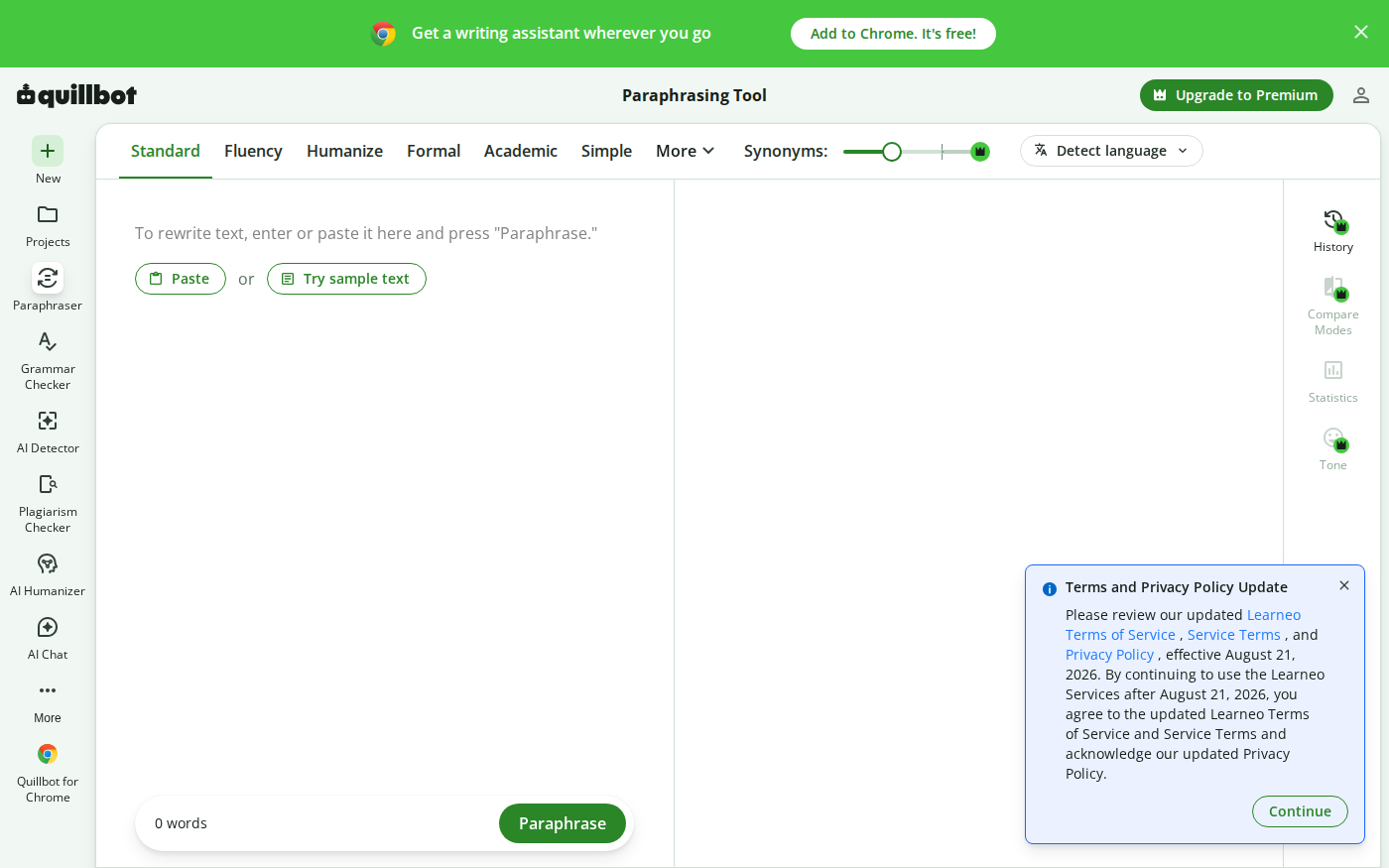
Wordtune vs QuillBot: Which Rewriter Gives You More for Free?
Last checked: August 21, 2026 · Category: AI text-generation tools Wordtune and QuillBot can both rewrite an awkward sentence, but their free plans place the limit in different places.…