AI Product Photography Workflow 2026: Photoroom, Remove.bg, Firefly, Midjourney, and Canva AI for E-commerce Teams
Last updated: June 24, 2026 · By the findaiverse curation team · No affiliate placement in this guide.
Most e-commerce teams do not need more images. They need a repeatable AI product photography workflow that turns one decent product shot into a clean marketplace image, three lifestyle variants, a social ad, and a landing page hero without losing brand trust. That is a very different job from typing a pretty prompt into an image generator and hoping the result feels right.
This guide is for small stores, marketplace sellers, growth marketers, and design leads who ship campaigns every week. We tested this workflow around a simple rule: the product must stay honest. AI can clean backgrounds, build scenes, extend canvas, and adapt formats, but the SKU, color, material, scale, label, and packaging cannot drift. If those details move, the image may look polished and still hurt conversion because buyers receive something different from what they clicked.
The short version: use Remove.bg or Photoroom for fast cutouts, Adobe Firefly for safer commercial edits, Midjourney or Leonardo AI for visual directions, and Canva AI for campaign packaging. The best stack is not the most artistic one. It is the one your team can repeat on Monday morning.
- Why product photography changed
- The tool stack by job
- Capture the base product shot
- Clean, cut, and correct the product
- Generate lifestyle scenes without lying
- Turn one image into campaign assets
- Quality control before publishing
- FAQ
- Start with a truthful source photo — AI edits work best when the product shape, color, label, and material are already visible.
- Separate four jobs — cutout, correction, scene generation, and campaign layout need different tools.
- Use Firefly for risky commercial edits — its licensed training approach and Adobe workflow make it a safer choice for brand work.
- Use Midjourney for direction, not final SKU facts — it is excellent for mood boards and hero scenes, but it can invent details.
- Review images like product data — every generated image needs a SKU accuracy pass before it goes live.
1. Product photography is now an AI image generation workflow
Product photography used to be a fixed production event: book the studio, shoot the line, retouch the winners, export the marketplace versions, and repeat next season. That still works for large catalogs, but it is too slow for teams that test bundles, seasonal landing pages, creator ads, and marketplace variations every week. A single item may need a white background for Amazon, a square feed image for Instagram, a lifestyle shot for Meta ads, a vertical story image, and a wide hero for a product detail page.
The shift is not that photography disappeared. It moved upstream. Your base photo has become a seed asset. AI image tools extend that seed into many controlled outputs: transparent PNGs, neutral shadows, room scenes, seasonal props, translated banners, and different aspect ratios. The strongest workflow still begins with a real product photo because it anchors the work in something a customer can receive.
For a broader map of available tools, keep the findaiverse AI image generation category open while you read. That hub lets you compare creative generators, editing tools, and image utilities without treating every product as if it solves the same problem.
We see teams make one expensive mistake: they ask a text-to-image model to create the product itself. That may work for an imaginary perfume concept or a mood board, but it is risky for real commerce. A generated shoe might gain a seam that does not exist. A bottle label may change. A fabric texture may look more premium than the real item. Those are not tiny design issues. They are product claims.
A safer approach is simple. Photograph or render the product first. Then let AI improve the setting around it. This keeps the seller in control of factual details while still getting the speed benefit of AI.
2. The best AI product photography stack depends on the job
Do not pick one image tool and force it through the whole pipeline. Product images involve several jobs, and each job has a different failure mode. Background removal fails by cutting off hair, handles, fur, or transparent plastic. Scene generation fails by changing the product. Layout tools fail by making text too small or drifting from brand rules. A good stack keeps these failures isolated so you can fix them fast.
| Job | Best tool fit | Use it for | Watch out for |
|---|---|---|---|
| Fast cutouts | Remove.bg | Transparent PNGs, marketplace backgrounds, bulk product cleanup | Glossy edges, transparent packaging, faint shadows |
| Catalog and marketplace edits | Photoroom | Batch backgrounds, product cards, mobile-first seller workflows | Too many template looks if the brand kit is weak |
| Commercial-safe image editing | Adobe Firefly | Generative fill, canvas extension, brand-safe campaign visuals | Credit use and Creative Cloud process overhead |
| Mood and hero concepts | Midjourney | Art direction, lighting ideas, aspirational scenes | Invented product details and text errors |
| Game, concept, and style consistency | Leonardo AI | Custom style sets, product universe visuals, controlled art looks | Needs careful reference images |
| Campaign layouts | Canva AI | Social ads, banners, product cards, translated variants | Easy to overdecorate a simple product |
This separation also keeps team roles clear. A marketplace operator can use Remove.bg or Photoroom without waiting for a designer. A designer can use Firefly to expand or repair final campaign images. A marketer can turn approved images into channel-specific banners inside Canva AI. Nobody has to own the whole stack alone.

3. Capture the base product shot before asking AI to help
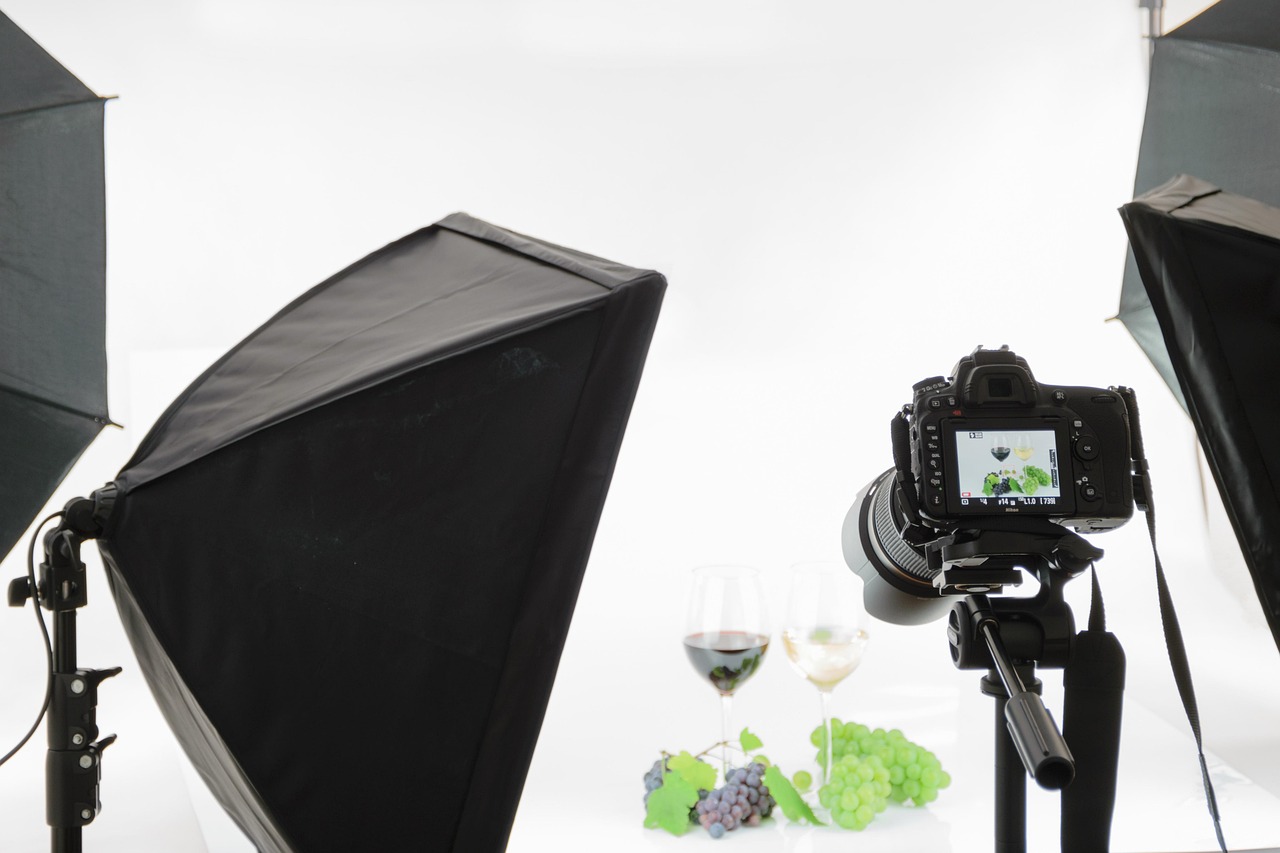
The quality of the base photo decides how much repair work AI must do later. A clean source image does not need a full studio. It needs even light, visible edges, accurate color, and enough resolution for cropping. For small sellers, a phone, a window, a neutral surface, and a cheap reflector can beat an overprocessed generated image because the buyer can see the real item.
Use a simple shot list. First, shoot the hero angle that shows the product shape. Second, capture one scale image, such as a hand, desk, shelf, or model, if scale matters. Third, shoot close-ups of texture, stitching, material, label, ingredients, or ports. Fourth, capture packaging. AI can create a lifestyle scene later, but it cannot guess the exact box your warehouse ships.
Color is the part teams skip. Put the product beside a neutral white or gray card for one shot, even if you do not publish that frame. When Firefly, Photoroom, or Photoshop adjusts the image later, that neutral reference helps you keep the final color honest. If the product is navy, beige, ivory, gold, or transparent, test it on two screens before uploading the final image to a marketplace.
File naming also matters. We like a plain pattern: SKU, angle, source, date. For example: SKU123-front-phone-2026-06-24.jpg. AI files should keep that root name with a suffix such as -cutout, -lifestyle-kitchen, or -ad-1×1. This sounds boring until someone asks which image produced a winning ad. Then the boring system saves the week.
If the product has a strict legal or compliance boundary, such as supplements, cosmetics, tools, or electronics, keep an untouched source image beside every AI-edited version. That archive gives your team a quick way to prove what changed.
4. Clean, cut, and correct the product without changing the SKU
Background removal is the first AI step because it creates a flexible product layer. Remove.bg is the fastest choice when you need transparent PNGs and batch processing. It is especially useful for product catalogs, seller uploads, and internal scripts because the task is narrow: separate the subject from the background. Narrow tools often win in commerce because they make fewer creative guesses.
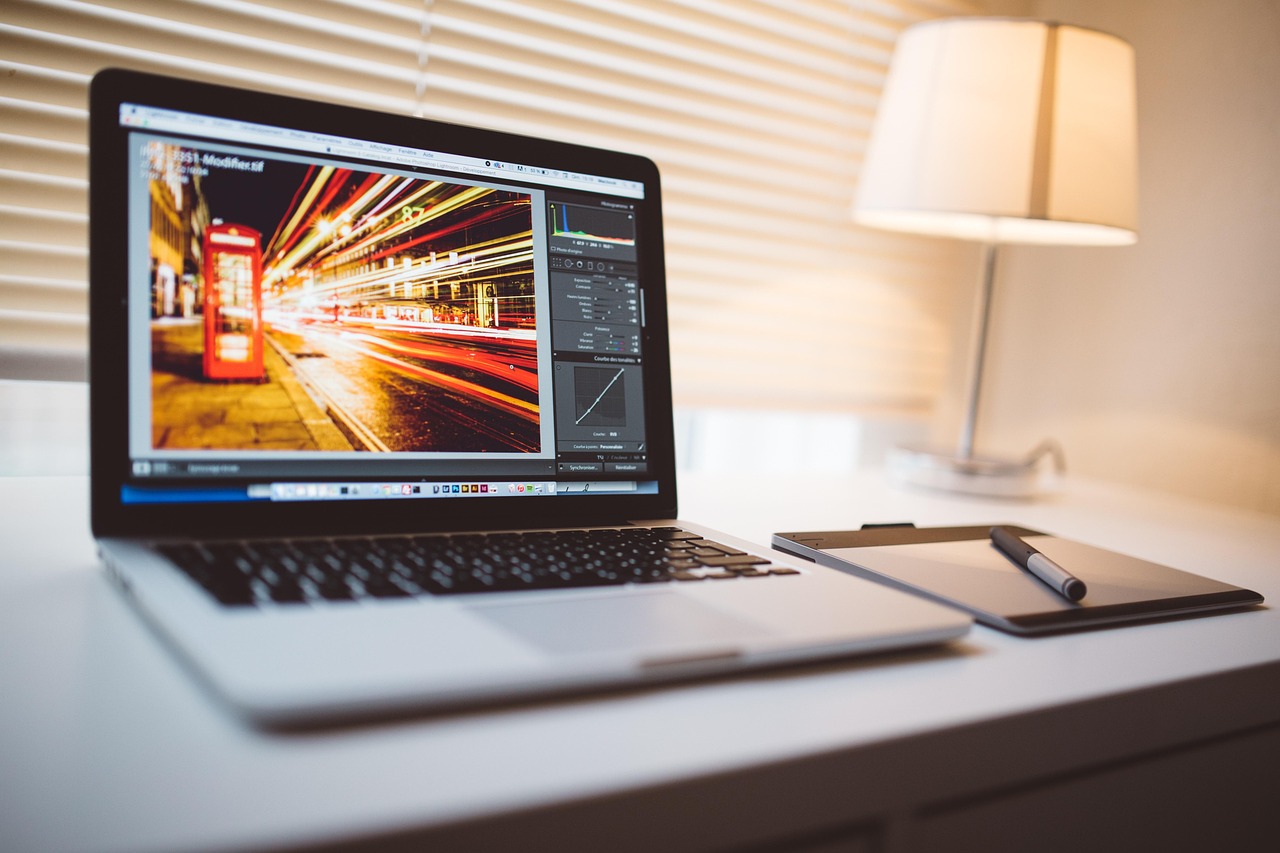
Photoroom is better when your output is not just a cutout but a finished seller image. It can combine product cleanup, background replacement, shadows, templates, and mobile-friendly edits. For marketplace operators who work from a phone or need to process dozens of items quickly, that matters. The interface feels closer to a selling workflow than a design suite.
Adobe Firefly belongs in the correction step when the image will run in a paid campaign or a brand-controlled page. Firefly is trained on licensed and openly licensed content, and Adobe also supports Content Credentials based on the C2PA standard. That does not remove the need for human review, but it gives professional teams a clearer process than random web-trained outputs. If your agency already works inside Photoshop, Firefly also avoids the copy-paste chaos of moving files between tools.
Our practical rule is: cut with the fastest tool, repair with the safest tool, and approve with the person who knows the product. AI should not decide if a white bottle became pearl, if a leather texture became plastic, or if a label line disappeared. Those checks belong to the seller.
5. Generate lifestyle scenes without making false product claims
Lifestyle images sell context. A desk lamp feels different on a walnut desk than on a white background. A running shoe needs motion, ground texture, and weather. A skincare bottle may need a bathroom shelf, a travel pouch, or a clean studio surface. AI tools can create these scenes fast, but product truth must stay locked.
Use Midjourney for mood boards and lighting directions. It is excellent at producing visually rich scenes: sunrise counter light, soft shadows, premium packaging atmosphere, editorial composition, or high-energy sports lighting. We rarely use its first output as the final product image. Instead, we use it to decide what the final scene should feel like, then rebuild the approved direction with the real product layer.
Leonardo AI becomes useful when a brand needs a consistent visual universe. Game studios and concept artists like it for style consistency, but commerce teams can borrow that idea. If your product line has a specific world — camping gear in dusty desert light, stationery in soft Japanese minimalism, supplements in clean clinical scenes — references and trained style sets can make repeated assets feel related.
Stable Diffusion is a good fit for technical teams that want local control and custom models. It demands more setup than browser tools, yet it offers privacy and deep customization through community models, LoRAs, and ControlNet. For regulated categories or internal product concepts, local generation may be worth the effort.
The safest composition pattern is a sandwich: AI-generated background, real product cutout, then manual shadow and color matching. The product remains factual. The scene provides emotion. If the AI-generated background includes people, hands, claims, screens, certificates, or readable text, review it twice. Those details can accidentally imply promises your product does not make.
6. Turn one approved image into a full campaign pack
After the product image is approved, the job changes from image generation to design operations. Canva AI is strong here because it combines templates, brand kits, Magic Design, background tools, and format resizing in one place. A marketer can turn one approved hero image into a square feed post, a 9:16 story, a 16:9 ad, a product card, and a simple landing page header without reopening the image generator.
Keep the product layer and text layer separate. That one habit avoids most campaign headaches. If the discount changes from 20% to 15%, you should not regenerate the visual. If the headline moves from English to Spanish, Japanese, or Korean, you should not rebuild the product scene. Layout tools are for message adaptation; image generators are for visual assets.
We also recommend a small channel matrix. Define the safe area, minimum text size, product position, CTA style, and export dimensions for each channel. For example, marketplace main images may need a white or simple background, while social ads can use stronger context. Your landing page hero may need empty space on the left for headline copy. A vertical story may need the product lower than your designer expects because platform UI covers the top and bottom.
Canva AI can generate quick copy and layout ideas, but review claims with the same care as images. Avoid text that says “best,” “guaranteed,” “medical,” or “official” unless the product team approves it. AI is happy to write a punchy line. Marketplaces and ad platforms are less forgiving.
7. Our 7-step AI product image workflow
Here is the workflow we would use for a small e-commerce team with 20 to 200 active SKUs. It is designed for speed, but it includes review points so the images do not drift from the product.
- Choose the SKU and claim boundary. Write what the image must not change: color, shape, size, label, ingredients, ports, material, packaging, or safety marks.
- Capture the source photo. Shoot front, angle, detail, packaging, and one scale reference. Save the untouched files.
- Create the cutout. Use Remove.bg or Photoroom. Export transparent PNG and a white-background version.
- Repair and extend. Use Firefly or Photoshop for small corrections, canvas extension, and shadow repair. Do not let AI redraw factual product details.
- Generate scene directions. Use Midjourney, Leonardo AI, or Stable Diffusion for mood boards. Pick one or two directions, not twenty.
- Build final layouts. Use Canva AI or your design tool to create channel versions with locked brand colors and approved copy.
- Run the QA pass. Compare final output against the source photo. Check color, label, shape, material, text, legal claims, and platform size rules.
In our tests, the slowest part was not generation. It was deciding which version was true enough to publish. That is why the claim boundary belongs at step one, not at the end. The earlier you define it, the fewer beautiful but unusable images you create.
A useful team habit is to label images by risk. Low-risk images include abstract backgrounds, simple shadows, and channel crops. Medium-risk images include AI-generated lifestyle settings. High-risk images include hands using the product, before-and-after scenes, health or beauty outcomes, unreadable labels, and anything that implies certification. High-risk assets deserve manual approval.
8. FAQ: AI product photography workflow
What is an AI product photography workflow?
An AI product photography workflow is a repeatable process for turning real product photos into edited, channel-ready visuals with AI tools. It usually includes background removal, image correction, scene generation, layout adaptation, and quality review. The goal is faster production without changing factual product details.
Can I use AI-generated product images in paid ads?
Yes, but only after review. Paid ads need accurate product appearance, approved claims, and platform-safe copy. For brand and agency work, tools such as Adobe Firefly are often safer than open-ended generators because the editing workflow and training approach are clearer. Still, a human should compare the final ad with the real product.
Which tool should a small Shopify or marketplace seller start with?
Start with Remove.bg or Photoroom. Background cleanup gives the fastest return because it improves main images, product cards, and marketplace listings immediately. Add Canva AI when you need social assets. Add Firefly or Midjourney after you have a review process for more creative scenes.
Do AI image tools replace a photographer?
Not for real products. They reduce the number of extra shoots you need, but the base product photo remains important. A photographer captures truth: shape, color, material, scale, and texture. AI helps adapt that truth into more settings and formats.
Final thought: speed is useful only when the product stays honest
AI image generation can give small commerce teams the visual range that used to require a studio, a retoucher, and a designer. But the winning workflow is not the flashiest prompt. It is a careful chain: truthful source photo, clean cutout, safe edits, controlled scenes, and channel layouts that your team can repeat.
If you are building your own stack, compare more tools in the AI image generation hub, then browse the full findaiverse AI tools directory. Start small: one SKU, five outputs, one QA checklist. Once that works, scale the process across the catalog.