
Artbreeder
Collaborative AI art tool for breeding and blending images with genetic algorithms
Artbreeder is a collaborative AI art tool that uses genetic algorithms and GAN (Generative Adversarial Network) technology to allow users to "breed" images together, creating new variations by blending the characteristics of multiple parent images. This unique approach to image creation makes Artbreeder distinctly different from prompt-based AI art generators.
The core interaction in Artbreeder involves mixing existing images. Users can take two or more images — whether their own creations or community contributions — and blend them together to create offspring that inherit visual characteristics from each parent. This breeding metaphor makes Artbreeder approachable and the results often surprisingly creative.
Artbreeder's Splicer tool allows users to combine portraits, landscapes, or other image types and adjust the contribution of each parent using simple sliders. This visual exploration process doesn't require writing prompts — instead, users navigate toward desired aesthetics by blending and tweaking.
The Composer feature provides more control over image creation, allowing users to work with multiple images and layers, adjusting how different visual elements combine. This gives experienced users more precise control over the creative process while maintaining Artbreeder's characteristic blend-based approach.
The platform has built a large community with millions of publicly shared images that serve as source material. Users can use any community image as a starting point, breeding it with their own uploads or other community creations, creating an ever-evolving collaborative creative ecosystem.
Artbreeder has become particularly popular for character design, concept art, and portrait creation. Game designers, writers seeking visual references for characters, and digital artists exploring aesthetic directions all find value in Artbreeder's unique breeding-based exploration.
The Text-Image feature allows users to type descriptions that guide the generation direction, combining the intuitive blending approach with text-based direction. This hybrid approach provides more targeted control while preserving the exploratory quality of Artbreeder's unique methodology.
Artbreeder's editing history allows users to trace back through the lineage of any image, seeing how it evolved through multiple generations of breeding. This genealogical approach to image history is unique among AI art tools.
Key Features
- Image breeding by mixing multiple parent images
- Splicer tool with visual slider controls
- Composer for layered image composition
- Large community library of shareable base images
- Text-Image feature for guided generation
- Character, portrait, and landscape specializations
- Image lineage and history tracking
- Collaborative creative ecosystem
- Exploration-based creative workflow
- Fine-tune aesthetic parameters with sliders
Frequently Asked Questions
Is Artbreeder free to use?
Artbreeder offers various pricing tiers to suit different needs. Many AI image generation tools in this category provide free trials or freemium plans with limited features to help users evaluate the platform before committing to a paid subscription. Check the official Artbreeder website for the most current pricing information, as plans and features may be updated regularly to reflect new capabilities and market conditions.
Does Artbreeder support Korean language?
Artbreeder provides varying levels of Korean language support depending on the specific features being used. As a AI image generation tool, some features may work better with English input while others support multilingual use including Korean. Korean-speaking users can generally navigate the tool effectively, and the core functionality works regardless of the user's primary language for most common tasks.
Who is Artbreeder best suited for?
Artbreeder is designed for professionals and individuals who need reliable AI image generation tool capabilities in their workflow. It serves content creators, business professionals, students, and teams looking to enhance their productivity with AI-powered features. The tool is particularly valuable for users who regularly work with image generation tasks and want to streamline their process with intelligent automation.
What is the biggest advantage of Artbreeder?
Artbreeder's key advantage lies in its specialized approach to image generation tasks combined with an intuitive user interface. The platform leverages advanced AI models to deliver high-quality results that save users significant time compared to manual approaches. Its focus on this specific domain means features are tailored to the exact needs of its target users rather than being a generic solution.
Is Artbreeder easy to use for beginners?
Yes, Artbreeder is designed with user accessibility in mind, making it approachable for beginners while still offering advanced features for experienced users. The interface guides new users through the core functionality with clear instructions and helpful onboarding. Most users can start achieving productive results within their first session without requiring extensive training or technical background knowledge.
Alternative Tools
Other Image Generation tools you might like

Adobe Firefly
Image GenerationAdobe Firefly is a commercially safe generative AI image tool trained on licensed content, deeply integrated into Photoshop, Illustrator, and Adobe Express for professional creative workflows.

BlueWillow
Image GenerationFree AI image generator using Discord with multi-model routing for best results

Craiyon
Image GenerationFree AI image generator accessible in any browser with no account needed

DALL-E
Image GenerationOpenAI's pioneering text-to-image AI family translating natural language descriptions into detailed images, with industry-leading text rendering accuracy and deep ChatGPT integration.

DreamStudio
Image GenerationOfficial Stable Diffusion web interface with advanced controls from Stability AI

Flux
Image GenerationFlux is a state-of-the-art AI image generation model by Black Forest Labs, offering open-source Schnell and Dev variants alongside the commercial Pro model for photorealistic, high-fidelity image creation.
Tags
Related Guides

PhotoRoom vs Pixlr: Which Is Better for Product Photos?
Last checked: September 4, 2026 · Category: AI image tools PhotoRoom is the more direct choice for turning product photos into consistent marketplace images; Pixlr is the more flexible choice when…

CapCut vs Descript: Which Editor Fits Talking-Head Videos?
Last checked: August 28, 2026 · Category: AI video tools CapCut and Descript can both turn a talking-head recording into a captioned video, but they make different parts of the edit feel primary.…
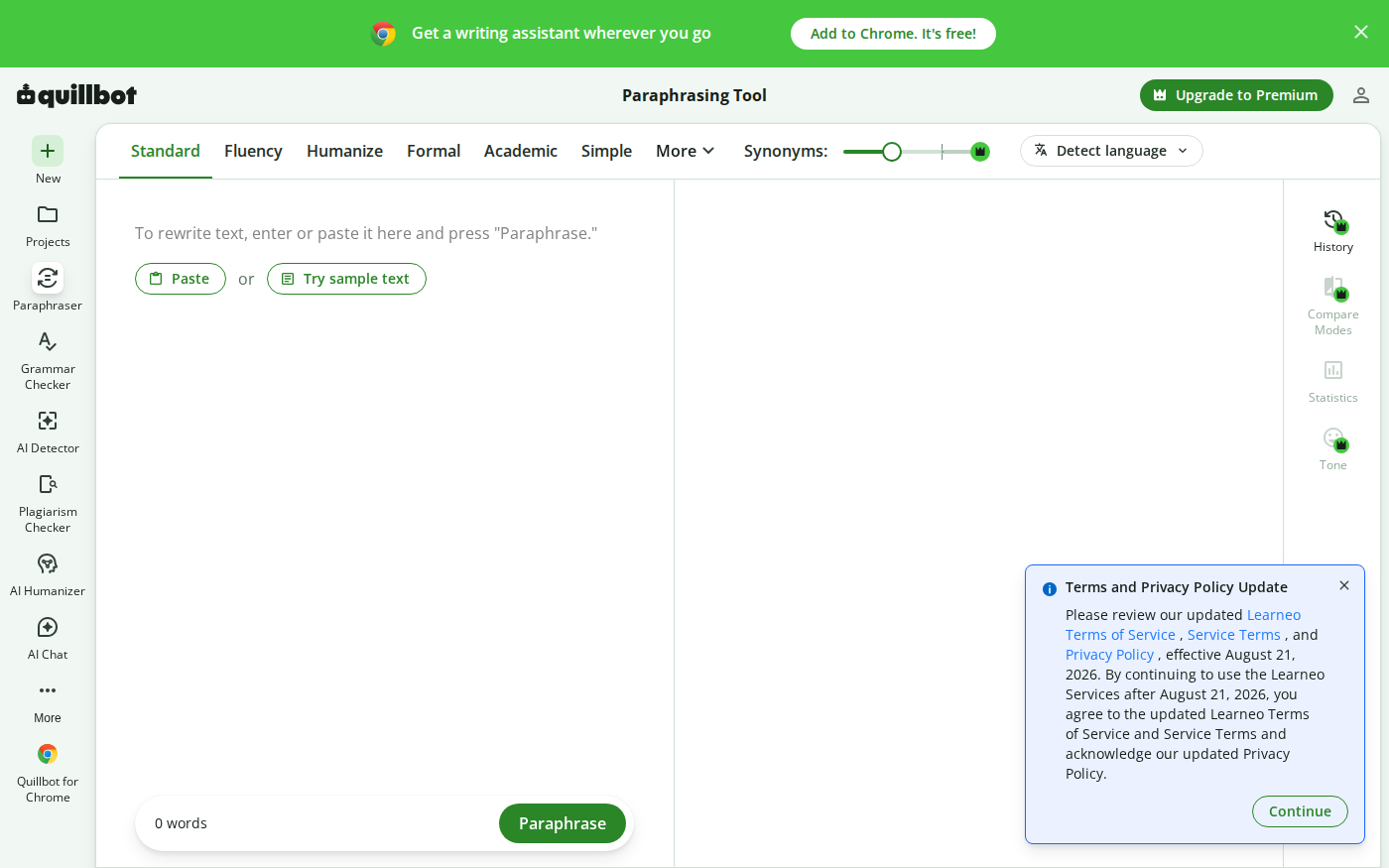
Wordtune vs QuillBot: Which Rewriter Gives You More for Free?
Last checked: August 21, 2026 · Category: AI text-generation tools Wordtune and QuillBot can both rewrite an awkward sentence, but their free plans place the limit in different places.…
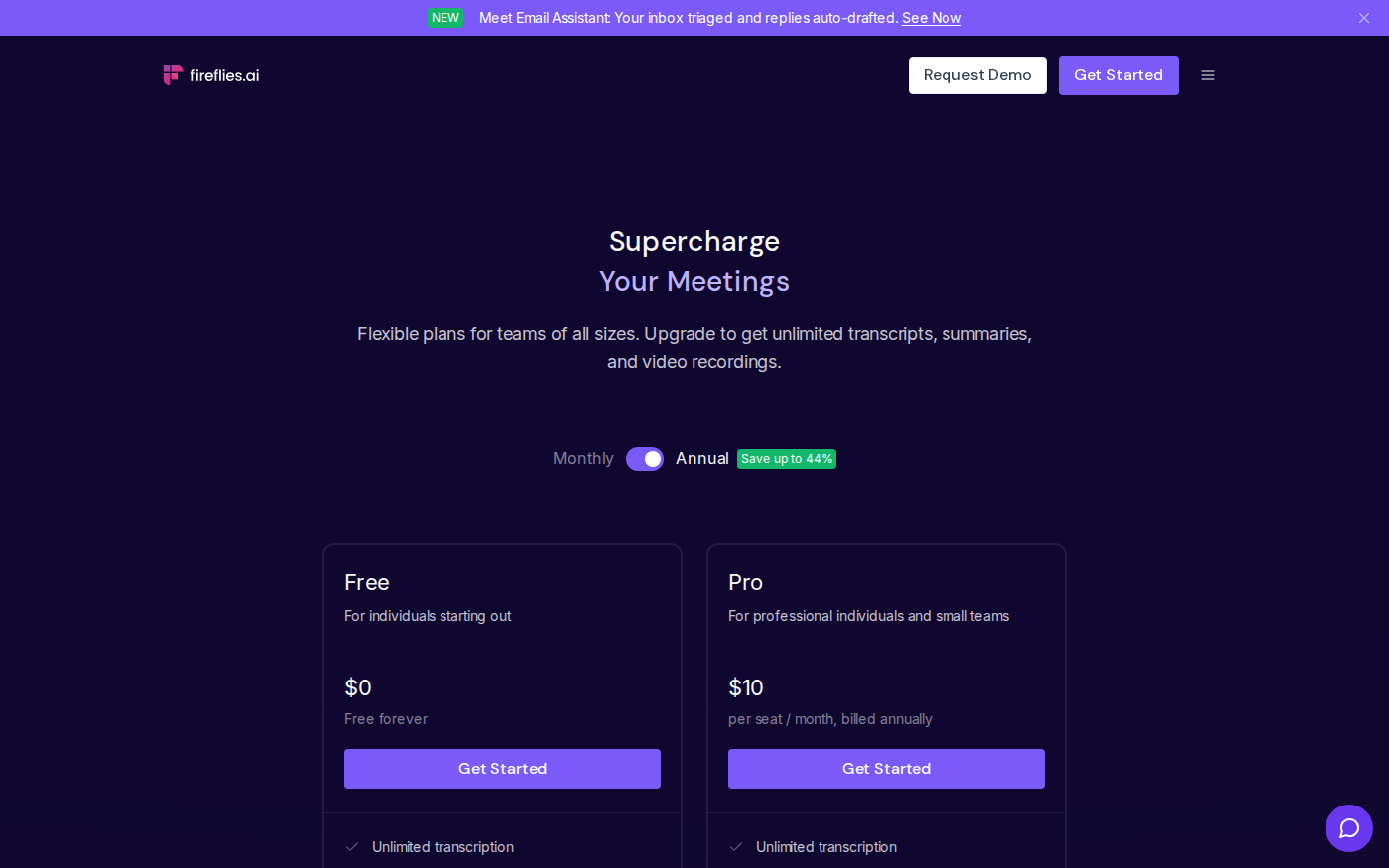
Otter vs Fireflies: Which Meeting Assistant Fits Your Team?
Last checked: August 14, 2026 · Category: AI productivity tools Otter and Fireflies solve the same basic problem, but their pricing meters and strongest use cases are different.…