
Krisp
AI noise cancellation for crystal-clear calls in any environment
Krisp is an AI-powered noise cancellation application that removes background noise, echo, and unwanted sounds from voice communications in real time. It works at the operating system level, processing audio from any microphone or speaker, making it compatible with virtually all communication applications including Zoom, Microsoft Teams, Google Meet, Slack, Discord, Skype, and hundreds of others.
The technology behind Krisp uses deep neural network models that have been trained on a diverse dataset of noise types and speech samples. This training enables the AI to distinguish between human voices and background sounds with remarkable accuracy, removing keyboard clatter, traffic noise, construction sounds, crying babies, barking dogs, and even music while preserving the clarity and naturalness of the speaker's voice.
Krisp operates entirely on-device, processing audio locally without sending data to the cloud. This approach ensures privacy and security, as voice data never leaves the user's device. The local processing also means Krisp works reliably even in environments with poor or no internet connectivity, which is important for users in remote locations or those experiencing network issues.
One of Krisp's key advantages is its bidirectional noise cancellation. It can simultaneously remove noise from the microphone (so others don't hear background sounds) and from the speaker output (so the user doesn't hear noise from other participants). This dual functionality provides a cleaner conversation experience for everyone involved.
Krisp Meeting Assistant is an extension of the core noise cancellation technology, offering AI-powered meeting transcription, note-taking, and summary generation. This feature captures everything said in a meeting and provides actionable summaries, reducing the need for manual note-taking and helping teams reference what was discussed.
The application is particularly valuable for remote workers, customer support agents, online educators, podcasters, and anyone who participates in frequent voice or video calls. In environments like open offices, coffee shops, home offices with family noise, or outdoor locations, Krisp allows users to maintain professional communication standards regardless of their physical environment.
Krisp integrates as a virtual audio device, meaning setup is straightforward — users simply select "Krisp Microphone" and "Krisp Speaker" as their audio devices in any application. No additional configuration within individual applications is needed.
Key Features
- Real-time background noise removal from microphone
- Bidirectional noise cancellation for both mic and speaker
- On-device processing for privacy and offline use
- Compatible with all communication apps (Zoom, Teams, etc.)
- AI meeting transcription and note-taking
- Meeting summary generation
- Echo and reverb removal
- Works with any microphone or headphone
- Easy virtual audio device setup
- Low CPU usage with optimized processing
Frequently Asked Questions
Is Krisp free to use?
Yes, Krisp has a free plan that includes 60 minutes of noise cancellation per day plus a couple of AI meeting summaries. The Pro plan is $8 per month billed annually (about $12 monthly) and unlocks unlimited noise cancellation, unlimited AI summaries and action items, meeting recording, and meeting history. The Business plan at $15 per month adds CRM integrations, SSO, and team management.
How well does Krisp remove background noise?
Krisp's noise cancellation is considered best in class, suppressing keyboard typing, dog barks, echo, and background chatter by more than 40 decibels while keeping the speaker's voice clear. All processing runs locally on your device, so no audio is sent to the cloud. It works as a virtual microphone and speaker layer with any app, including Zoom, Teams, Google Meet, and Slack.
Who is Krisp best suited for?
Krisp is ideal for remote workers, call center and customer support agents, podcasters, and anyone taking calls in noisy environments. Call centers in particular use its accent conversion and bidirectional noise removal. Because it sits at the device level, it benefits people who switch between multiple meeting apps and want clean audio without configuring each one separately.
What does Krisp's accent conversion feature do?
Krisp's accent conversion can transform spoken English into a more neutral, easier-to-understand version in real time, aimed at call center and support teams. As of 2026 it supports a limited set of English accents, including Indian, Filipino, African, and Latin American, so it is targeted at specific support use cases rather than a universal accent tool.
Is Krisp easy to use for beginners?
Yes, Krisp is straightforward. Install the app, select Krisp as your microphone and speaker in your meeting tool, and toggle noise cancellation on. It then works across every call without per-meeting setup. The AI meeting notes and summaries are generated automatically after calls, requiring no manual configuration once the app is running.
Alternative Tools
Other Productivity tools you might like

Beautiful.ai
ProductivityAI-powered presentation tool with smart auto-design and layout intelligence

AutoGPT
ProductivityAutoGPT is a pioneering open-source autonomous AI agent framework that lets you assign a high-level goal and watches it autonomously plan, research, write code, browse the web, and execute tasks until the objective is complete.

Calendly AI
ProductivityAI scheduling platform that automates meeting booking with shareable calendar links.

ChatPDF
ProductivityAI tool that lets you chat with any PDF document, asking questions and getting instant answers with citations from research papers, contracts, textbooks, and more.

ClickUp AI
ProductivityClickUp AI is an all-in-one project management platform with built-in AI that writes, summarizes, generates action items, and automates work across tasks, docs, whiteboards, and goals.

Clockwise
ProductivityAI calendar optimization that protects Focus Time and reduces meeting overload
Tags
Related Guides
AI Sales Call Review Workflow 2026: Krisp, Whisper, AssemblyAI, Otter, Fireflies, and Descript Without Creepy Surveillance
Last updated: August 2, 2026 · Category cluster: AI audio tools A sales call is not automatically coachable just because software recorded it.…

PhotoRoom vs Pixlr: Which Is Better for Product Photos?
Last checked: September 4, 2026 · Category: AI image tools PhotoRoom is the more direct choice for turning product photos into consistent marketplace images; Pixlr is the more flexible choice when…

CapCut vs Descript: Which Editor Fits Talking-Head Videos?
Last checked: August 28, 2026 · Category: AI video tools CapCut and Descript can both turn a talking-head recording into a captioned video, but they make different parts of the edit feel primary.…
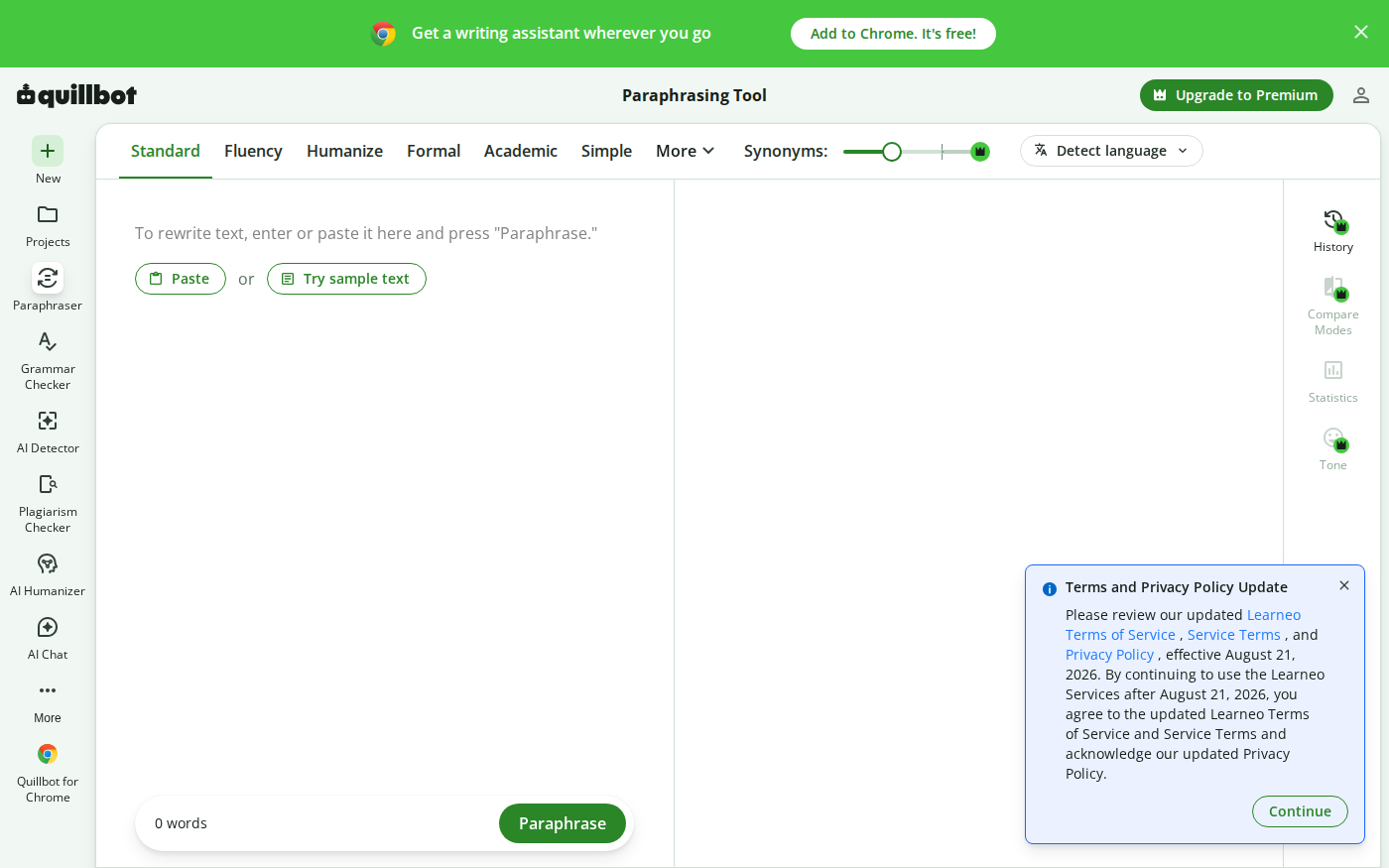
Wordtune vs QuillBot: Which Rewriter Gives You More for Free?
Last checked: August 21, 2026 · Category: AI text-generation tools Wordtune and QuillBot can both rewrite an awkward sentence, but their free plans place the limit in different places.…