AI Voice Tools for Podcasts, Training, and Product Videos in 2026: ElevenLabs, Murf, Descript, Suno, and Whisper
Last updated: 2026-06-18 · Category cluster: Audio
AI voice tools have crossed the line from novelty demos into daily production. A small team can now record a rough script in the morning, clean the audio before lunch, generate a voiceover in the afternoon, cut a podcast clip before the end of the day, and still have a transcript ready for search, support, or training. That speed is useful. It is also a trap. If every team member uses a different voice, a different transcript editor, and a different file-naming habit, audio becomes another messy folder that nobody wants to maintain.
This guide is for founders, marketers, learning teams, podcasters, product marketers, customer education teams, and creators who need professional-sounding audio without building a full studio. The practical stack in 2026 is not one magic app. It is a set of lanes: ElevenLabs for expressive voice generation and dubbing, Murf AI for business voiceovers, Descript for editing recorded speech, Suno and Udio for music experiments, Whisper and AssemblyAI for transcription, and Krisp for cleaning calls before they become source material. The wider category is mapped in the findaiverse Audio tools hub.
The hard part is not pressing generate. The hard part is deciding which voice can represent your brand, which recordings are safe to clone, how scripts should be reviewed, how transcripts should be corrected, and where final assets should live. Audio sounds personal. That is why teams need stricter rules than they use for a quick image draft.
- Separate audio jobs before choosing tools — Voice generation, recording cleanup, transcript editing, music, dubbing, and publishing should not all be handled in one place.
- Treat scripts as the source of truth — A polished synthetic voice cannot rescue a vague script, weak pacing, or a claim your team cannot defend.
- Consent and brand safety matter — Do not clone voices without permission, and keep a written rule for which voices may appear in public assets.
- Transcripts create reuse value — Every podcast, webinar, demo, and training video should produce searchable notes, clips, subtitles, and internal knowledge.
Why AI voice tools need a production workflow
The first wave of voice AI felt like a toy: type a sentence, hear a surprisingly human voice. Then the use cases got serious. Teams started using synthetic narration for onboarding videos, product explainers, help center clips, sales training, ad variants, podcast intros, accessibility reads, and localized demos. The cost difference is real. A voiceover that used to require booking talent, reserving a studio, recording pickups, and waiting for edits can now be revised in minutes.
But voice is less forgiving than text. A blog draft can be skimmed and edited quietly. A bad voiceover makes people uncomfortable in seconds. The wrong pacing feels cheap. Over-bright emotion makes a product video sound like an ad from another category. A cloned voice without clear permission can create legal and trust problems. An inaccurate transcript can quietly pollute your knowledge base. AI makes audio easier to create, but it does not make audio lower risk.
A good workflow has four layers. The script layer defines the message, audience, claims, pronunciation notes, and target length. The voice layer chooses the speaker, language, tone, consent status, and reuse rights. The production layer handles recording, generation, cleanup, editing, music, subtitles, and file export. The review layer checks facts, pronunciation, brand tone, accessibility, rights, and final placement. If those layers are visible, tools become useful. If they are not, the team creates a pile of polished but unreliable sound files.
The Audio category on findaiverse is organized around that production view. A founder asking for “the best AI voice tool” may actually need transcript search. A course creator may need a stable narrator. A support team may need call cleanup and summaries. A podcast team may need editing and short clips. The right answer changes once the job is named.
The five audio jobs small teams should split
The first job is synthetic narration. This is where ElevenLabs, Murf AI, Play.ht, and Typecast belong. They help turn scripts into voiceovers for training, product education, ads, demo videos, and internal enablement. ElevenLabs often stands out when expression and multilingual voice work matter. Murf is friendly for corporate narration and slide-style content. Play.ht and Typecast are useful when teams want a library of voices and quick production controls.
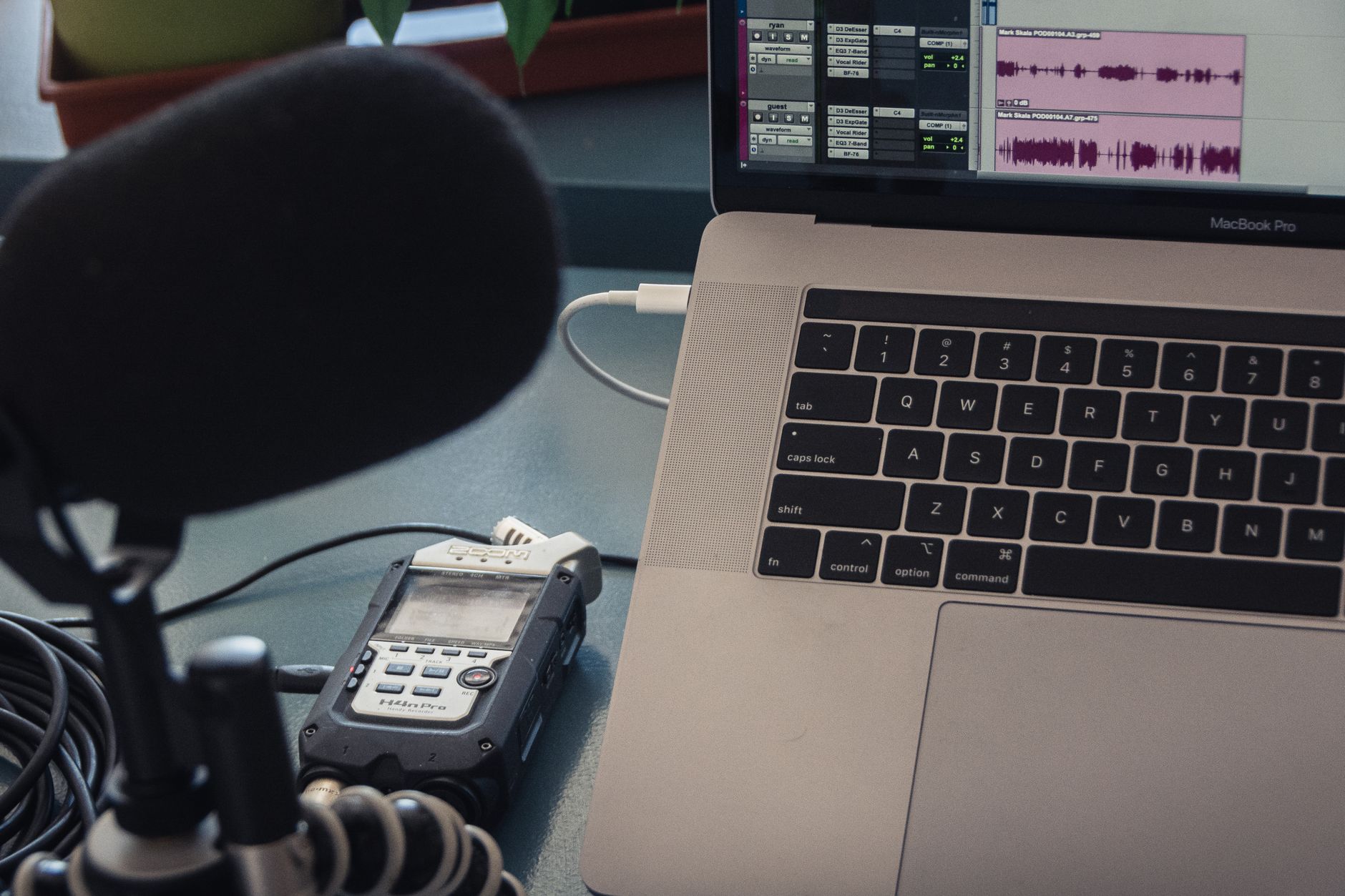
The second job is recorded-speech editing. Descript is strong here because it treats audio and video like a document. If a podcast host says the wrong sentence, the editor can work through text, remove filler words, find sections, create clips, and keep the timeline moving. That matters for teams that record humans and need to turn messy speech into something watchable. Voice generation is optional. The editing workflow is the core value.
The third job is transcription and speech intelligence. Whisper is widely used because it is flexible and good enough for many transcription tasks. AssemblyAI adds developer-friendly APIs and speech analysis features for teams building products, dashboards, or automation around audio. Meeting tools such as Otter.ai, Fireflies.ai, tl;dv, and Tactiq turn calls into notes, action items, and searchable archives.
The fourth job is noise cleanup and call quality. Krisp does not sound flashy compared with a voice-cloning demo, but it can save a recording before the AI transcript ever sees it. Bad source audio makes every downstream step worse. Echo, keyboard noise, room noise, and overlapping speakers create bad transcripts and tiring videos. Cleanup belongs near the start of the workflow, not as a desperate fix after publishing.
The fifth job is music and audio identity. Suno and Udio are useful for exploring intros, background ideas, and creative references. Teams still need to check licensing terms and brand fit before using generated music in public assets. For many companies, the safest use is ideation, internal drafts, or commissioned direction rather than final commercial audio. The temptation is to use everything because it sounds good. Do not. Rights and consistency still matter.
ElevenLabs, Murf, Descript, Suno, Whisper, and AssemblyAI compared
| Audio need | Best starting tools | Use it for | Watch out for |
|---|---|---|---|
| Expressive AI voice | ElevenLabs, Play.ht | Narration, dubbing, product explainers, localized demos. | Voice rights, consent, pronunciation, overacting. |
| Business voiceovers | Murf AI, Typecast | Training, sales enablement, slides, corporate videos. | Generic pacing if the script is not edited for speech. |
| Podcast and video editing | Descript | Speech editing, filler removal, clips, captions, repurposing. | Automated edits still need a human ear. |
| Transcription and APIs | Whisper, AssemblyAI | Subtitles, knowledge bases, product features, search archives. | Speaker labels, proper nouns, and compliance review. |
| Music ideas | Suno, Udio | Intro concepts, mood boards, creative exploration. | Licensing, platform rules, and brand consistency. |
There is no single winner because audio production has different failure modes. A synthetic narration tool can sound beautiful and still be wrong for a compliance training video. A transcript tool can be accurate enough for search but not accurate enough for legal discovery. A music tool can generate a catchy hook and still create licensing questions your team does not want. Compare tools by risk, not only by sound.
For most small teams, a safe first stack is simple: write the script in a document, generate narration with ElevenLabs or Murf, edit recorded material in Descript, transcribe with Whisper or AssemblyAI, and use Krisp before important calls. Add Suno or Udio only when music is truly part of the deliverable. Add meeting tools when calls create reusable knowledge.
The best test is one real asset. Pick a customer onboarding video, a product demo, or a webinar recap. Measure script time, generation time, editing time, review time, transcript correction time, and whether the published asset gets reused. If the tool sounds impressive but increases review work, it is not the right tool yet.
A practical voice workflow from script to published asset
Start with the script. Writing for the ear is different from writing for a page. Sentences need to be shorter. Transitions need to be obvious. Acronyms need pronunciation notes. Product names, customer names, numbers, and URLs need careful handling. A strong script includes pauses, emphasis notes, and a target duration. A weak script asks the voice model to create energy that the words do not contain.
Next, choose the voice lane. If a human executive or founder voice will be cloned, get explicit written permission and define the allowed use. Internal training? Public ads? Investor updates? Localized demos? A voice should not drift from one context to another without approval. If you use stock synthetic voices, still record which voice ID, language, and settings were used so the team can reproduce the style later.
Generate in short sections. Long single-pass narration is harder to fix. A 90-second product video may work better as six blocks: hook, problem, demo context, feature explanation, proof, and CTA. Export each block, listen in order, then stitch or edit in Descript. For recorded speech, clean the room noise first, correct the transcript, then cut. Do not cut from an uncorrected transcript and assume the audio stayed natural.
After the first edit, review in three passes. The message pass checks whether the asset says the right thing. The audio pass checks pacing, pronunciation, breath, noise, volume, transitions, and fatigue. The rights pass checks voice permission, music use, source clips, customer mentions, and claims. Many teams only do the audio pass. That is why good-sounding assets still create trouble.
Publishing should create more than one file. A product video may need the final MP4, a clean WAV, an SRT caption file, a transcript, a short clip, a thumbnail note, and a source script. Store them together. Audio is expensive to rediscover. A searchable transcript and clean source files turn one recording into future blog posts, help articles, clips, and sales snippets.

Voice quality, rights, consent, and brand safety
Voice quality is partly technical and partly editorial. The technical side is sample rate, noise, volume, room tone, pronunciation, clipping, and timing. The editorial side is whether the voice feels credible for the subject. A playful voice can work for a creator intro and feel wrong for security training. A calm corporate voice can work for onboarding and feel dead in a product launch. Match the voice to the promise you are making.
Consent is the line teams cannot blur. Do not clone a colleague, customer, contractor, executive, actor, or creator without written permission. Do not assume “we have an old recording” means the team can use it for synthetic speech. Keep a voice register: voice owner, consent date, allowed use, renewal rule, tool used, and owner inside the company. This sounds boring until someone asks why a voice appears in an ad.
Brand safety also includes claims. A friendly voice can make a promise feel warmer, but the promise still needs proof. If the script says a tool saves 50 percent of support time, someone needs the source. If a demo voice says a feature is available in all plans, pricing needs to be current. AI audio is persuasive because it feels human. That is exactly why factual review matters.
Accessibility should not be an afterthought. Captions, transcripts, clean audio levels, and clear pacing help more people use the asset. They also help search, support, and internal knowledge. If a team is already generating voice, producing a transcript and subtitles is not extra polish. It is part of the deliverable.
Recommended stacks for podcasts, training, product videos, and support
For podcasts, use Krisp or a good recording setup at the start, Descript for editing, Whisper or AssemblyAI for transcripts, and a separate review step for show notes. If you use AI voices, keep them to intros, ads, summaries, or clearly disclosed segments unless the show format is built around synthetic narration. Listeners build trust with voices. Sudden synthetic segments should not feel like a trick.
For training and customer education, start with Murf or ElevenLabs, then edit with a timeline tool and export captions. Training content changes often, so keep scripts modular. A short block about pricing, policy, or a feature limit should be easy to regenerate without redoing the whole course. This is where synthetic voice is genuinely practical: updates stop being a full production day.
For product videos, combine a tight script, screen recording, synthetic narration, captions, and a transcript. The voice should not explain every pixel. It should tell the viewer what decision they can make next. Use Rask AI or HeyGen if localization becomes a real part of the workflow, but test with one market before translating every asset. Bad localization scales embarrassment quickly.
For support and research archives, the key tools are transcription, speaker labels, summaries, and search. Whisper, AssemblyAI, Otter, Fireflies, tl;dv, and Tactiq all live in this neighborhood. The point is not to store every call forever. The point is to capture decisions, objections, bugs, questions, and customer language in a way the team can find later.
Across all stacks, the findaiverse AI tools directory can help you compare adjacent categories. Audio rarely works alone. A strong workflow may involve writing tools for scripts, video tools for clips, design tools for thumbnails, and search tools for research. Audio is the most human layer, but it still needs the rest of the production system.
Field notes from findaiverse curation
After comparing audio tools for findaiverse, the strongest pattern is that teams keep the tools that reduce re-recording. A realistic AI voice is nice. A workflow that lets you fix one sentence without booking a studio is more valuable. Descript stays useful because it makes recorded speech editable. ElevenLabs and Murf stay useful when the team has a stable script process. Whisper and AssemblyAI stay useful because transcripts unlock reuse.
The second pattern is that audio tools expose weak writing. If a script is vague on the page, it becomes painfully vague when spoken. Good voice production starts with ruthless script editing: shorter sentences, clearer claims, fewer stacked adjectives, and real examples. A voice model can add tone. It cannot decide what your product should promise.
The third pattern is that brand teams need an audio style guide. Many companies have logo rules and color rules, but no voice rules. Decide which voices are approved, how fast they should speak, whether music is allowed, how disclaimers are read, how product names are pronounced, and where final audio lives. That style guide does not need to be long. It needs to exist.
Disclosure: findaiverse lists free and paid AI tools. This article is editorial guidance, not a paid placement. Pricing, voice rights, data policies, and commercial-use terms change, so check vendor documentation before standardizing a voice workflow. Start small, keep permission records, and treat every generated voice as a public representation of your brand.
FAQ
What are AI voice tools?
AI voice tools are software products that create, edit, clean, transcribe, dub, or analyze spoken audio. They can generate narration from text, remove noise, edit podcasts through transcripts, produce subtitles, identify speakers, and help repurpose webinars or calls. The best results come from a clear script, clean source audio, permission rules, and human review.
Which AI voice tool should a small team try first?
If the team needs narration, start with ElevenLabs or Murf AI. If it records podcasts or webinars, start with Descript. If transcripts and APIs matter, test Whisper or AssemblyAI. If meetings are the source material, use Otter, Fireflies, tl;dv, or Tactiq. The right first tool depends on the bottleneck.
Can AI voice replace human voice actors?
AI voice can replace some routine narration, draft voiceovers, internal training updates, and fast localization work. It does not replace performance direction, brand judgment, consent management, or high-stakes creative work. For emotional campaigns, character work, and sensitive messages, human talent still brings control and accountability that tools cannot guarantee.
Is it safe to clone a voice for company content?
It can be safe only with explicit permission, written usage limits, and a review process. Keep records of who owns the voice, where it may be used, which tool generated it, and who approves each public asset. Never clone a customer, employee, actor, or public figure from old audio without clear consent.
Final recommendation
Do not choose an AI voice stack by listening to one impressive demo. Choose it by running one full production loop: script, voice, edit, transcript, review, publish, reuse. If that loop gets faster without creating rights or quality problems, the tool deserves a place. Compare more options in the findaiverse Audio hub, then build a small, repeatable workflow before you scale.