
Tome
Tome is an AI-powered storytelling and presentation platform that generates entire pitch decks and proposals from a single prompt, in a dynamic web-native format.
Tome is a next-generation AI-powered storytelling and presentation tool that fundamentally rethinks what a presentation can be. Rather than constraining content to static slides, Tome delivers a dynamic, web-native format that can embed live data, 3D objects, videos, code blocks, and interactive web elements — making presentations feel more like living documents than static decks.
At the heart of Tome is its generative AI engine, which allows users to describe what they want to communicate and receive a fully structured, visually polished presentation in seconds. Users can type a single sentence such as "Create a Series A pitch deck for a sustainable fashion marketplace" and watch Tome generate a complete narrative arc: problem statement, solution, market size, business model, traction, and team slides — each accompanied by relevant AI-generated imagery and coherent copy.
Tome is especially popular among startup founders, product managers, and sales teams who need to rapidly produce high-quality pitch decks, investor updates, product roadmaps, and sales proposals. The platform understands narrative structure and applies it intelligently, ensuring presentations flow logically and compellingly from introduction to call to action.
Unlike PowerPoint or Google Slides, Tome supports embedding rich web content natively. Users can embed live Figma prototypes, Loom videos, Airtable databases, Twitter feeds, and code environments directly into their presentation pages — without screenshots or workarounds. This makes Tome particularly powerful for product demos and technical pitches where showing rather than telling is essential.
Tome's design system generates aesthetically consistent layouts automatically, with support for a wide range of beautiful templates. The AI ensures font choices, color schemes, and spatial arrangements remain cohesive throughout the entire presentation. Users can override any element manually, giving full creative control while benefiting from the AI's structural and visual intelligence.
Key Features
- AI-generated presentations from a single text prompt with full narrative structure
- Web-native dynamic format supporting embedded video, 3D, and live web content
- Native Figma, Loom, Airtable, and code block embeds without screenshots
- AI-generated images for each slide, tailored to presentation context
- Beautiful, auto-consistent design system with curated templates
- Pitch deck and proposal templates built for startup and sales workflows
- Real-time collaboration for teams editing presentations simultaneously
- One-click sharing via public link — no software installation needed for viewers
- AI writing assistant for refining copy, adjusting tone, and expanding sections
- Export options for sharing as web link or downloading as PDF
Frequently Asked Questions
How is Tome different from PowerPoint or Google Slides?
Tome is built as a web-native format rather than a traditional slide tool. Instead of static rectangular slides, Tome pages can contain embedded live content — Figma prototypes, Loom videos, Airtable tables, Twitter feeds, and 3D models — alongside AI-generated text and images. The AI generates entire presentations from a prompt, while PowerPoint and Google Slides require you to build manually. Tome is optimized for sharing via link rather than file export.
Can Tome generate a full pitch deck automatically?
Yes. Tome's AI can generate a complete, structured pitch deck from a single text description. Just describe your company, product, or idea and specify the type of presentation you need. Tome will produce slides covering the standard pitch deck narrative: problem, solution, market size, product, business model, traction, team, and ask. You can then edit any section, regenerate individual slides, or adjust the AI-generated copy and images.
Is Tome free to use?
Tome offers a free tier with access to core features including AI-generated presentations and basic templates. The Pro plan at $16 per month unlocks unlimited AI generations, custom branding, advanced analytics, and priority support. Business plans with custom pricing are available for larger teams needing advanced collaboration, SSO, and dedicated onboarding. The free tier is generous enough for individuals and early-stage projects.
Can I embed videos and interactive content in Tome?
Yes, embedding rich content is one of Tome's core strengths. You can embed YouTube and Vimeo videos, Loom recordings, Figma design files and prototypes, Airtable databases, Google Maps, Twitter/X embeds, and code editors directly into your Tome pages. This makes Tome exceptionally powerful for product demos, technical documentation, and interactive pitches where static screenshots would be inadequate.
How do I share a Tome presentation?
Tome presentations are shared as web links, making them instantly accessible to anyone with a URL — no software installation or account required for viewers. You can set permissions (view-only or comment access), add password protection, and track analytics on who viewed your presentation and for how long. You can also export Tome as a PDF for situations where an offline document is required.
Alternative Tools
Other Productivity tools you might like

Beautiful.ai
ProductivityAI-powered presentation tool with smart auto-design and layout intelligence

AutoGPT
ProductivityAutoGPT is a pioneering open-source autonomous AI agent framework that lets you assign a high-level goal and watches it autonomously plan, research, write code, browse the web, and execute tasks until the objective is complete.

Calendly AI
ProductivityAI scheduling platform that automates meeting booking with shareable calendar links.

ChatPDF
ProductivityAI tool that lets you chat with any PDF document, asking questions and getting instant answers with citations from research papers, contracts, textbooks, and more.

ClickUp AI
ProductivityClickUp AI is an all-in-one project management platform with built-in AI that writes, summarizes, generates action items, and automates work across tasks, docs, whiteboards, and goals.

Clockwise
ProductivityAI calendar optimization that protects Focus Time and reduces meeting overload
Tags
Related Guides

AI Customer Education Video Workflow 2026: Synthesia, HeyGen, Descript, Vrew, and Rask AI for Tutorials That Stay Current
Last updated: July 28, 2026 · Category cluster: AI video tools The most expensive customer tutorial is often the one your team already published.…

PhotoRoom vs Pixlr: Which Is Better for Product Photos?
Last checked: September 4, 2026 · Category: AI image tools PhotoRoom is the more direct choice for turning product photos into consistent marketplace images; Pixlr is the more flexible choice when…

CapCut vs Descript: Which Editor Fits Talking-Head Videos?
Last checked: August 28, 2026 · Category: AI video tools CapCut and Descript can both turn a talking-head recording into a captioned video, but they make different parts of the edit feel primary.…
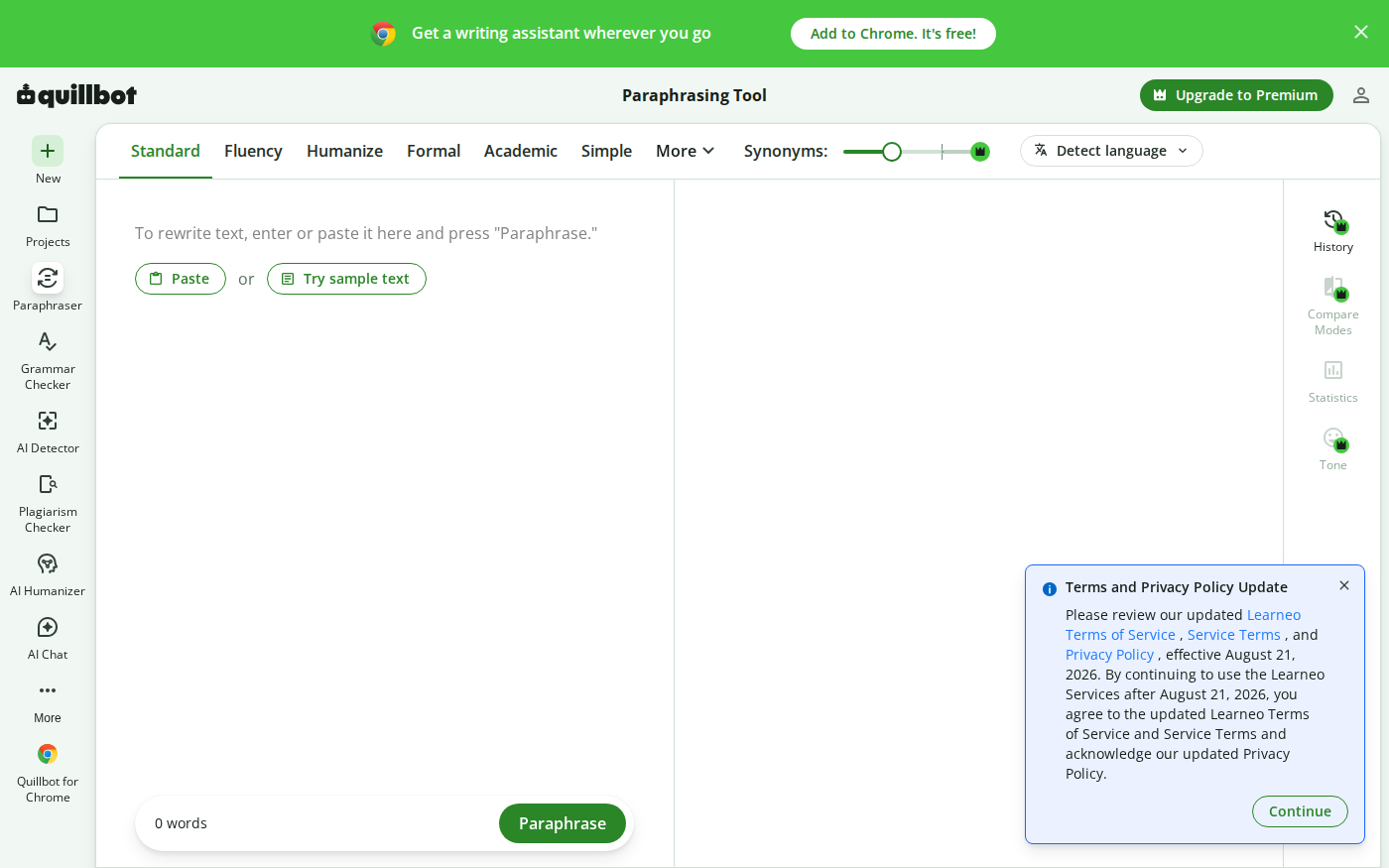
Wordtune vs QuillBot: Which Rewriter Gives You More for Free?
Last checked: August 21, 2026 · Category: AI text-generation tools Wordtune and QuillBot can both rewrite an awkward sentence, but their free plans place the limit in different places.…