
Kling AI
Kling AI is Kuaishou's AI creative studio. Its current Kling 3.0 and 3.0 Omni video models combine synchronized audio-video generation, intelligent storyboarding, and element references.
Kling AI is Kuaishou's browser-based AI creative studio for text-to-video, image-to-video, image generation, motion control, video extension, lip sync, effects, and element reference.
As of August 29, 2026, the official membership page highlights Kling 3.0 and 3.0 Omni for synchronized audio-video generation, intelligent storyboarding, and element reference. It also lists Kling Image 3.0 and 3.0 Omni for cinematic narrative quality, series generation, batch optimization, and direct 2K/4K output, alongside Kling Motion Control and Kling Native 4K Video.
Basic membership costs $0. The current comparison table shows no bundled monthly credits for Basic, while Element AI Multi-Shot includes three free uses per day. Paid memberships add monthly credits, faster generation, watermark removal, commercial-use rights, 1080p/4K video generation, and other tier-dependent benefits.
Key Features
- Kling 3.0 and 3.0 Omni with synchronized audio-video generation, intelligent storyboarding, and element reference
- Image-to-video animation that brings still photos, illustrations, and artwork to life with natural motion
- Advanced physics simulation with realistic gravity, fluid dynamics, fabric movement, and object interactions
- Video extension feature to seamlessly continue existing clips while maintaining scene and character consistency
- Lip sync technology to overlay custom voice audio onto generated characters for dialogue scenes
- Text-to-video generation with support for highly detailed, multi-element prompt descriptions
- High-resolution output with cinematic quality suitable for professional content production
- Kling Image 3.0 and 3.0 Omni with cinematic narrative quality, series generation, batch optimization, and direct 2K/4K output
- Basic $0 plan has no bundled monthly credits; Element AI Multi-Shot currently includes three free uses per day
- Web-based platform requiring no local installation — generate directly in your browser
Frequently Asked Questions
Is Kling AI free to use?
Basic costs $0, but the current comparison table shows no bundled monthly credits; Element AI Multi-Shot includes three free uses per day. The current monthly offer is Standard $6.99 for the first month then $8.80 with 660 credits, Pro $25.99 then $32.56 with 3,000, Premier $64.99 then $80.96 with 8,000, and Ultra $127.99 then $159.99 with 26,000.
What are the current Kling AI models?
The official membership page currently highlights Kling 3.0 and 3.0 Omni for synchronized audio-video generation, intelligent storyboarding, and element reference. It also lists Kling Image 3.0 and 3.0 Omni, Kling Motion Control, and Kling Native 4K Video.
What benefits do paid Kling AI memberships add?
Paid tiers add monthly credits, unlimited task queuing, fast-track generation, 1080p/4K video generation, watermark removal, and commercial-use rights. Pro and higher tiers also receive priority access to new features; benefits vary by tier.
Can Kling AI animate my own photos?
Yes, Kling AI's image-to-video feature can animate any still image you upload. You can bring portraits to life, animate product photos, create motion graphics from illustrations, or generate cinematic sequences from concept art. The model maintains the visual style and identity of the source image while adding realistic motion. You can further guide the animation with a text prompt describing the desired movement.
What is the lip sync feature in Kling AI?
Kling AI's lip sync feature allows you to upload an audio file — a voiceover, dialogue recording, or music — and the model will animate a character's mouth movements to match the audio in real time. This is particularly useful for creating talking head videos, dubbing AI-generated characters in different languages, producing advertisement videos with spoken copy, and generating social media content that features speaking characters. It dramatically reduces the cost and complexity of producing spoken video content.
Alternative Tools
Other Video tools you might like

CapCut
VideoCapCut is ByteDance's AI-powered video editor dominating short-form content creation, offering auto-captions, background removal, AI effects, and seamless TikTok integration across web, desktop, and mobile.

D-ID
VideoD-ID is an AI digital people platform that animates photos into talking head videos with natural facial expressions and lip sync, enabling real-time streaming avatars for education, marketing, and customer support.

HeyGen
VideoHeyGen is an AI avatar video platform that generates professional videos with photorealistic AI presenters from text scripts in 175+ languages.

InVideo AI
VideoInVideo AI is a text-to-video platform that generates complete marketing and social media videos from prompts, with AI script writing, stock footage selection, voiceover, and subtitles built in.

Luma Dream Machine
VideoLuma Dream Machine is an AI video generation model by Luma AI that creates high-quality, physically realistic videos from text and image prompts with remarkably fast generation speeds.

Opus Clip
VideoOpus Clip is an AI-powered video repurposing tool that automatically transforms long-form videos into viral short clips for TikTok, YouTube Shorts, and Instagram Reels.
Tags
Related Guides
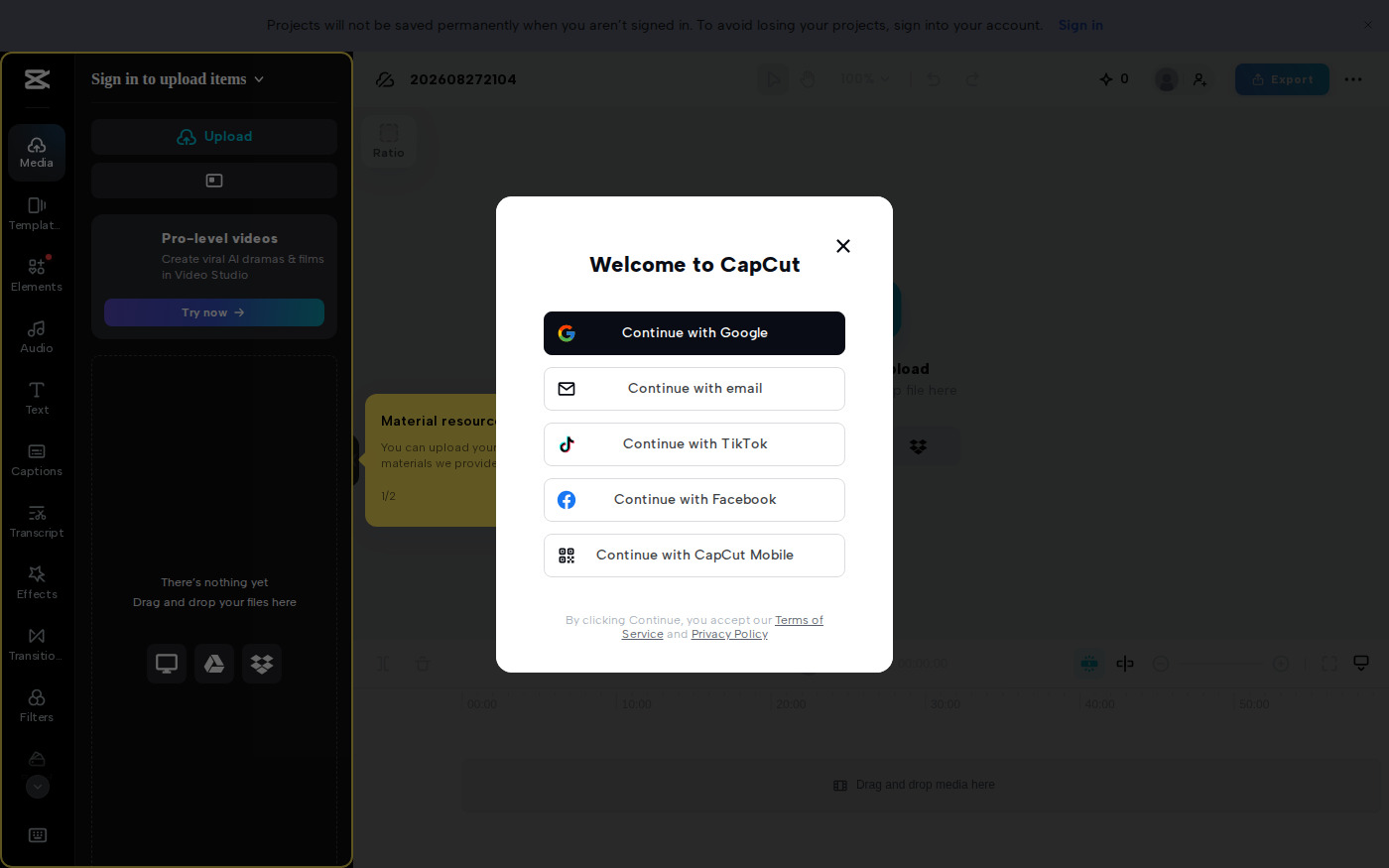
CapCut vs Descript: Which Editor Fits Talking-Head Videos?
Last checked: August 28, 2026 · Category: AI video tools CapCut and Descript can both turn a talking-head recording into a captioned video, but they make different parts of the edit feel primary.…

AI Customer Education Video Workflow 2026: Synthesia, HeyGen, Descript, Vrew, and Rask AI for Tutorials That Stay Current
Last updated: July 28, 2026 · Category cluster: AI video tools The most expensive customer tutorial is often the one your team already published.…
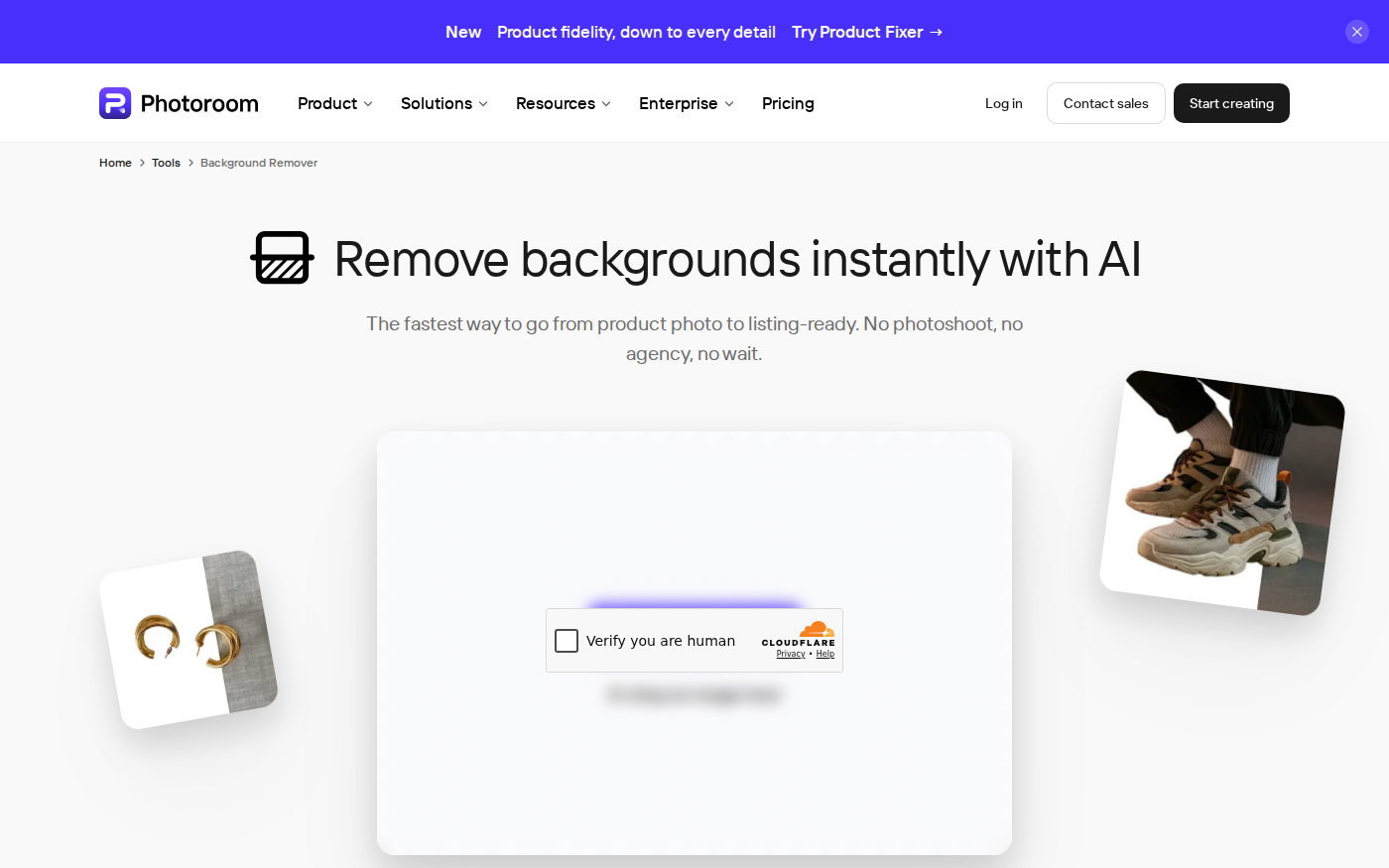
PhotoRoom vs Pixlr: Which Is Better for Product Photos?
Last checked: September 4, 2026 · Category: AI image tools PhotoRoom is the more direct choice for turning product photos into consistent marketplace images; Pixlr is the more flexible choice when…
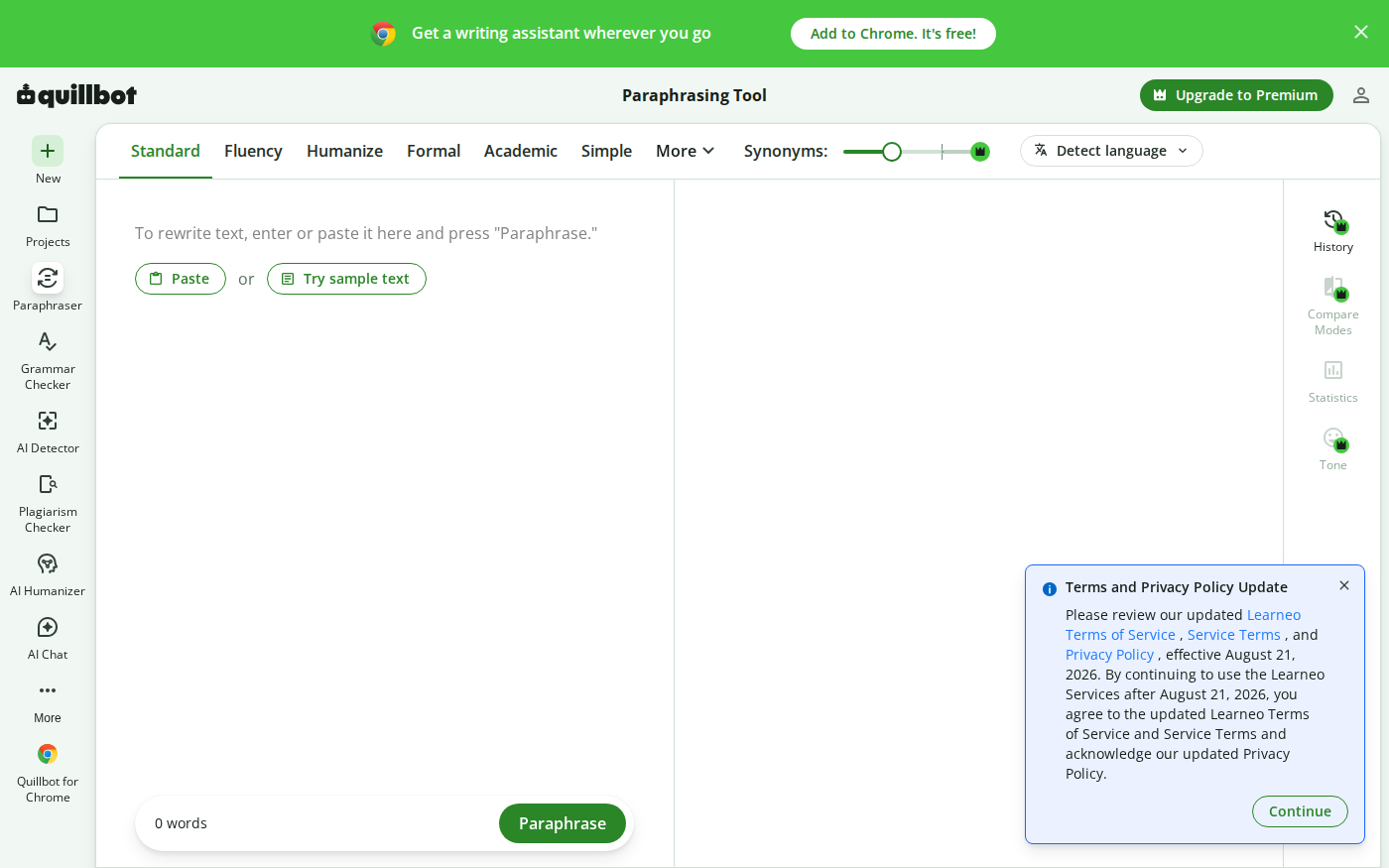
Wordtune vs QuillBot: Which Rewriter Gives You More for Free?
Last checked: August 21, 2026 · Category: AI text-generation tools Wordtune and QuillBot can both rewrite an awkward sentence, but their free plans place the limit in different places.…