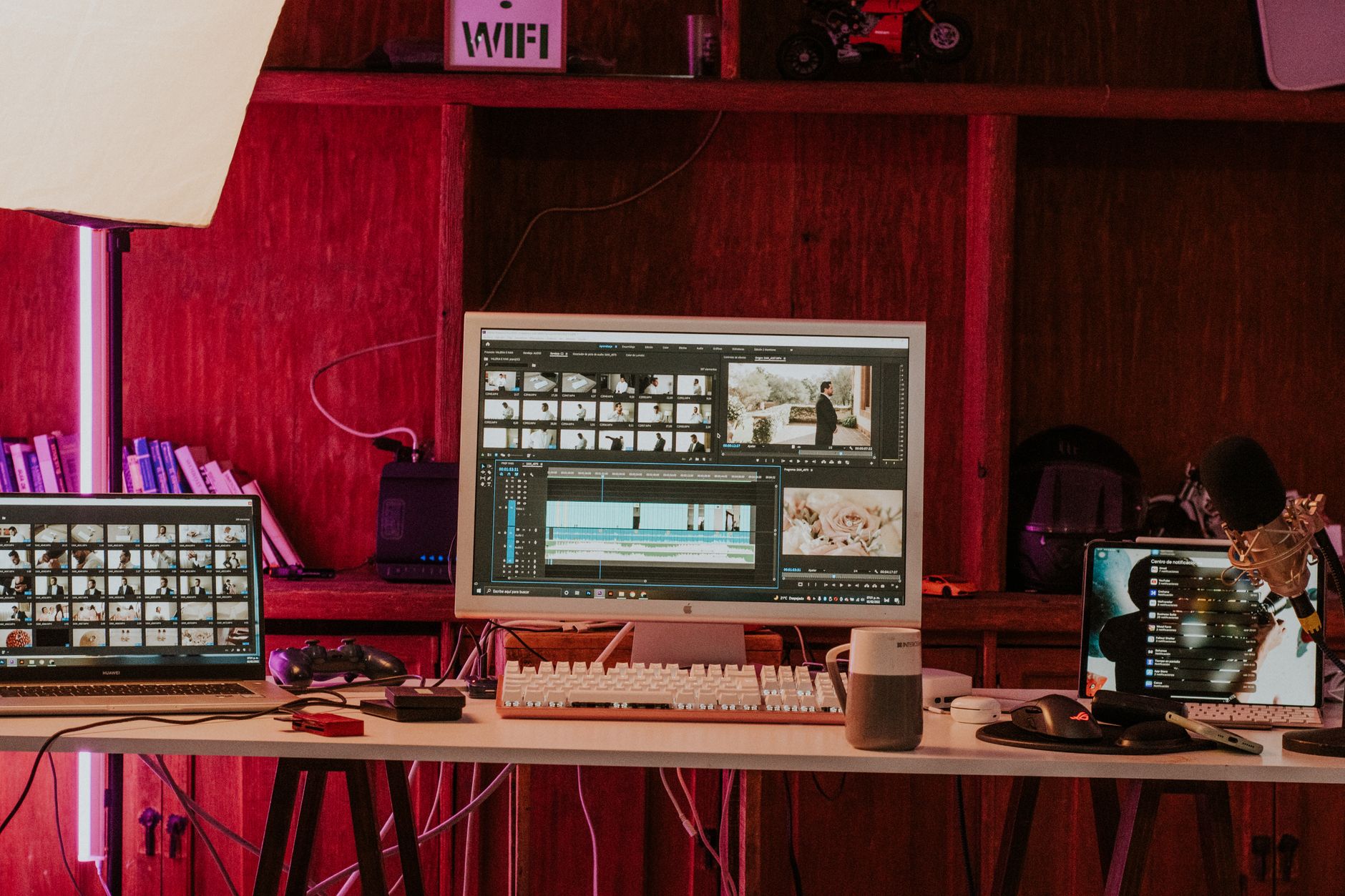
AI Short-Form Video Tools in 2026: Turn Webinars, Podcasts, and Demos Into Clips That People Finish
Last updated: June 13, 2026. Written by the findaiverse curation team after testing common webinar, podcast, demo, and social video workflows across current AI video tools.
Most teams do not need another spectacular AI video demo. They need a reliable way to turn the videos they already have into clips that people actually finish. A sales webinar sits in the archive. A founder records a 38-minute podcast. A product marketer has a demo with two useful minutes hidden near the end. The work is not glamorous: find the best moment, cut dead air, reframe the speaker, add captions, check the hook, export in the right aspect ratio, and publish before the topic goes stale. That is where AI short-form video tools matter in 2026.
This guide is for marketing teams, B2B creators, YouTube channels, coaches, podcast producers, and product teams that already have raw footage but lack editing hours. It is not a generic list of video generators. We focus on repurposing: Opus Clip for clip discovery, Descript for transcript-based editing, CapCut for fast social finishing, Rask AI for localization, tl;dv and Fireflies for meeting source material, plus visual tools such as Runway and Pika when you need missing B-roll. The best stack saves editing time without making your brand sound like a caption farm.
- Start with source quality — AI clipping works better when webinars, podcasts, and demos have clean audio, clear speaker turns, and a visible topic shift every few minutes.
- Opus Clip, Descript, and CapCut solve different jobs — one finds moments, one edits speech, and one finishes for social platforms.
- Captions are not decoration — hook accuracy, line breaks, names, acronyms, and mobile readability decide whether viewers stay.
- Localization needs a reviewer — Rask AI, HeyGen, and voice tools help, but a native speaker still catches tone and product terms.
- Compare more options in the findaiverse AI video tools category.
Why short-form repurposing became the practical AI video workflow
Short-form video used to feel like a separate creative job. A team would plan a TikTok or Reel, shoot it, edit it, write captions, and hope the platform rewarded the effort. Now many useful clips come from long-form material that was already paid for: product demos, webinars, online courses, customer interviews, live streams, sales calls, conference talks, internal training, and podcasts. The raw material is sitting there. The problem is that no one wants to watch every minute again.
AI tools changed the economics because they can scan a transcript, detect topic shifts, suggest hooks, reframe speakers, and create a first pass in minutes. That does not mean every AI-picked clip is good. It means the editor starts from ten candidates instead of a blank timeline. For a small team, that difference is real. If a 50-minute webinar turns into six candidate clips, the human editor can spend the hour on judgment: which claim is strong, which quote needs context, which clip is too salesy, and which one should never leave the archive.
The trap is volume. Publishing twenty weak clips can hurt the brand faster than publishing three useful ones. A better workflow treats AI as a clip scout, not the final editor. Opus Clip can surface moments. Descript can make transcript edits less painful. CapCut can add platform-native polish. The human still decides whether the clip has a point.

Build the workflow around five source types, not one magic button
AI short-form video tools perform differently depending on the source. A podcast has clean turns and long explanations. A webinar has slides, speaker changes, and Q&A. A product demo has screen movement and feature names. A customer interview has strong quotes mixed with sensitive context. A live stream has energy but also filler. Before choosing a tool, label your source. The label tells you which mistakes to expect.
For podcasts, the top task is finding a quote that works without the full episode. The hook must stand alone. Descript is useful here because transcript editing lets you remove repeated phrases, pauses, and side comments while keeping the speaker’s meaning intact. Opus Clip can suggest clips, but a producer should still check whether the quote has enough setup. For webinars, the challenge is slide context. A clip can sound smart while the visual shows the wrong slide. Tools such as tl;dv and Fireflies help capture searchable notes, then Opus Clip or Descript can handle the video pass.
Product demos need extra care. Automatic reframing may crop the UI element that matters. Captions may spell the product name wrong. The safest approach is to mark demo chapters during recording: setup, problem, feature, result, and call to action. If you can give the AI cleaner chapters, the output improves. Customer interviews require even more restraint. Keep permission, claims, and context in the review checklist. The goal is not to squeeze every quote into social. It is to publish the right quote with enough honesty around it.
| Source video | Best AI job | Human review point |
|---|---|---|
| Podcast or interview | Quote discovery, filler removal, captions | Does the quote still make sense alone? |
| Webinar | Topic detection, speaker crop, slide-aware summary | Does the visual match the spoken point? |
| Product demo | Chapter extraction, screen crop, title cards | Are UI labels and product names correct? |
| Live stream | Highlight detection, dead-air removal, fast captions | Is the energy real or just loud? |
Opus Clip vs Descript vs CapCut: where each tool earns its place
Opus Clip is strongest when you have too much footage and too little patience. It can scan long videos, propose short clips, add captions, reframe for vertical formats, and rank clips by predicted potential. Use it as a discovery layer. The best test is not whether it finds one good moment. The test is whether it finds repeatable candidates across ten ordinary videos. If it only works on already dramatic material, it may be a nice toy but a weak weekly system.
Descript sits closer to the editor’s desk. Editing video by editing text still feels strange the first time, then it becomes hard to give up for talking-head content. Remove a sentence, trim a pause, fix a transcript, and the cut follows. It is especially useful for podcasts, customer interviews, webinars, and course videos. The downside is that a clean transcript does not automatically create a social hook. Someone still has to decide where the clip starts. A good opening line is often one sentence before the quote you first liked.
CapCut wins the finishing pass for many social teams. It is quick, familiar, and tuned for short-form habits: captions, templates, music, stickers, aspect ratios, and mobile review. I would not use it as the only decision engine for a long B2B webinar, but I would happily finish selected clips there. The practical stack is simple: Opus Clip finds options, Descript cleans the speech, CapCut makes the clip feel native to the platform. You can swap tools, but keep the jobs separate.
Caption quality is the difference between useful AI and noisy AI
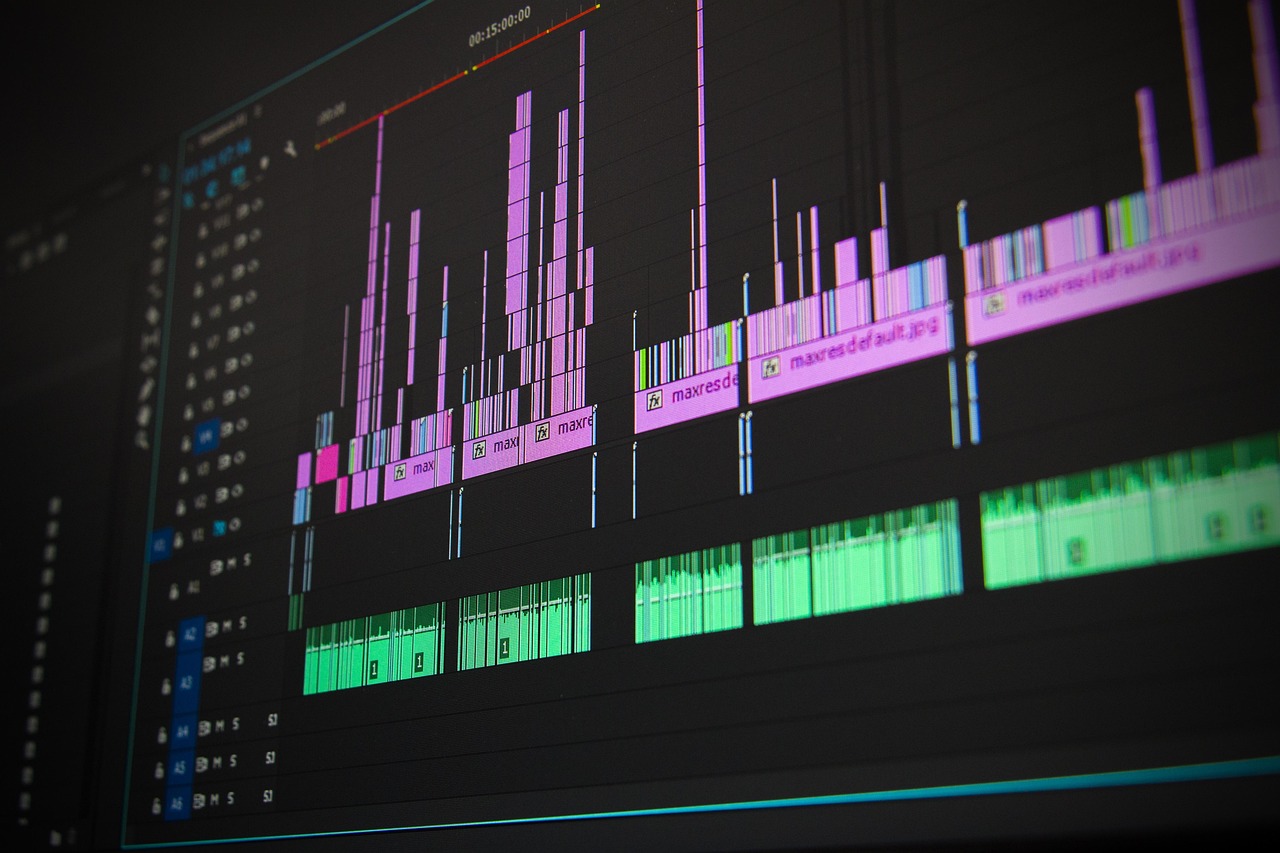
Captions look minor until they are wrong. A misspelled product name, broken line break, or caption that covers the demo button can ruin trust in seconds. AI captions should be reviewed like copy, not decoration. For English clips, check names, acronyms, numbers, pricing, and any claim that could be quoted out of context. For multilingual teams, use a glossary. Put product names, feature names, customer names, and words that should never be translated. Then keep that glossary near your Rask AI, HeyGen, ElevenLabs, or Vrew workflow.
Line breaks matter more than most teams admit. Captions should be short enough to read on a phone but not so chopped up that every word jumps. A good rule is one idea per caption block. If the speaker says, “We cut onboarding time from 14 days to 6 days,” keep that claim together. Do not split the number and the result across different screens. Captions also need contrast, safe margins, and a style that does not fight the video. Trendy captions can help a creator account, but a security software demo may need a calmer style.
Localization adds another layer. Dubbing can make a useful clip travel farther, but literal translation often sounds stiff. Use Rask AI or HeyGen to create a draft, then let a native reviewer fix tone. This is not just grammar. A joke that works in an English podcast may sound rude in Japanese. A direct sales phrase may feel too aggressive in Korean. Short-form video travels fast; awkward localization travels fast too.
A 90-minute workflow for turning one webinar into six reviewable clips
Here is the workflow we use as a benchmark at findaiverse. It is not perfect, but it is repeatable. First, export the webinar with separate audio if possible. Clean audio makes every later step better. Second, run the video through a clipping tool such as Opus Clip and ask for ten to fifteen candidates, not fifty. Too many candidates recreate the original problem. Third, open the transcript in Descript or a similar editor and check the top candidates against the full context. Remove clips that depend on an earlier slide or a missing explanation.
Fourth, choose six clips with different jobs: one pain-point clip, one practical tip, one product proof, one objection answer, one customer quote, and one strong opinion. Fifth, finish the clips in CapCut or your main editor. Add captions, adjust crop, check the hook, and add a clear ending. Sixth, write platform-specific copy. LinkedIn may need context, YouTube Shorts may need a direct title, and TikTok may need the strongest line first. Seventh, log the result after publishing: retention, completion rate, saves, comments, and whether the clip sent traffic to the full webinar or product page.
This entire pass can fit into 90 minutes when the source video is clean and the decision rules are clear. The first attempt may take longer. That is fine. After three webinars, the team starts to know which speakers, topics, and formats produce good clips. AI finds candidates; your archive teaches strategy.

Where generative video tools fit into a repurposing stack
Repurposing does not mean you can never generate new visuals. Sometimes the original clip needs a missing establishing shot, a background loop, a simple product metaphor, or a title animation. Tools such as Runway, Pika, Luma Dream Machine, Sora, and Kling can help, but they should not distract from the actual message. If a founder explains a useful lesson, the lesson is the asset. A dramatic AI-generated background may make the clip weaker.
Use generative visuals for gaps, not for noise. A product demo might need a clean opener. A podcast clip might need a branded motion background. A webinar clip might need a simple diagram because the original slide is too dense for a phone. In those cases, short generated shots can help. Keep them simple, avoid fake product claims, and save the prompt with the project file. If someone asks where the visual came from, the team should know.
There is also a rights question. Read vendor terms before using generated visuals in paid ads, client deliverables, or public campaigns. The safest team habit is to keep a small production log: source video, AI tools used, prompts, editor, reviewer, final export link, and publish date. It sounds boring. Boring records prevent awkward questions later.
What we learned from testing AI clip tools on ordinary videos
Our most useful tests were not on polished keynote videos. We used ordinary material: a 42-minute product webinar with two speakers, a founder podcast with rambling answers, a customer demo where the screen was too small, and a training session with plenty of filler. The AI tools looked less magical there, but the test was fair. Real teams rarely have perfect source footage.
Opus Clip found several good moments in the webinar but also overvalued loud phrases that were not useful without context. Descript made the podcast edit much faster, though the transcript needed product-name fixes. CapCut was the quickest way to create a social version once the clip was selected. Rask AI produced a solid localization draft, but a native reviewer still changed phrasing and pacing. The biggest improvement came from changing how we recorded the next webinar: clearer chapter transitions, a short recap every ten minutes, and fewer overlapping speaker moments. Better inputs made the AI look smarter.
That is the lesson I would give any team starting now. Do not only compare tools. Improve the footage you feed them. Add chapter markers. Ask speakers to restate the question. Keep slides visually simple. Record clean audio. The clip stack will pay you back faster.
Frequently Asked Questions
What are AI short-form video tools?
AI short-form video tools help turn longer videos into short clips by detecting highlights, editing transcripts, reframing speakers, adding captions, translating speech, and exporting social-ready formats. They work best as a first-pass assistant. A human should still check context, captions, claims, brand tone, and final platform fit.
Which tool should I try first for webinars?
Start with Opus Clip if the main problem is finding good moments inside long recordings. Add Descript if you need transcript-level editing, then finish selected clips in CapCut or your normal editor. If your webinars include slides, check every clip visually before publishing.
Can AI choose clips without a human editor?
It can choose candidates, but fully automatic publishing is risky. AI often picks energetic lines that miss context, overstates a claim, or crops the wrong screen area. A fast human review keeps the time saving while protecting the brand.
How many clips should one webinar produce?
For most B2B teams, three to eight good clips beat twenty average ones. Start with six reviewable clips: pain point, tip, proof, objection answer, customer quote, and opinion. Track completion rate and comments, then adjust future recordings around the formats that work.
Final take: ship fewer, better clips from the video you already own
The strongest AI short-form video workflow is not about flooding every platform. It is about finding the best moments faster and giving them the care they deserve. Use Opus Clip for discovery, Descript for speech edits, CapCut for finishing, Rask AI or HeyGen for localization, and Runway or Pika only when a missing visual really helps. To keep comparing options, browse the AI video tools, the AI audio tools, and the full findaiverse AI tools directory.