
Simplified
All-in-one AI platform for writing, design, video, and social media management
Simplified is an all-in-one AI-powered creative platform designed for marketing teams, content creators, and social media managers. It brings together AI writing, graphic design, video editing, social media management, and publishing in a single workspace, eliminating the need to switch between multiple specialized tools.
The AI writing capabilities in Simplified cover a wide range of content types. The platform can generate blog posts, social media captions, email newsletters, ad copy, product descriptions, and long-form articles. Users can choose from multiple AI tones and styles to match their brand voice, from professional and formal to casual and conversational.
The graphic design features are built on a template-based system with thousands of professionally designed templates for social media posts, presentations, marketing materials, thumbnails, and more. Users without design experience can create polished visuals by simply customizing these templates with AI-powered tools for background removal, image enhancement, and automated design suggestions.
Simplified's AI image generation feature allows users to create original visuals from text prompts, providing a quick way to generate unique imagery for content without needing to source stock photos or commission illustrations. The generated images can be used directly in designs or as starting points for further customization.
The video editor supports creating social media videos, short clips, and presentations from templates or from scratch. The platform includes AI-powered features like automatic video resizing for different platforms, subtitle generation, and content repurposing tools that convert long videos into short social clips.
Social media management is integrated directly into Simplified, allowing teams to schedule, publish, and monitor content across multiple social platforms from a single dashboard. The analytics features provide insights into content performance, helping teams optimize their social media strategy.
For team collaboration, Simplified provides shared workspaces where multiple team members can work on projects simultaneously, share assets, and review content before publishing. Brand kit features ensure consistent use of logos, fonts, and brand colors across all content.
The platform's publishing integrations extend to WordPress, Shopify, and other CMSs, allowing content created in Simplified to be published directly to websites and blogs without additional steps.
Key Features
- AI writing for blogs, social media, ads, and emails
- Graphic design with 10,000+ templates
- AI image generation from text prompts
- Video editor with social media optimization
- Social media scheduling and publishing
- Background removal and image enhancement
- Team collaboration with shared workspaces
- Brand kit with logo, fonts, and colors
- WordPress and Shopify publishing integration
- Social media analytics and performance insights
Frequently Asked Questions
Is Simplified free to use?
Yes, Simplified has a free plan with one seat, a few connected social accounts, and a one-time batch of AI credits to try the platform, after which core AI features are limited. Paid plans generally range from about $19 per month on the lower Pro annual tier up to roughly $79 per month for Business, with extra costs if you add users, social accounts, or features like bulk scheduling. Custom enterprise plans are available.
What does Simplified combine into one platform?
Simplified bundles a graphic designer, video editor, AI copywriter, and social media scheduler into a single tool, marketing itself as an all-in-one platform for content teams. Instead of separate subscriptions for design, writing, and scheduling, users get these capabilities together, which is its main pitch for small teams and solo marketers managing the full content workflow.
Who is Simplified best suited for?
Simplified is ideal for social media managers, small business owners, and marketing teams that want one platform for design, copywriting, video, and scheduling rather than several tools. Freelancers and small agencies benefit from consolidating their content workflow and reducing the number of subscriptions they manage.
What is the biggest advantage of Simplified?
Simplified's main advantage is consolidating design, AI copywriting, video editing, and social scheduling in one affordable subscription, removing the need to pay for separate specialized tools. The AI-assisted design and writing accelerate content creation, and the integrated publishing workflow lets teams go from idea to scheduled post without switching apps.
Is Simplified easy to use for beginners?
Yes, Simplified is built for ease of use, with a drag-and-drop design canvas, template-driven AI writing, and simple video tools that need no prior design or copywriting experience. AI suggestions and prebuilt templates guide users, so most people can produce professional-looking content within their first session.
Alternative Tools
Other Image Generation tools you might like

Adobe Firefly
Image GenerationAdobe Firefly is a commercially safe generative AI image tool trained on licensed content, deeply integrated into Photoshop, Illustrator, and Adobe Express for professional creative workflows.

Artbreeder
Image GenerationCollaborative AI art tool for breeding and blending images with genetic algorithms

BlueWillow
Image GenerationFree AI image generator using Discord with multi-model routing for best results

Craiyon
Image GenerationFree AI image generator accessible in any browser with no account needed

DALL-E
Image GenerationOpenAI's pioneering text-to-image AI family translating natural language descriptions into detailed images, with industry-leading text rendering accuracy and deep ChatGPT integration.

DreamStudio
Image GenerationOfficial Stable Diffusion web interface with advanced controls from Stability AI
Tags
Related Guides

AI Accessibility Design Review 2026: Figma AI, Framer, v0, and Canva AI Before Usability Testing
Review task states, content extremes, keyboard paths, semantics, responsive behavior, inclusive research, and evidence before an AI-assisted interface reaches usability testing.

AI Design Handoff Workflow 2026: Figma AI, Framer, Canva AI, Napkin AI, and v0 From Approved Concept to Build
Last updated: July 31, 2026 · Category cluster: AI design tools A polished mockup is not a handoff. It can win approval in a review and still leave engineers guessing about loading, empty, error,…
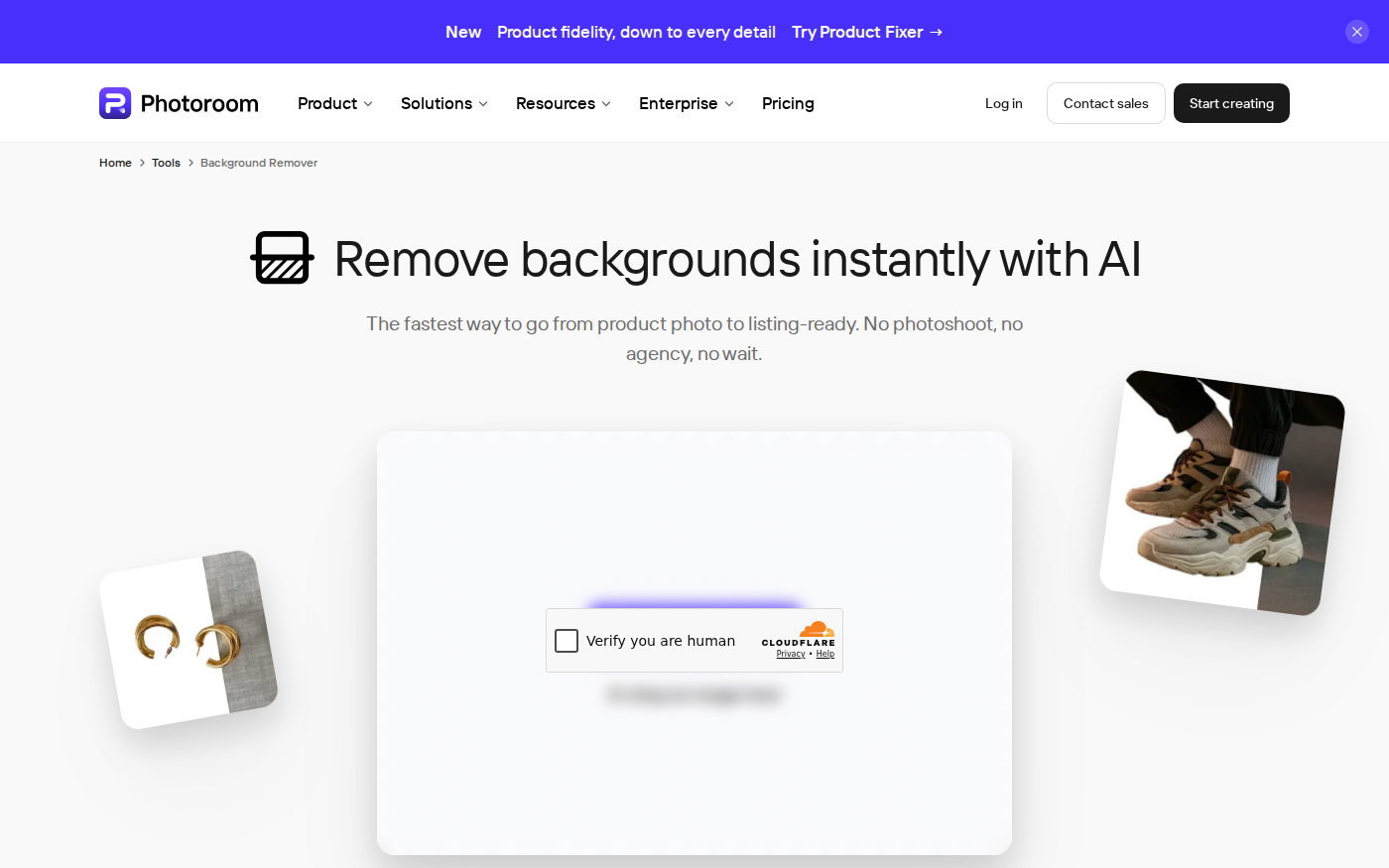
PhotoRoom vs Pixlr: Which Is Better for Product Photos?
Last checked: September 4, 2026 · Category: AI image tools PhotoRoom is the more direct choice for turning product photos into consistent marketplace images; Pixlr is the more flexible choice when…
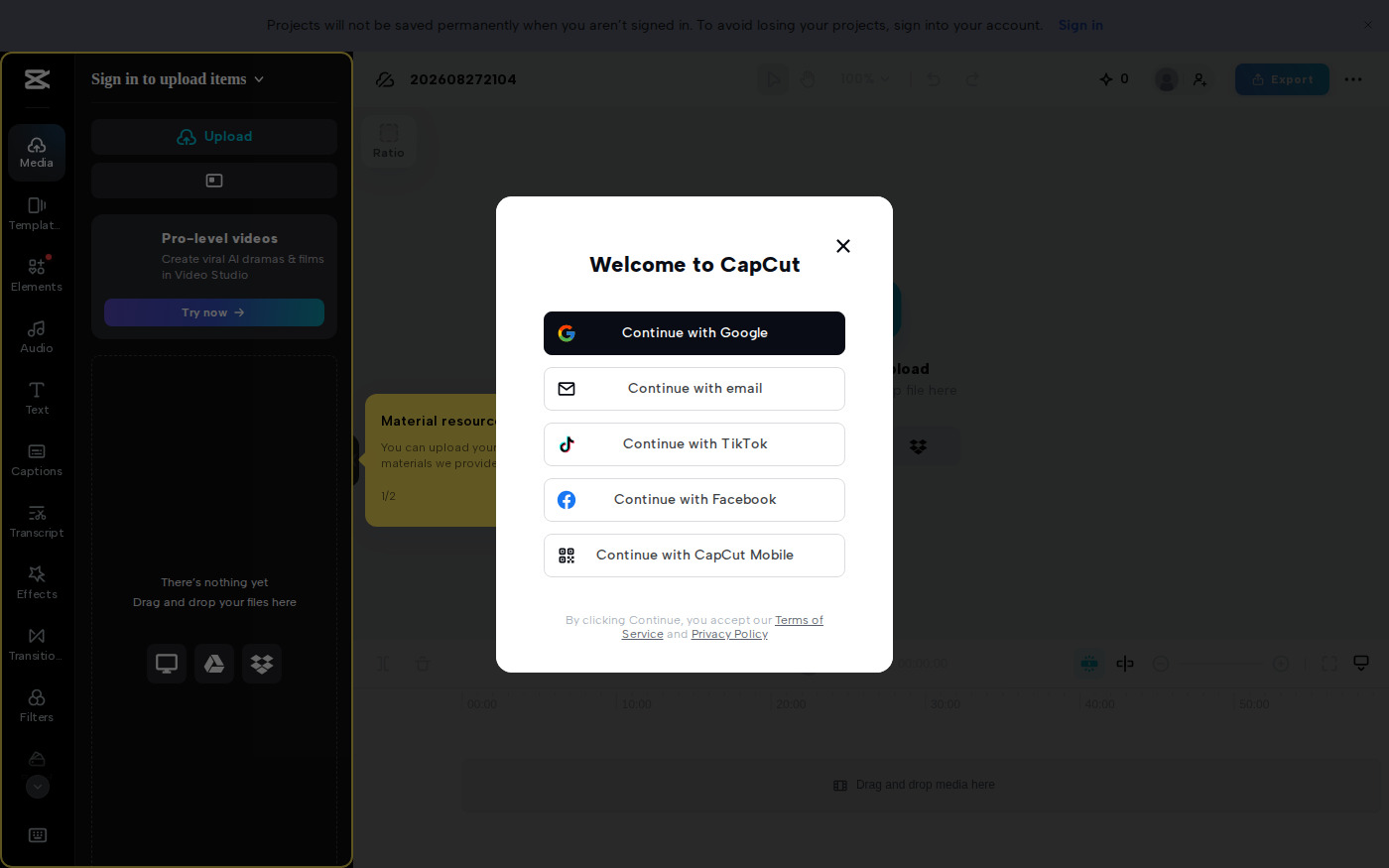
CapCut vs Descript: Which Editor Fits Talking-Head Videos?
Last checked: August 28, 2026 · Category: AI video tools CapCut and Descript can both turn a talking-head recording into a captioned video, but they make different parts of the edit feel primary.…