
Luma Dream Machine
Luma Dream Machine is an AI video generation model by Luma AI that creates high-quality, physically realistic videos from text and image prompts with remarkably fast generation speeds.
Luma Dream Machine is a state-of-the-art AI video generation model developed by Luma AI, a company best known for its pioneering work in neural radiance fields (NeRF) and 3D scene reconstruction. Building on its deep expertise in spatial understanding and realistic rendering, Luma AI created Dream Machine to bring the same level of physical plausibility and visual fidelity to AI-generated video that was previously impossible with earlier text-to-video systems.
At the heart of Dream Machine's differentiation is its understanding of physics and real-world motion dynamics. Unlike many AI video tools that produce motion which looks artificial, floaty, or inconsistent, Dream Machine generates video with movement that follows physical laws: objects have weight, liquids flow naturally, cloth ripples realistically, and camera movements feel grounded. This makes it particularly compelling for cinematic content, product visualizations, and any use case where the realism of motion is critical to the final output quality.
Dream Machine supports both text-to-video and image-to-video generation workflows. Users can describe a scene in natural language and receive a generated video clip, or they can provide a starting image and have the model animate it into motion. The image-to-video mode is especially powerful for creators who have a specific visual style in mind — they can generate or source a frame that captures the exact look they want, then bring it to life with Dream Machine's motion generation capabilities.
Generation speed is one of Dream Machine's most praised qualities. The model produces video in significantly less time than many competing platforms, enabling a faster creative iteration cycle. This speed, combined with the quality of output, has made it a go-to tool for professional creators, video directors, advertising agencies, and social media content producers who need to generate multiple variations quickly.
Luma AI continues to develop Dream Machine with ongoing model updates, the most recent being the Dream Machine 1.5 model, which brings improved motion quality, better prompt adherence, and enhanced handling of complex scenes with multiple subjects. The platform's web interface is accessible with no software installation, and an API is available for developers seeking to integrate video generation into their own workflows and applications.
Key Features
- Text-to-video generation: describe any scene in natural language and receive a high-quality video clip
- Image-to-video animation: provide a starting image and Dream Machine brings it to life with realistic motion
- Physics-aware motion generation — realistic weight, fluid dynamics, cloth simulation, and natural camera movement
- Dream Machine 1.5 model with improved motion quality, prompt adherence, and multi-subject scene handling
- Fast generation speeds — significantly quicker than many competing AI video platforms for rapid creative iteration
- High visual fidelity output suitable for professional creative, advertising, and cinematic use cases
- Multiple output resolution options optimized for social media, web, and broadcast formats
- API access for developers to integrate Dream Machine video generation into applications and workflows
- Web-based platform with no installation required — accessible from any modern browser
- 3D capture and NeRF-based reconstruction tools from Luma AI's broader platform for spatial content creation
Frequently Asked Questions
What is Luma Dream Machine and how does it work?
Luma Dream Machine is an AI video generation model developed by Luma AI. It uses a large-scale generative model trained on diverse video data to produce high-quality, physically realistic video clips from text descriptions or input images. Users write a prompt describing the scene, motion, and style they want, or upload a reference image, and the model generates a video clip—typically 5 seconds in length—with smooth, physically plausible motion and high visual quality.
Is Luma Dream Machine free to use?
Yes, Dream Machine offers a free tier that includes 30 video generations per month, providing substantial access for individuals and casual creators to explore the platform. For professional and high-volume usage, the Standard plan at $23.99/month and the Pro plan at $99.99/month offer significantly higher generation limits and priority queue access, making them suitable for content studios, marketing teams, and production workflows.
What makes Dream Machine different from other AI video generators?
Dream Machine's primary differentiator is its superior understanding of physical motion and real-world dynamics, which stems from Luma AI's foundational research in 3D spatial understanding and NeRF-based scene reconstruction. The resulting videos have a level of physical realism — in how objects move, how gravity affects scenes, and how cameras pan and track — that sets it apart from competitors. Its generation speed is also notably fast, enabling rapid iteration in creative workflows.
Can I animate my own images with Dream Machine?
Yes, Dream Machine supports image-to-video generation, allowing you to upload an existing image and have the model animate it into a video. This is one of the platform's most popular features, as it gives creators precise control over the visual style of their output — you simply find or generate the exact frame you want, then use Dream Machine to bring it into motion. This workflow is widely used for product animations, concept visualizations, and social media content.
Does Luma AI offer a developer API for Dream Machine?
Yes, Luma AI provides a developer API that gives programmatic access to Dream Machine's video generation capabilities. Developers can integrate text-to-video and image-to-video generation into their own applications, creative tools, and automated content pipelines. The API supports the same quality and speed characteristics as the web platform, making it suitable for building production-grade video generation workflows.
Alternative Tools
Other Video tools you might like

CapCut
VideoCapCut is ByteDance's AI-powered video editor dominating short-form content creation, offering auto-captions, background removal, AI effects, and seamless TikTok integration across web, desktop, and mobile.

D-ID
VideoD-ID is an AI digital people platform that animates photos into talking head videos with natural facial expressions and lip sync, enabling real-time streaming avatars for education, marketing, and customer support.

HeyGen
VideoHeyGen is an AI avatar video platform that generates professional videos with photorealistic AI presenters from text scripts in 175+ languages.

InVideo AI
VideoInVideo AI is a text-to-video platform that generates complete marketing and social media videos from prompts, with AI script writing, stock footage selection, voiceover, and subtitles built in.

Kling AI
VideoKling AI is Kuaishou's AI creative studio. Its current Kling 3.0 and 3.0 Omni video models combine synchronized audio-video generation, intelligent storyboarding, and element references.

Opus Clip
VideoOpus Clip is an AI-powered video repurposing tool that automatically transforms long-form videos into viral short clips for TikTok, YouTube Shorts, and Instagram Reels.
Tags
Related Guides
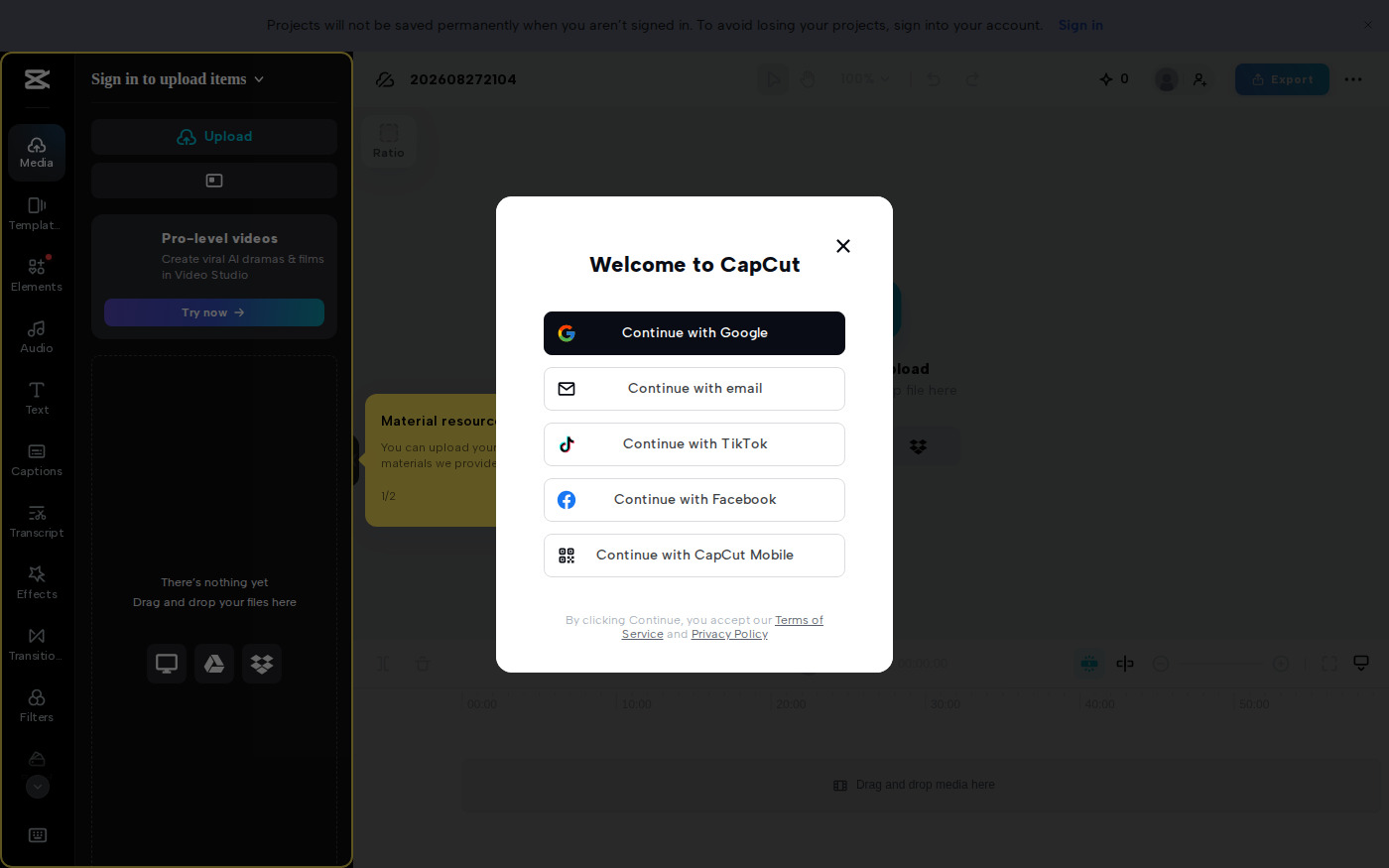
CapCut vs Descript: Which Editor Fits Talking-Head Videos?
Last checked: August 28, 2026 · Category: AI video tools CapCut and Descript can both turn a talking-head recording into a captioned video, but they make different parts of the edit feel primary.…

AI Customer Education Video Workflow 2026: Synthesia, HeyGen, Descript, Vrew, and Rask AI for Tutorials That Stay Current
Last updated: July 28, 2026 · Category cluster: AI video tools The most expensive customer tutorial is often the one your team already published.…
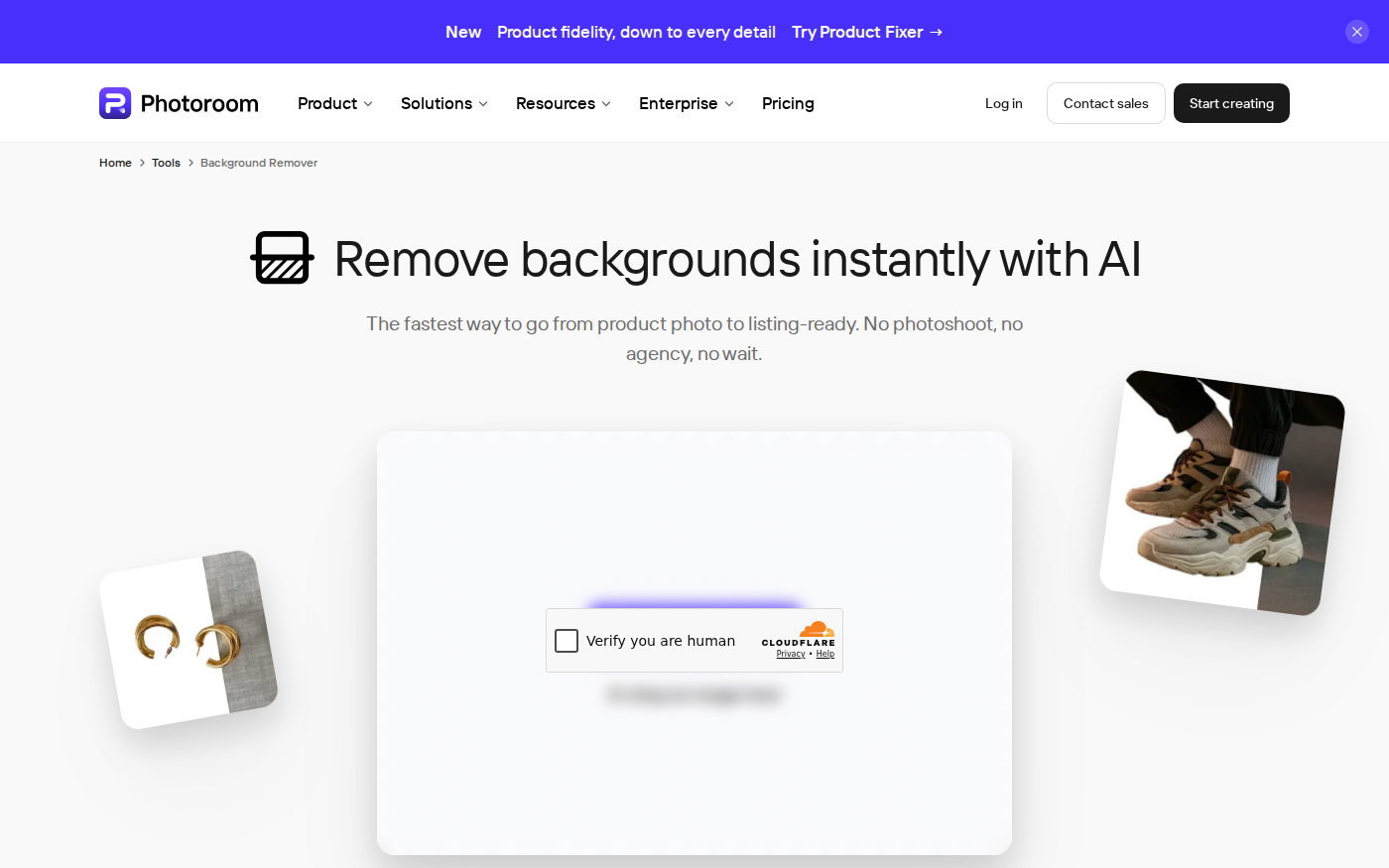
PhotoRoom vs Pixlr: Which Is Better for Product Photos?
Last checked: September 4, 2026 · Category: AI image tools PhotoRoom is the more direct choice for turning product photos into consistent marketplace images; Pixlr is the more flexible choice when…
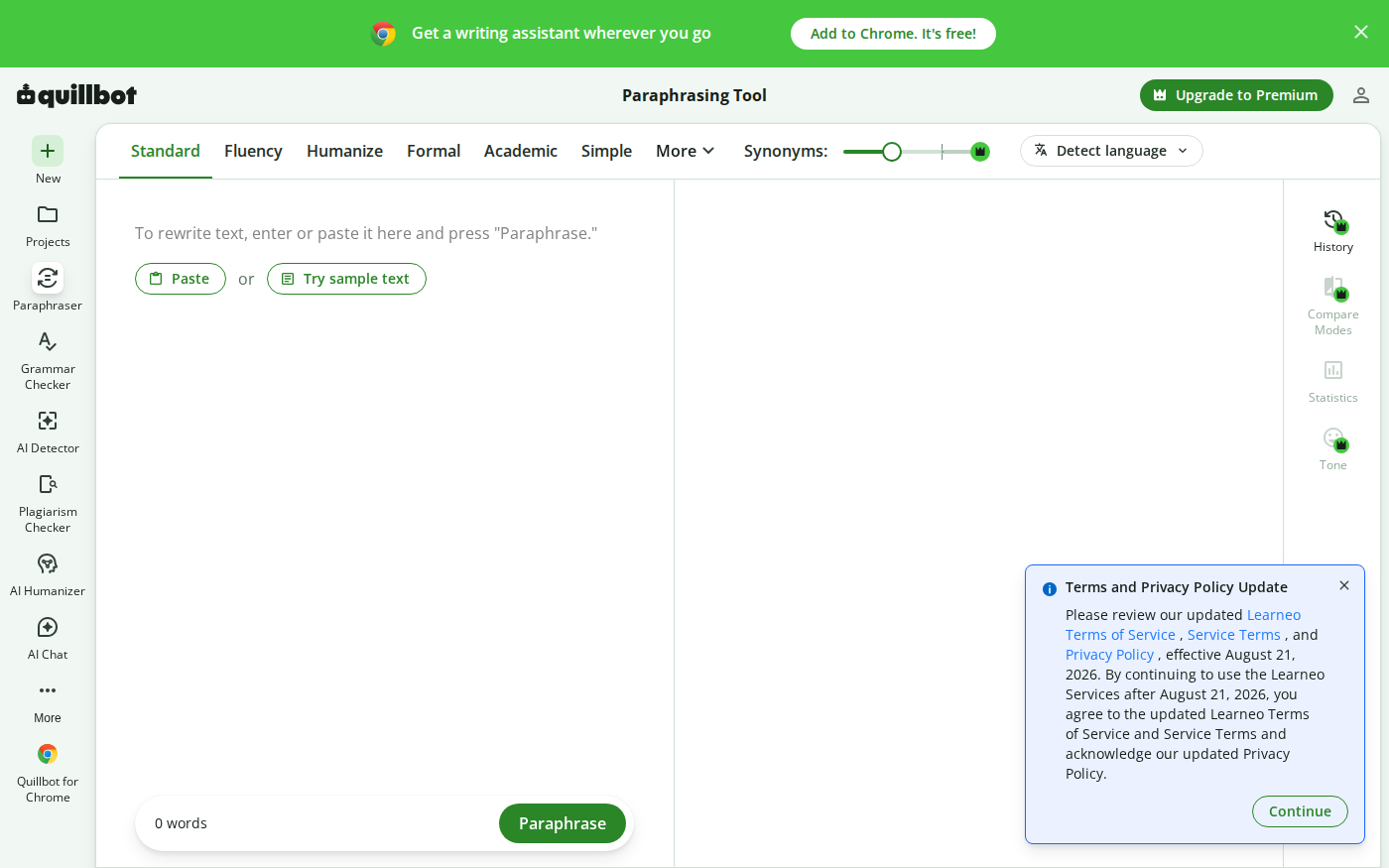
Wordtune vs QuillBot: Which Rewriter Gives You More for Free?
Last checked: August 21, 2026 · Category: AI text-generation tools Wordtune and QuillBot can both rewrite an awkward sentence, but their free plans place the limit in different places.…