
Pixlr
Web-based photo editor with AI background removal, generative fill, and design tools
Pixlr is a comprehensive web-based photo editing platform that combines traditional photo editing tools with AI-powered capabilities. Available through a web browser without installation, Pixlr makes professional-grade photo editing accessible to users at all skill levels.
Pixlr offers two main editing environments: Pixlr X, a more streamlined editor suitable for quick edits and design work, and Pixlr E, a more advanced editor with a closer resemblance to Adobe Photoshop for users who need more control and capability.
The AI Remove Background feature is one of Pixlr's most-used capabilities. With a single click, the AI accurately removes image backgrounds, even handling complex elements like hair and fine details. This feature makes product photography, portrait editing, and design work significantly faster.
Pixlr's AI-powered tools extend to portrait retouching with AI Face Retouch, which can automatically smooth skin, brighten eyes, and enhance facial features while maintaining a natural appearance. These automated enhancements save time compared to manual retouching workflows.
The Generative Fill feature, powered by AI image generation, allows users to fill selected areas with AI-generated content or remove unwanted objects by replacing them with contextually appropriate background. This enables professional-level content manipulation without requiring extensive manual editing skills.
Pixlr includes an extensive template library for social media posts, marketing materials, presentations, and other design needs. These templates provide starting points that users can customize with their own images and text, enabling quick creation of professional-looking designs.
Photo filters and effects include both classic photographic effects and modern AI-powered style transfers, allowing users to apply artistic looks to their photographs. Batch processing allows applying the same edits to multiple photos simultaneously, useful for processing large collections.
The AI-powered Cut Out tool handles complex selections intelligently, while the Heal feature removes blemishes and unwanted objects with AI assistance. These AI tools make complex editing tasks accessible to users who may not have mastered traditional Photoshop selection and healing tools.
Pixlr's collage maker allows users to combine multiple images into creative compositions, while the text tool supports typography design with extensive font options.
Key Features
- One-click AI background removal
- Generative Fill with AI image generation
- AI Face Retouch for portrait enhancement
- Pixlr X (simple) and Pixlr E (advanced) editors
- Extensive template library for designs
- Batch processing for multiple images
- Photo filters and AI style transfers
- Collage maker and text design tools
- AI-powered Cut Out and Heal tools
- No installation required — browser-based
Frequently Asked Questions
Is Pixlr free to use?
Pixlr's browser editor can be used for free, but the official pricing page does not publish a numeric free daily-save or AI-credit allowance. Plus costs $2.49 per month, or $1.99 per month when billed annually, and includes 80 monthly AI credits. Premium costs $9.99 per month, or $7.99 per month when billed annually, and includes 1,000 monthly AI credits. Prices are displayed in USD before any applicable tax.
Does Pixlr support Korean language?
Pixlr provides varying levels of Korean language support depending on the specific features being used. As a AI image generation tool, some features may work better with English input while others support multilingual use including Korean. Korean-speaking users can generally navigate the tool effectively, and the core functionality works regardless of the user's primary language for most common tasks.
Who is Pixlr best suited for?
Pixlr is designed for professionals and individuals who need reliable AI image generation tool capabilities in their workflow. It serves content creators, business professionals, students, and teams looking to enhance their productivity with AI-powered features. The tool is particularly valuable for users who regularly work with image generation tasks and want to streamline their process with intelligent automation.
What is the biggest advantage of Pixlr?
Pixlr's key advantage lies in its specialized approach to image generation tasks combined with an intuitive user interface. The platform leverages advanced AI models to deliver high-quality results that save users significant time compared to manual approaches. Its focus on this specific domain means features are tailored to the exact needs of its target users rather than being a generic solution.
Is Pixlr easy to use for beginners?
Yes, Pixlr is designed with user accessibility in mind, making it approachable for beginners while still offering advanced features for experienced users. The interface guides new users through the core functionality with clear instructions and helpful onboarding. Most users can start achieving productive results within their first session without requiring extensive training or technical background knowledge.
Alternative Tools
Other Image Generation tools you might like

Adobe Firefly
Image GenerationAdobe Firefly is a commercially safe generative AI image tool trained on licensed content, deeply integrated into Photoshop, Illustrator, and Adobe Express for professional creative workflows.

Artbreeder
Image GenerationCollaborative AI art tool for breeding and blending images with genetic algorithms

BlueWillow
Image GenerationFree AI image generator using Discord with multi-model routing for best results

Craiyon
Image GenerationFree AI image generator accessible in any browser with no account needed

DALL-E
Image GenerationOpenAI's pioneering text-to-image AI family translating natural language descriptions into detailed images, with industry-leading text rendering accuracy and deep ChatGPT integration.

DreamStudio
Image GenerationOfficial Stable Diffusion web interface with advanced controls from Stability AI
Tags
Related Guides

PhotoRoom vs Pixlr: Which Is Better for Product Photos?
Last checked: September 4, 2026 · Category: AI image tools PhotoRoom is the more direct choice for turning product photos into consistent marketplace images; Pixlr is the more flexible choice when…

CapCut vs Descript: Which Editor Fits Talking-Head Videos?
Last checked: August 28, 2026 · Category: AI video tools CapCut and Descript can both turn a talking-head recording into a captioned video, but they make different parts of the edit feel primary.…
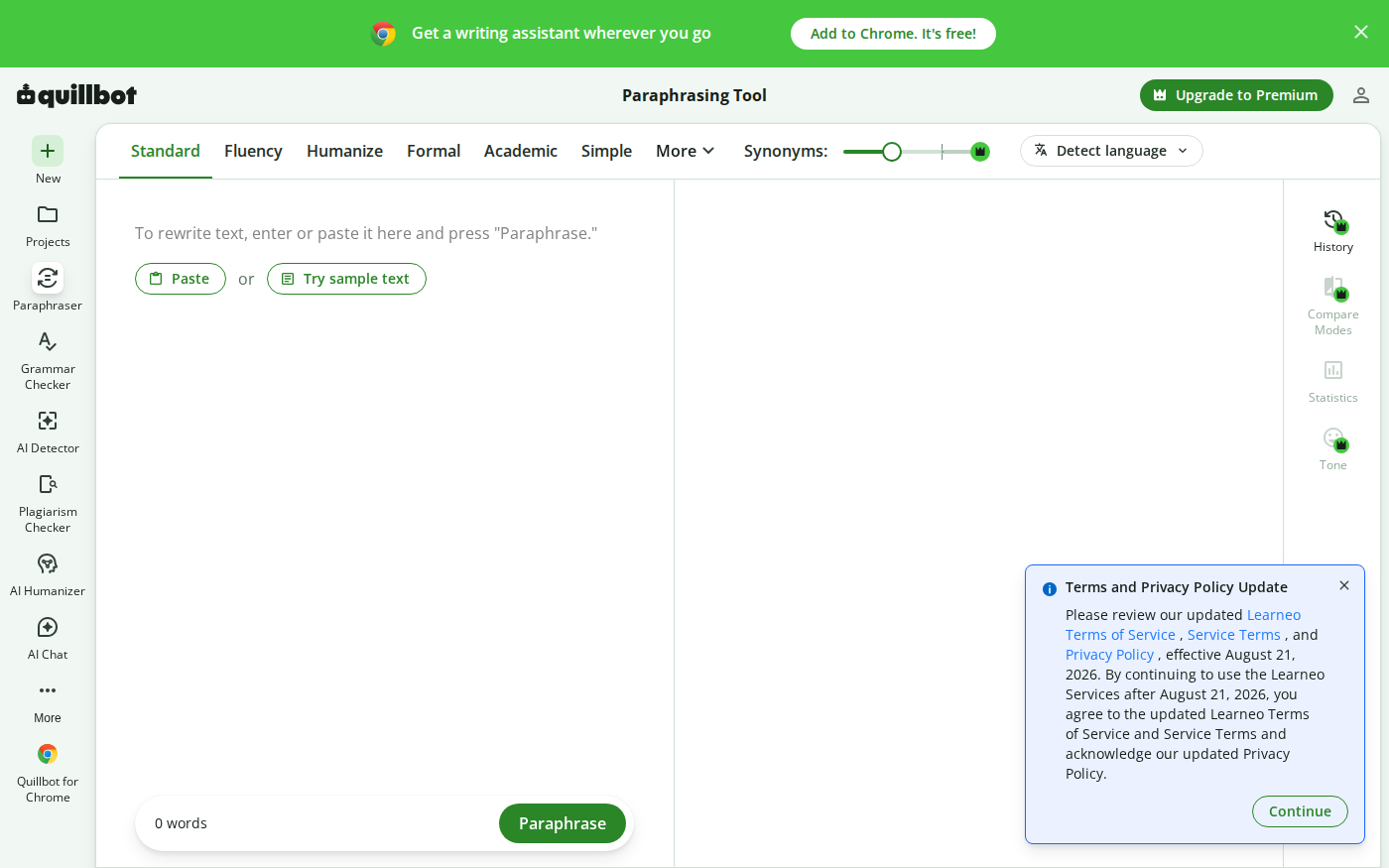
Wordtune vs QuillBot: Which Rewriter Gives You More for Free?
Last checked: August 21, 2026 · Category: AI text-generation tools Wordtune and QuillBot can both rewrite an awkward sentence, but their free plans place the limit in different places.…
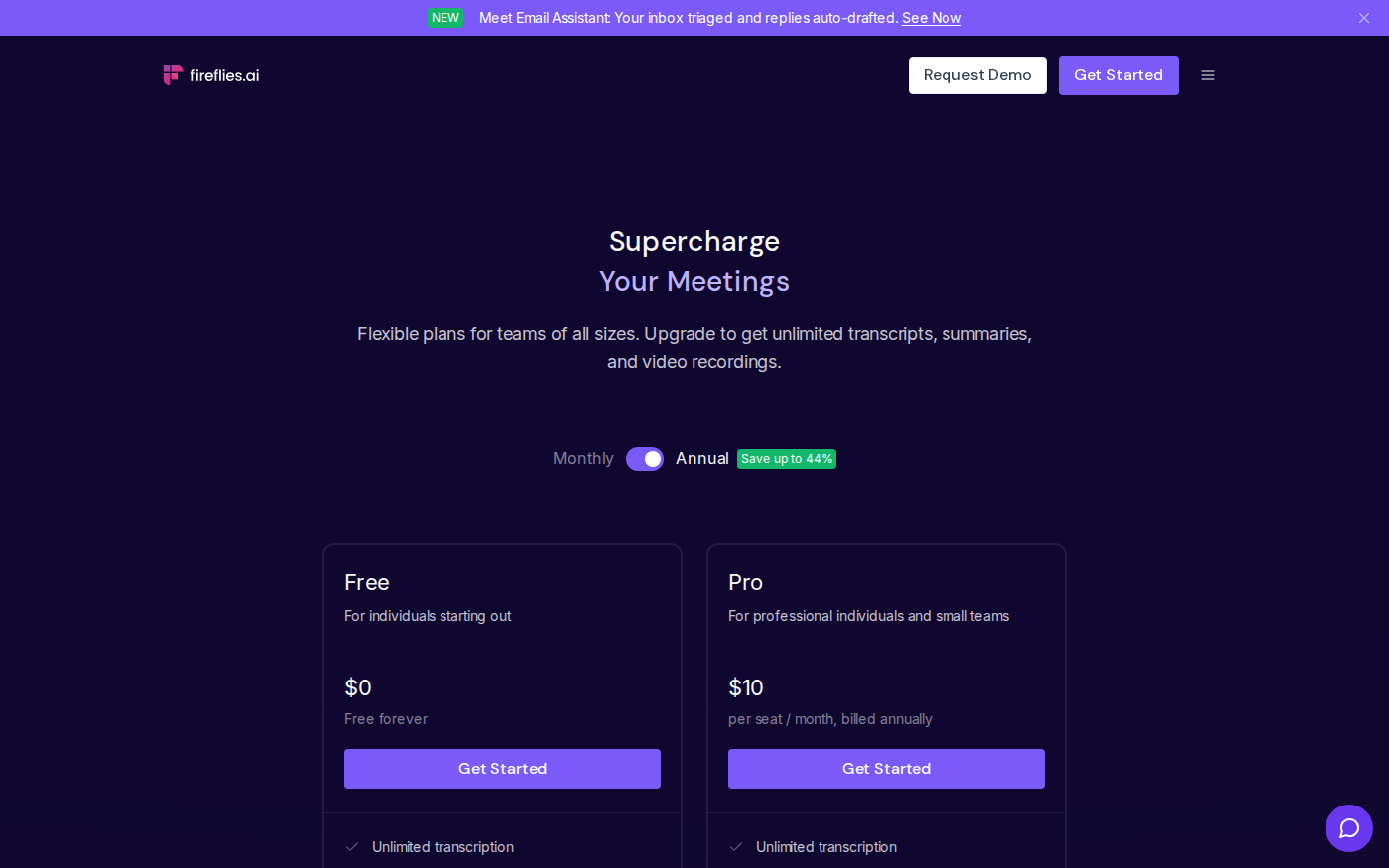
Otter vs Fireflies: Which Meeting Assistant Fits Your Team?
Last checked: August 14, 2026 · Category: AI productivity tools Otter and Fireflies solve the same basic problem, but their pricing meters and strongest use cases are different.…